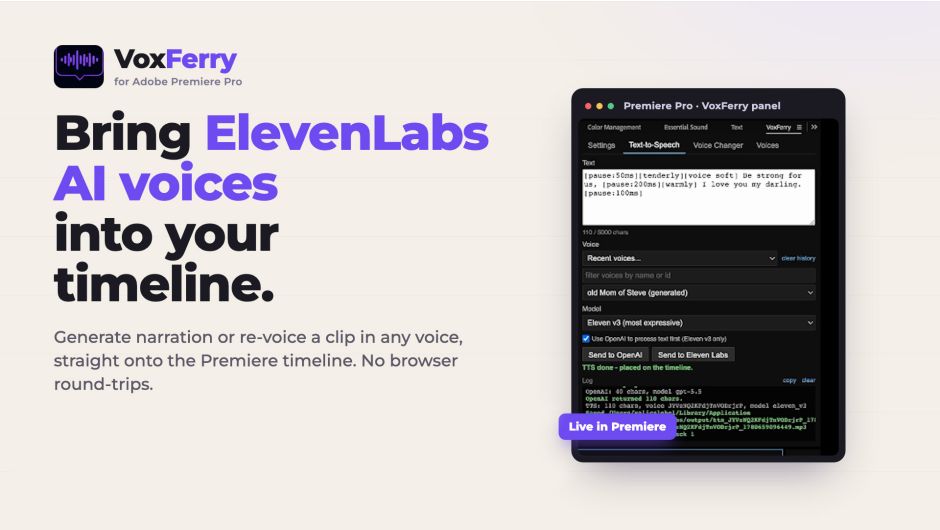
VoxFerry brings ElevenLabs text-to-speech and clip voice changing into Adobe Premiere Pro, with a Voice Library for searching and previewing shared voices and your own. Generate narration or alternate takes and keep the audio in the Premiere project. Its optional OpenAI script director can turn text into a tagged script before speech generation and requires your own OpenAI API key. Text-to-speech and voice changing use your own ElevenLabs account and API key.
Generate speech and manage voices
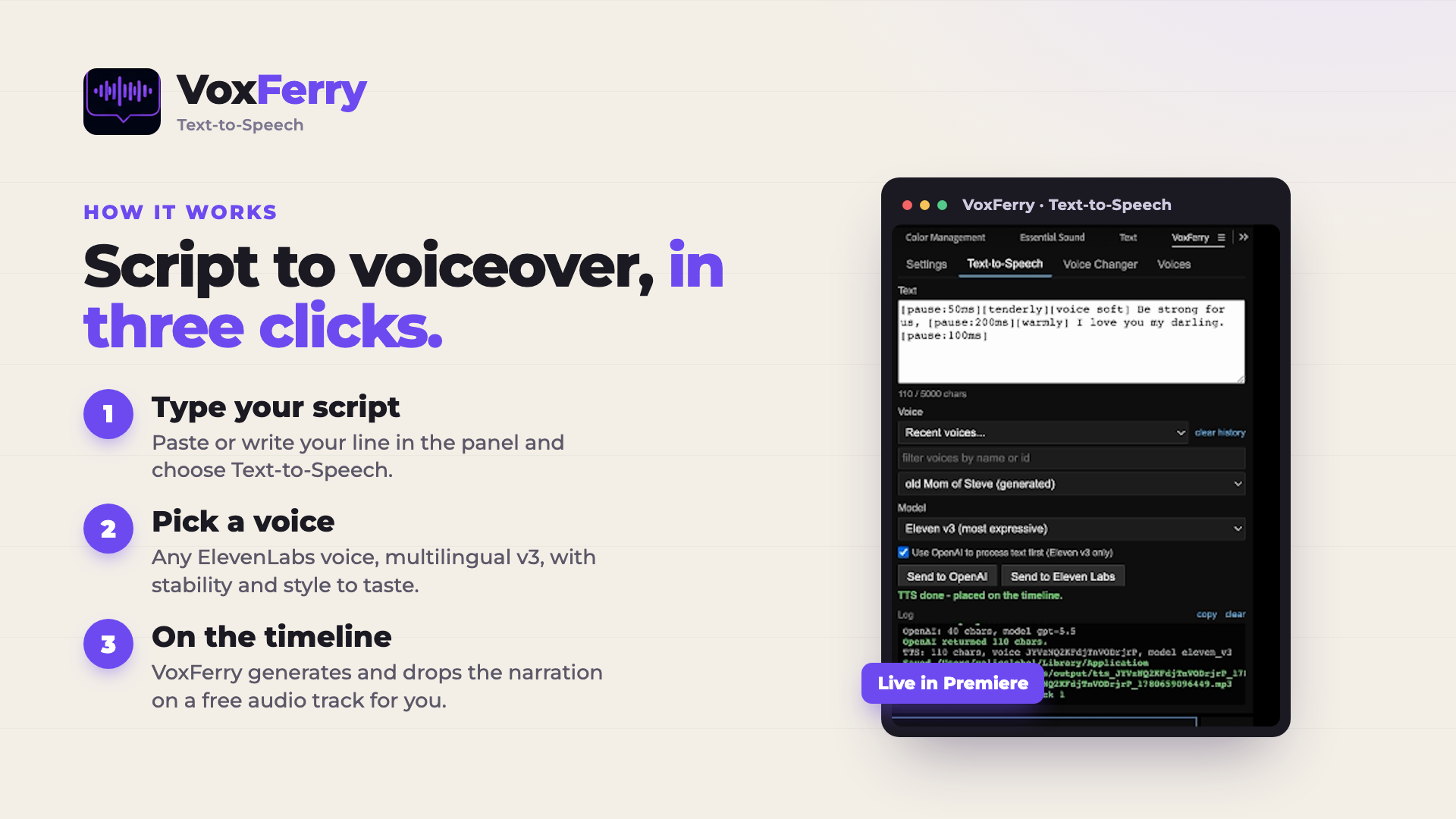
Type or paste a script, choose an ElevenLabs voice and model, and generate an MP3. VoxFerry imports it into a dedicated project bin. You can also have it place the audio at the playhead; with that option off, the file stays in the bin. Its Voice Library lets you search and preview shared ElevenLabs voices and your own, filter by name or ID, and add voices to your account. The developer’s version 0.8.0 release notes, dated Oct 1, 2026, list Eleven v4 and v4 Turbo as selectable models, with v3 still available.
Change the voice on a timeline clip
Select a clip and use VoxFerry’s speech-to-speech voice changer to create a take in another voice. The new audio goes on a free track aligned with the original, which VoxFerry mutes. The original remains in the project, so you can restore it or compare takes without rebuilding the edit.
Script direction and batch processing
The optional AI script director sends text through OpenAI before speech generation. Its editable prompt rewrites flat copy as a tagged script with direction for delivery, tone, pacing, and pauses. You can review and edit the result, choose an OpenAI model, and enable reasoning for more difficult passages. This step requires your own OpenAI API key; text-to-speech and voice changing use ElevenLabs.
For a set of clips, VoxFerry can queue the selected items and process them one at a time. A live status log shows the batch’s progress. This can help when preparing several voice takes within one Premiere project.
Accounts, API use, and compatibility
You need an ElevenLabs account and API key. ElevenLabs bills usage at the rates for your plan. The OpenAI key is needed only if you use the script director. VoxFerry’s listing says the keys are stored locally and the plugin communicates directly with ElevenLabs and OpenAI, with no third-party server in between. Generation is still handled by those services: the relevant text or clip audio is sent to the provider for processing.
The developer lists support for Premiere Pro 2026 or newer on Windows and macOS, packaged as one signed ZXP. Check the VoxFerry product listing for current version notes, compatibility, and trial details.
Who may find VoxFerry useful
VoxFerry may suit Premiere editors who create narration or need alternate voice takes and want to manage those audio assets inside the editing project. The main trade-off to consider is ongoing provider API usage, alongside the plugin’s own purchase price.