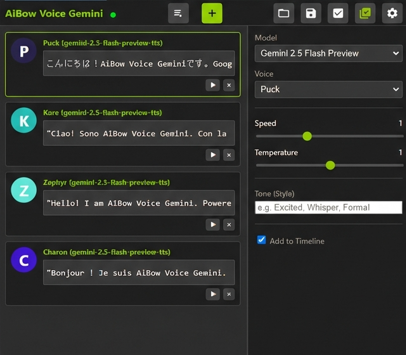
AiBow Voice Gemini generates narration with Google Gemini text-to-speech models inside Adobe Premiere Pro. Enter a script, choose a model and voice, then add the rendered audio to a sequence without leaving the editor. The plugin sends generation requests to Google's cloud service, so an internet connection and a Gemini API key are required.
Generate speech in Premiere Pro
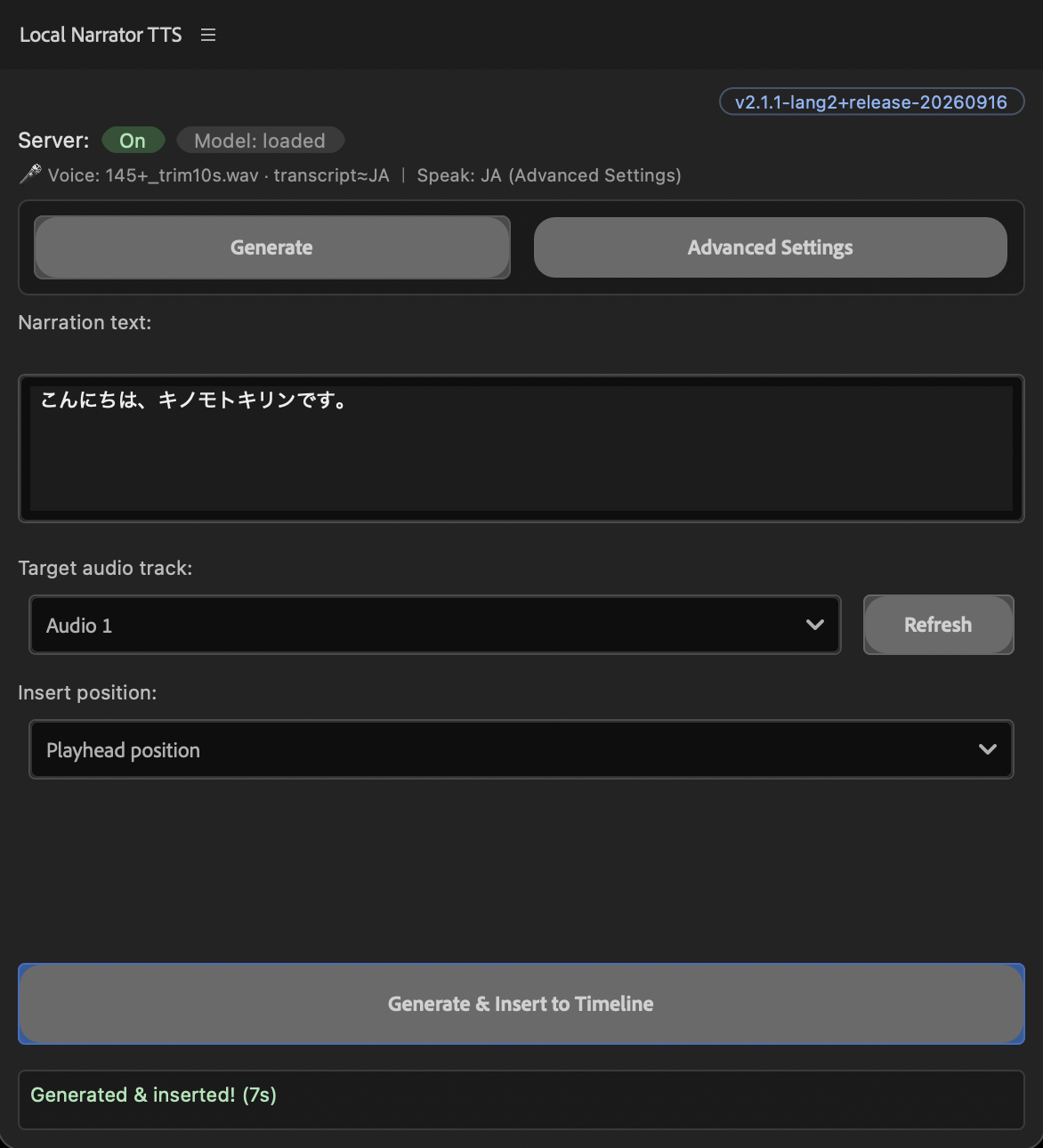
Write your script in text blocks and select Gemini 3.8 Flash or Flash-Lite. The developer lists Flash as the default model. When you choose Add to Timeline, the plugin saves the generated audio as a WAV file and places it at the playhead position in the active sequence. If no sequence is open, the export can still save the audio file and displays a warning once.
Current controls include speed settings and per-line style direction. A style such as “whispering” or “news anchor” guides the delivery without being read aloud. Vocal tag buttons can insert cues such as a laugh, sigh or short pause into the script.
Voices and dialogue controls
The Voice Library groups additional voices by language; the release notes cite 115 Japanese voices at release. Voice Design lets you describe a voice in text, preview it and use it on a line. Twelve built-in character presets set a voice, style and pace for common formats such as explainers, news, documentaries and storytime. You can also save your own presets.
For scenes with two speakers, dialogue mode renders the lines as a two-voice conversation in one WAV file. Multi-line text boxes support longer narration, and Ctrl or Command plus Enter adds another line with the same voice and style.
Projects and compatibility
You can save the current work as a JSON file and load it later to continue. Projects made with version 2.5 open in the current version: the older Tone setting maps to Style, and the retired 2.5 Flash model switches to 3.8 Flash-Lite. Gemini 2.5 Pro Preview remains available as a legacy option.
The developer lists support for Premiere Pro 2020 (version 14.0) and later, on Windows 10 or 11 and macOS 10.15 or newer. The plugin requires a Google Gemini API key and an internet connection. Its product page mentions a free tier through Google AI Studio but does not give a specific API usage price.
See the developer's product listing for current release details and trial availability.