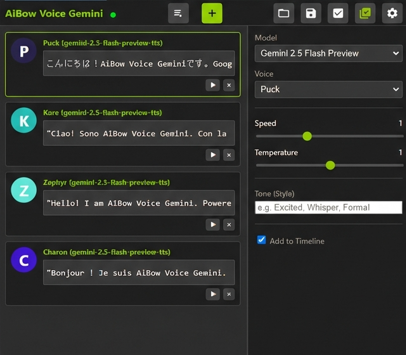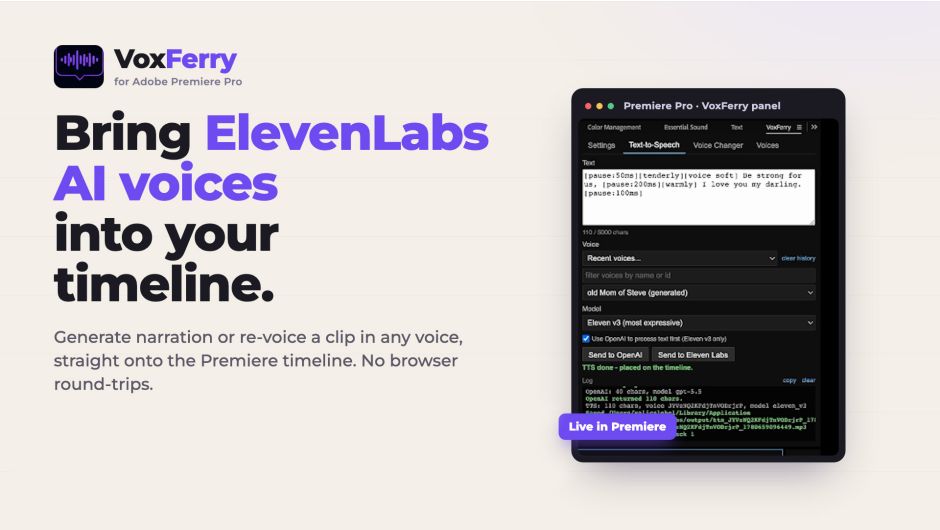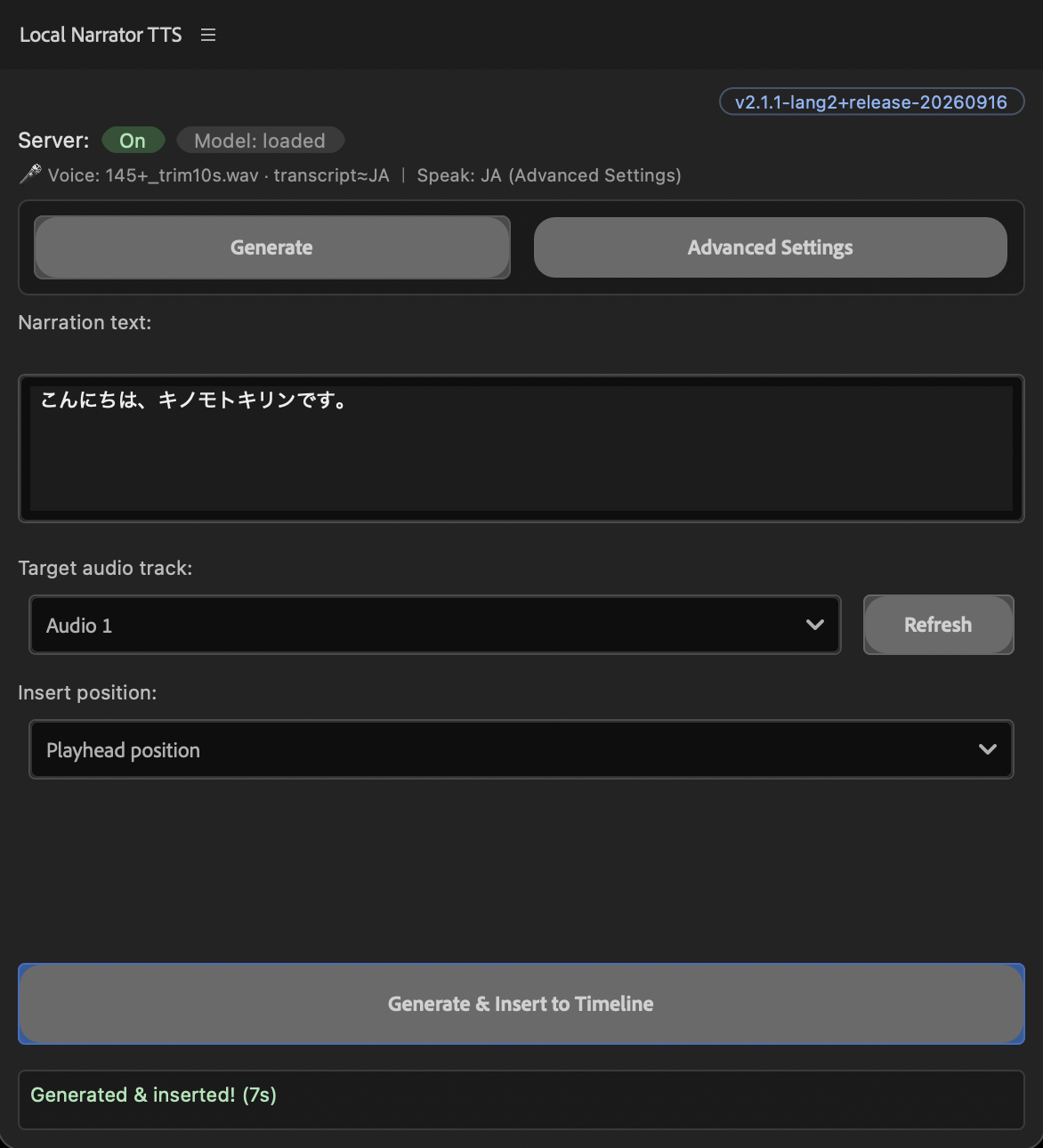
Vampro Voice Generator Text-to-Speech creates AI narration from scripts inside Adobe Premiere Pro. Its local Kokoro engine offers offline synthesis after initial download and updates; the ElevenLabs cloud workflow requires an API key and internet access. Kokoro provides 27+ offline voices and tone presets, while both engines have speed and pitch controls.
Generate and place a voiceover
Preview the waveform, then add the clip to the active sequence at the current playhead or import it into the Project Bin for later use. Its narration can support tutorials, explainers, presentations, marketing content, and social videos.
Revise generated clips
Select a generated voice clip on the Premiere Pro timeline to reload its script and settings in the panel. Change the script, voice, speed, or pitch; local mode also has tone presets, while ElevenLabs mode adds stability, similarity, style, and speaker boost controls. Regenerate the clip to apply the edits.
Premiere Pro and Windows requirements
The extension requires Adobe Premiere Pro 26.0 or later and the separate Vampro Voice Service Companion, installed from the Microsoft Store. Current system requirements list 64-bit Windows 10 and Windows 11; Vampro’s documentation says macOS support is in active development.
The listing identifies the extension as free. For current setup details, check Vampro’s Voice Generator documentation and the Adobe Exchange listing. See Vampro’s license terms for current conditions.