Voxel Forge is a Blender add-on for organizing high-to-low asset workflows. It combines reusable low/high naming rules, collection mappings, a name checker, export settings, and tools for editing existing FBX files. This helps artists prepare consistent exports across assets without manually repeating the same setup for each collection.
Keep low- and high-poly names consistent
Create a naming preset with suffix pairs such as _low/_high or _lp/_hp, then assign it to the collections you use. The name checker compares a low collection with a high collection and lists matched pairs, missing pairs, and mismatches. One-click fixes handle common problems such as Blender's .001 suffixes and inconsistent endings. Optional overlap and proximity settings can help it attempt matches.
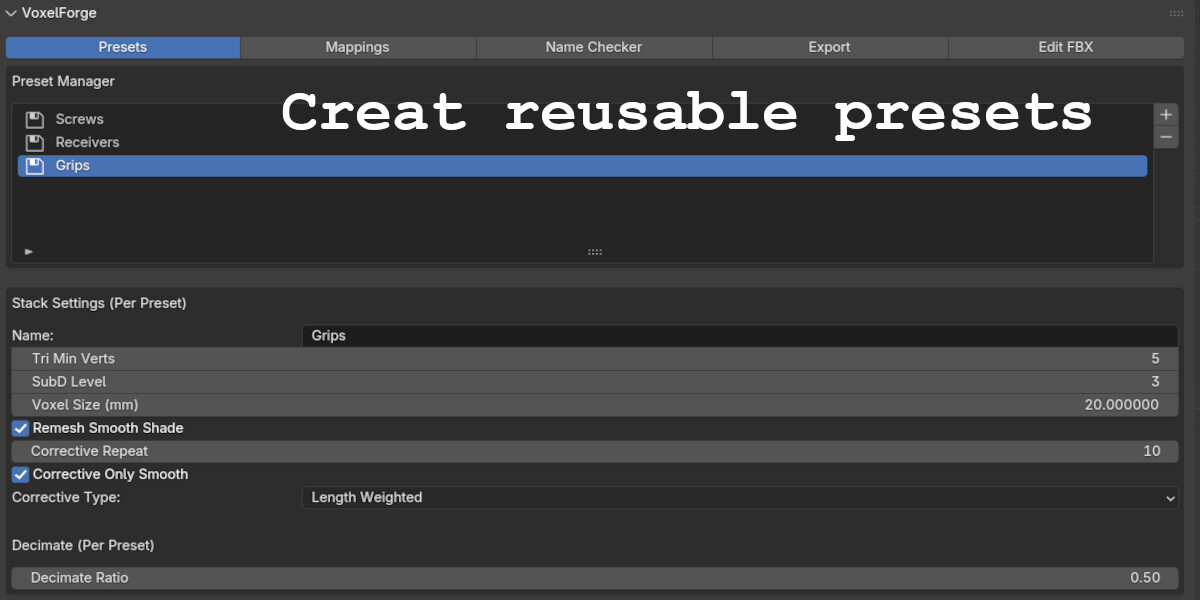
Presets can also hold high-poly stack settings, including subdivision level, voxel size, remesh smoothing, corrective smoothing, and decimation ratio. This puts naming and modifier setup in the same collection-based workflow.
Set export options for each mapping
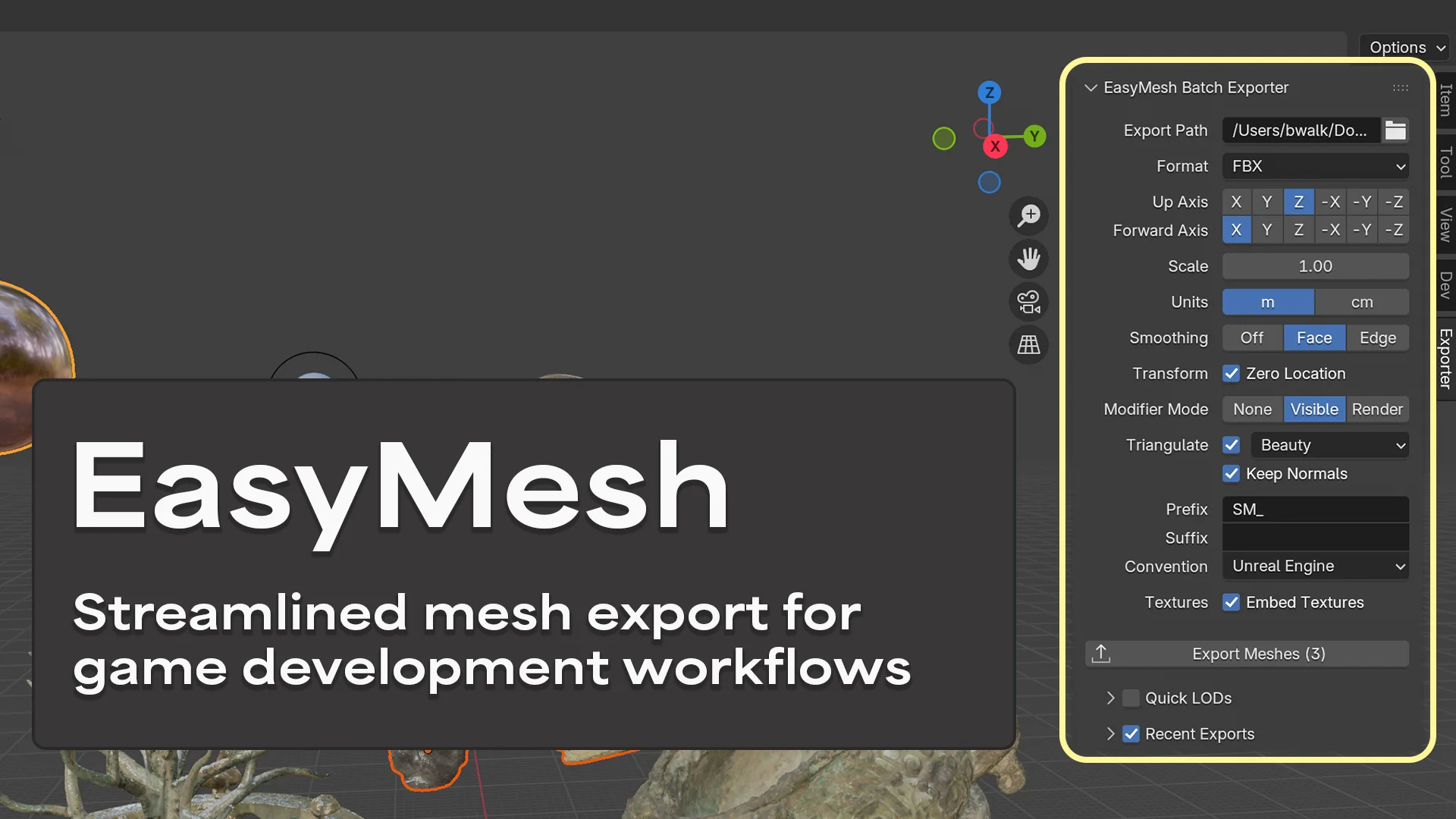
Export mappings specify which collections to export and how to prepare them. Choose OBJ, FBX, or STL, then set options such as scale, transform handling, modifier application, and whether to include materials. Voxel Forge can apply modifier results during export without requiring heavy modifiers to stay enabled in the working scene. Background export reports progress and can be cancelled while Blender remains responsive.
A typical setup is to define a suffix preset, assign it to the relevant collections, check and fix the low/high pairs, then create an export mapping for each target format or delivery setup. Run the export after reviewing the mapping options.
Edit an FBX without importing it into the working scene
The Edit FBX tool can add or remove objects and replace parts in an existing FBX, then overwrite the target or create a new file. Replacement currently supports mesh objects. Multi-material changes depend on the structure of the target FBX. The documentation describes FBX editing and lists other edit-format tools as planned, so check the product listing for the current feature set.
Who may find it useful
Voxel Forge is aimed at Blender users who manage multiple low/high asset pairs, keep naming conventions consistent, or export collections with different settings. It can organize a bake-ready workflow, but the supplied documentation does not describe a texture-baking operation. Plan texture-map baking as a separate step in your pipeline.
For control details and current limitations, see the VoxelForge documentation and the Superhive product listing.