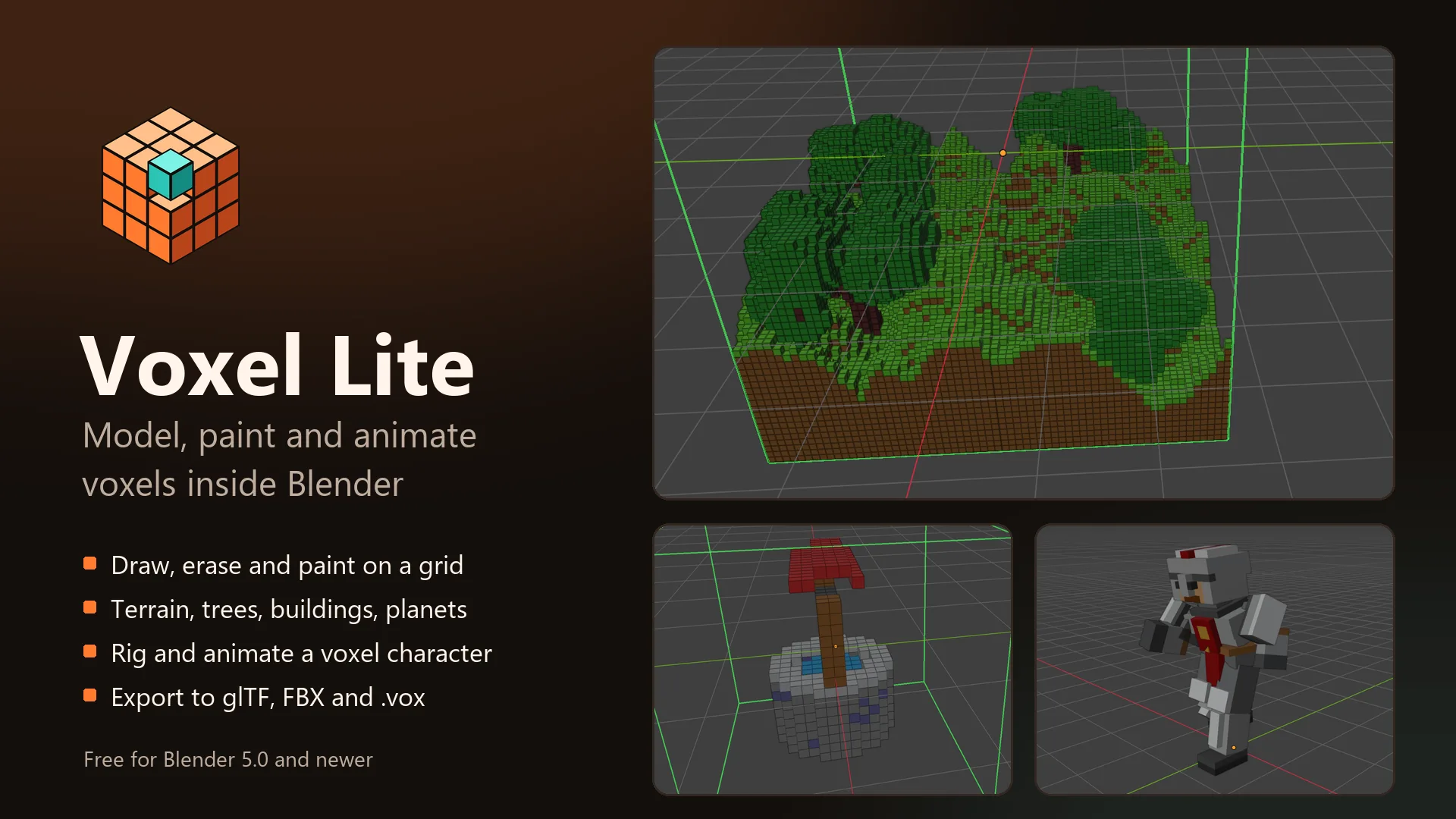
Voxel Lite is a Blender add-on for making voxel models, scenes and animated characters in the 3D Viewport. Models stay as Blender objects in your .blend file, so you can build and refine them in the same project as the rest of your scene.
Draw, paint and assemble voxel models
Open the N panel, choose Add Voxel Model, then place voxels on a grid. Draw, erase and paint with different brush shapes. Select a region to move, rotate or mirror it, and undo a change with Ctrl+Z. The add-on includes more than 20 color palettes, glass and water materials, and tools for making your own palette.
For a quicker start, choose from around 50 built-in shapes, including trees, rocks, walls, furniture, props, pickups and weapons. Save your own shapes in folders and reuse them in other projects.
Build a scene from a starting point
Voxel Lite can generate terrain, trees, buildings, planets and surface patterns from a few settings, leaving you free to paint over the result. Its picture-to-voxels tool turns an image into a voxel model. These options give you a base to edit inside Blender rather than requiring each scene element to start as a hand-placed block.
Rig and animate voxel characters
A guided wizard walks through marking a biped's head, arms and legs, then builds the rig without weight painting. Ready-made animation clips include idle, walk, run and jump. You can put a library shape in a character's hand and save edited animations for use on other characters. Knight Maker creates a knight in a chosen size and build, rigged for animation.
Use the models in Blender or another tool
Export models as glTF or FBX for use with Unity, Godot or Unreal. Voxel Lite also imports and exports .vox files for working alongside MagicaVoxel. To finish a scene in Blender, render it with Cycles or EEVEE.
Compatibility, licensing and file access
The Blender Extensions listing identifies Voxel Lite version 1.0.20, requires Blender 5.0 or newer, and says it was tested with Blender 5.0 and 5.1. The add-on's code is licensed under the GNU GPL v3 or later. Its built-in shapes, palettes, icons and example scene are CC0. The listing says these licenses do not cover your models, renders, games or exports. Models are saved in .blend files, which the listing says updates do not modify.
The listed file permission is to read .vox files and write .vox files, palettes and textures. See the Voxel Lite documentation for usage details, or check the Blender Extensions listing for the published version and requirements.