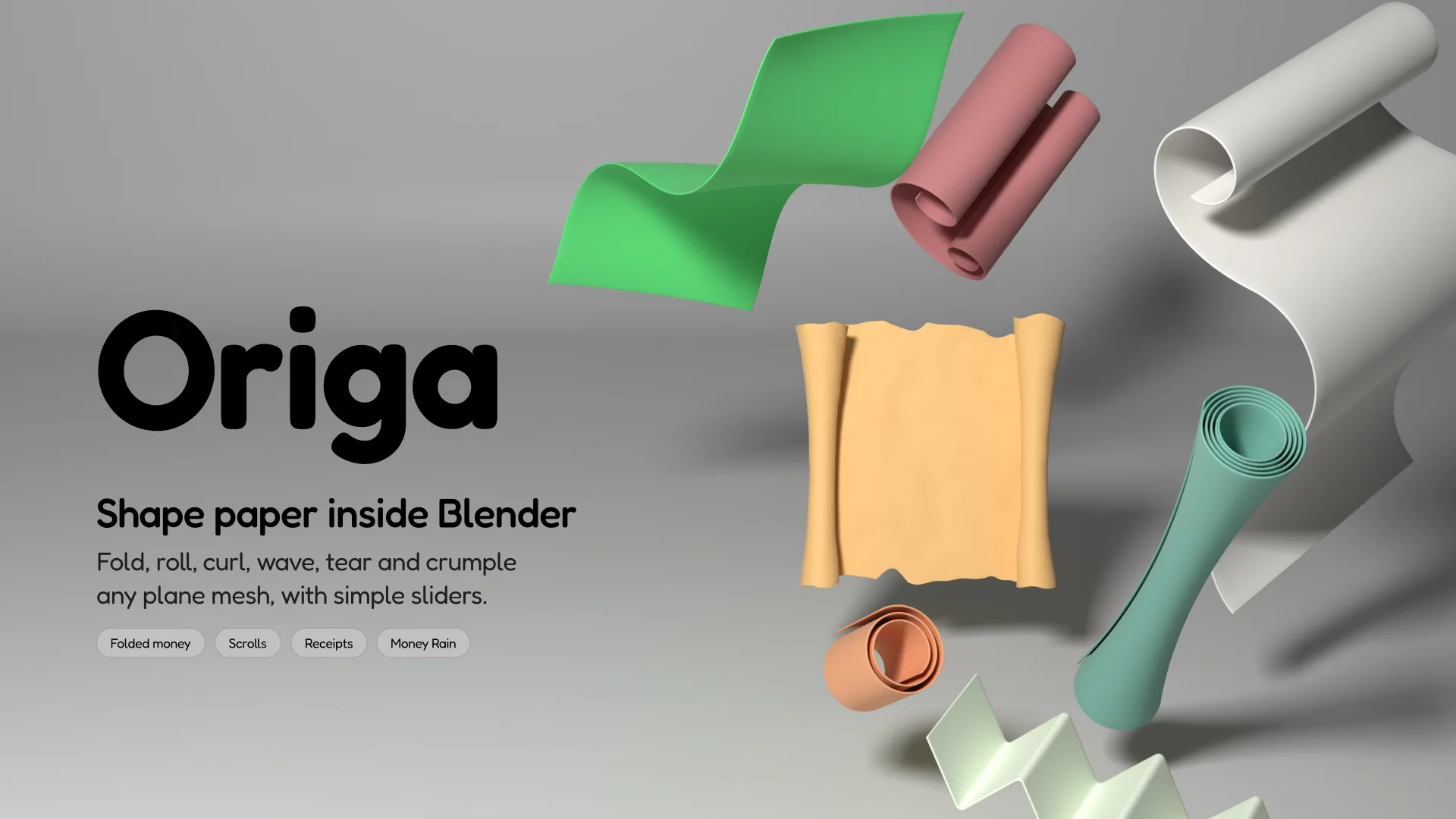
Origa turns a Blender plane mesh into paper you can fold, roll, curl, wave, tear or crumple with sliders. It is designed with money in mind too: the developer describes uses such as flying bills, rolled cash and a rain of notes.
Shape sheets and rolls
In version 0.6.1, rolls keep their shape when resized, and you can edit the width of any sheet. Cross Loops adds editable loops along folds and rolls. The update also fixes overlapping tight rolls and sets low-poly shapes as the default, with Detail and Smooth controls for adjusting them.
Create note stacks
Version 0.6.1 adds Folded Stack and Rolled Stack presets, plus a slider for the number of notes. You can add or remove a rubber band and set it to run lengthwise or widthwise. A separate control adjusts whether a stack looks neat or messy.
Compatibility and installation
The Blender Extensions listing identifies iamkingsleey as the developer and lists version 0.6.1 for Blender 4.2.0 or later. The add-on requires no special permissions and is licensed under the GNU GPL v3 or later.
The listing offers drag-and-drop installation or download followed by Install from Disk. Blender's extension installation guide explains the latter option. For support, use the developer's Origa issue tracker.