Voxengo LF Max Punch processes the low-frequency band of a track, bus or mix. It splits the input at a selectable crossover, sends the high band to the output unchanged and applies its processing to the low band. Use it to add transient punch, saturation or synthesized sub-harmonics to drums and bass.
How the low-frequency processing works
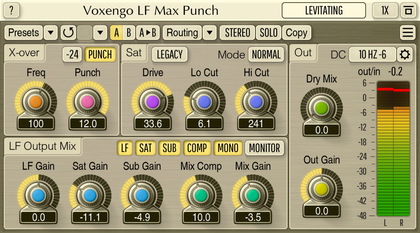
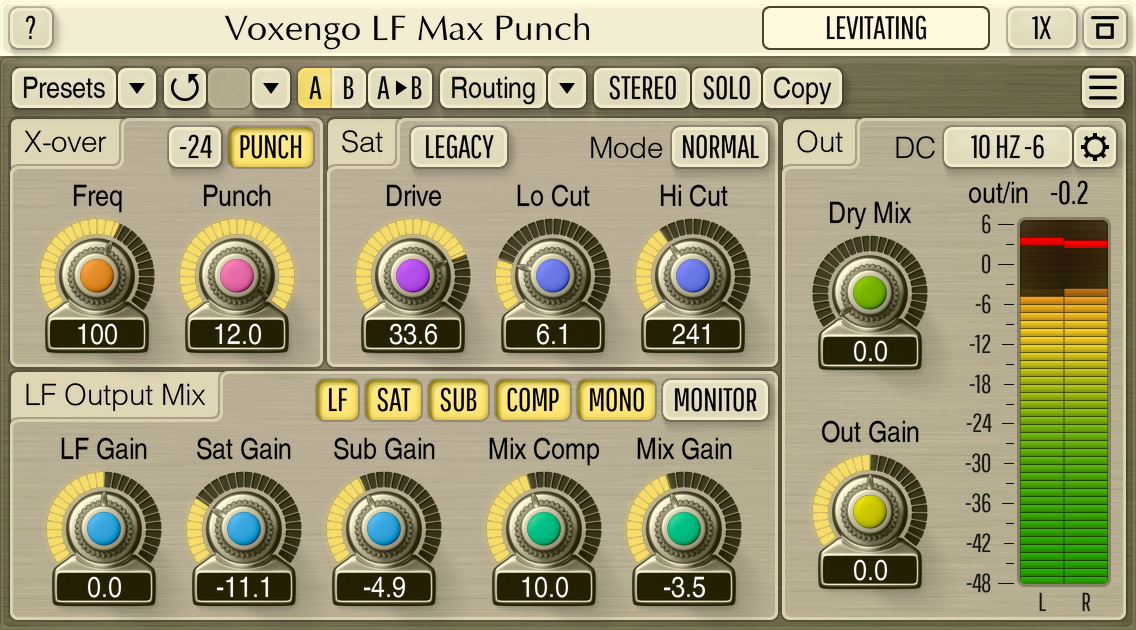
The Puncher changes low-band dynamics around transients. Its Punch control can increase or decrease that change; it is not an equalizer gain control. The saturator has three modes: Tubey, Legacy Normal and Legacy Pumping. The guide describes Tubey as warm, Legacy Normal as level-dependent distortion, and Legacy Pumping as slightly reducing overall volume as the input level rises. The modes also produce different output levels, so switching requires a saturated-signal gain adjustment. Separate low-cut and high-cut filters shape the saturated signal after distortion.
The sub-harmonic synthesizer works with the input's low-frequency signal to add sub-harmonic content. For example, the guide says a 128 Hz crossover generates sub-harmonic content up to 64 Hz, one octave below the fundamental frequency. The LF, Sat and Sub controls let you mix the original low band, saturated signal and synthesized sub separately. A built-in compressor can suppress excessive low-frequency peaks while retaining punch; it acts on the combined low-frequency mix before the final Mix Gain control.
Drum and bass workflows
On a drum track or full drum bus, the Puncher can add low-end transient definition. Voxengo's guide also describes using LF Max Punch on a whole drum bus to add punch to the bass drum and bite to the snare, especially with the saturator enabled.
For a sub-only layer under an electric bass, the guide suggests disabling every path except LF and Sub, choosing a -6 or -12 dB/oct crossover and tuning its corner frequency. Voxengo cautions that synthesized sub-harmonics can sound dissonant on some musical phrases.
Use Monitor to listen to the low-frequency path while adjusting the mix, then use Dry Mix to set how much unprocessed signal reaches the output. The Mono switch can sum the low-frequency mix to mono. Tune the crossover carefully when blending the processed track with other tracks, since the crossover can shift phase around its corner frequency.
Compatibility and trial conditions
LF Max Punch is available as VST, VST3, AudioUnit and AAX plug-ins. Voxengo lists Mac builds for 64-bit Intel and Apple Silicon systems on macOS 10.12 and later, unless announced as unsupported, and Windows builds for 32-bit and 64-bit audio hosts. The host application must support the installed plug-in format.
Voxengo labels the download as trial software. In demo mode, output is muted briefly every 45 seconds. The product page says activation uses a text product key, with no challenge-response or dongle; Voxengo also says an internet connection is not required for the plug-in to function.