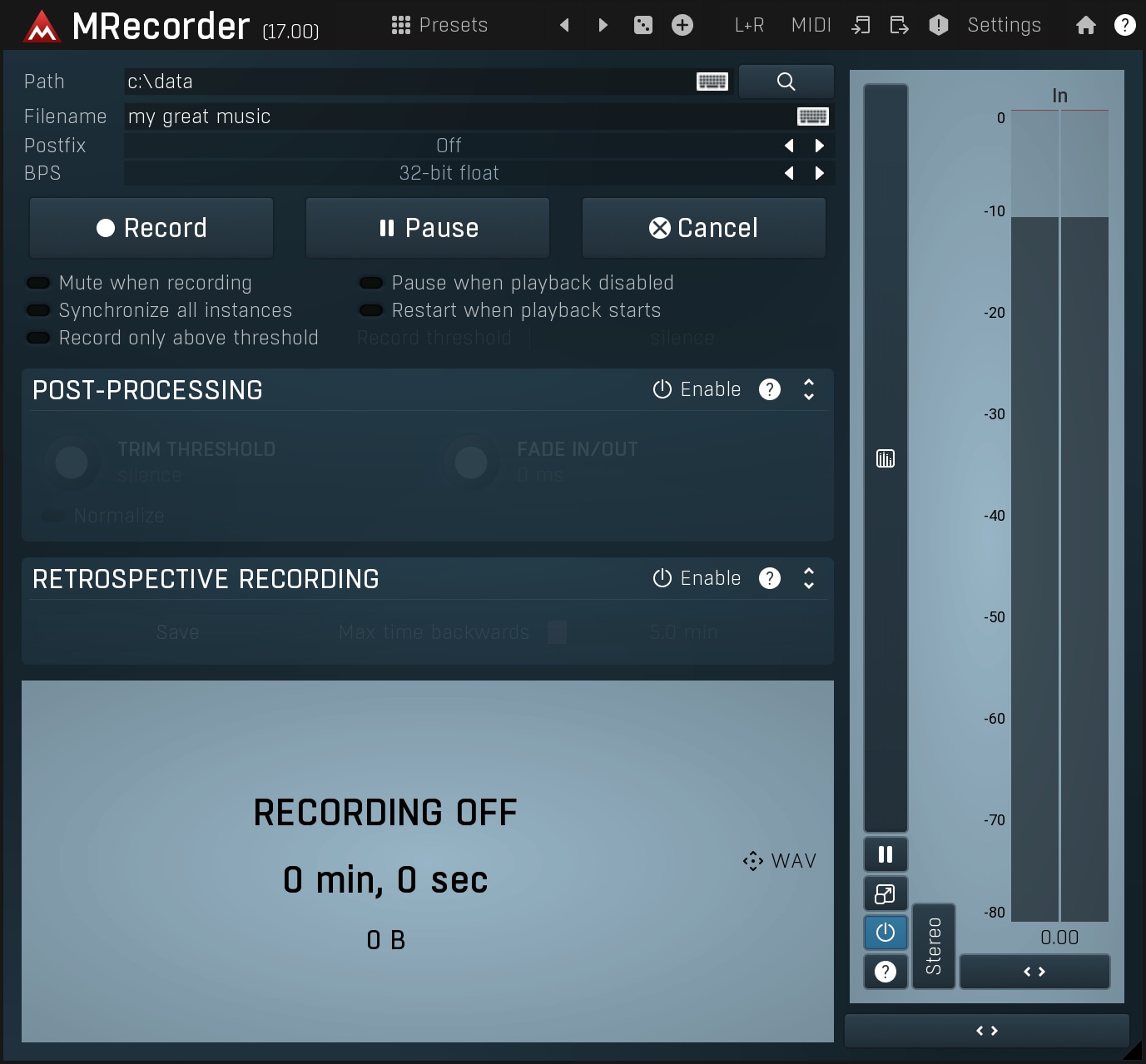
Voxengo Recorder is a free VST utility for recording channel or bus output, and it also supports routing to an MME soundcard.
Recording workflow
To record a channel or bus, use Recorder on that output, set the required bit depth, and capture it as stereo WAV. Voxengo's product description specifies stereo WAV output, so confirm that the format and channel layout fit before relying on Recorder for a different kind of export.
Host and Windows compatibility
- The product-specific download is a Win32 VST plugin. It requires a VST-compatible host and is described for 32-bit Windows, including 32-bit audio hosts running on 64-bit Windows. The broad host list on Voxengo's product page does not change the Win32 VST download requirement.
- Voxengo lists Windows XP as compatible and recommends a 2 GHz dual-core or faster processor with at least 1 GB of RAM. It warns that Recorder may not work correctly on newer Windows versions when the audio host has more than 2 GB of available memory. Voxengo suggests bridging the plugin in that situation, while cautioning that some 64-bit hosts may still have problems through a bridge.
Voxengo's download listing shows Recorder version 1.4, dated May 4, 2008. Check the host architecture and memory conditions before installing it in a newer setup.
Install and license
Download the Win32 VST ZIP, unpack it into the VstPlugins folder used by your audio host, then rescan plugins or restart the host. Voxengo suggests placing the files in a Voxengo subfolder. See the installation instructions.
Voxengo labels Recorder free. Its Conditions of Use says software use is governed by any EULA included with the download, and redistribution must follow that agreement. The free label alone does not specify commercial-use or redistribution permission, so check the included terms.