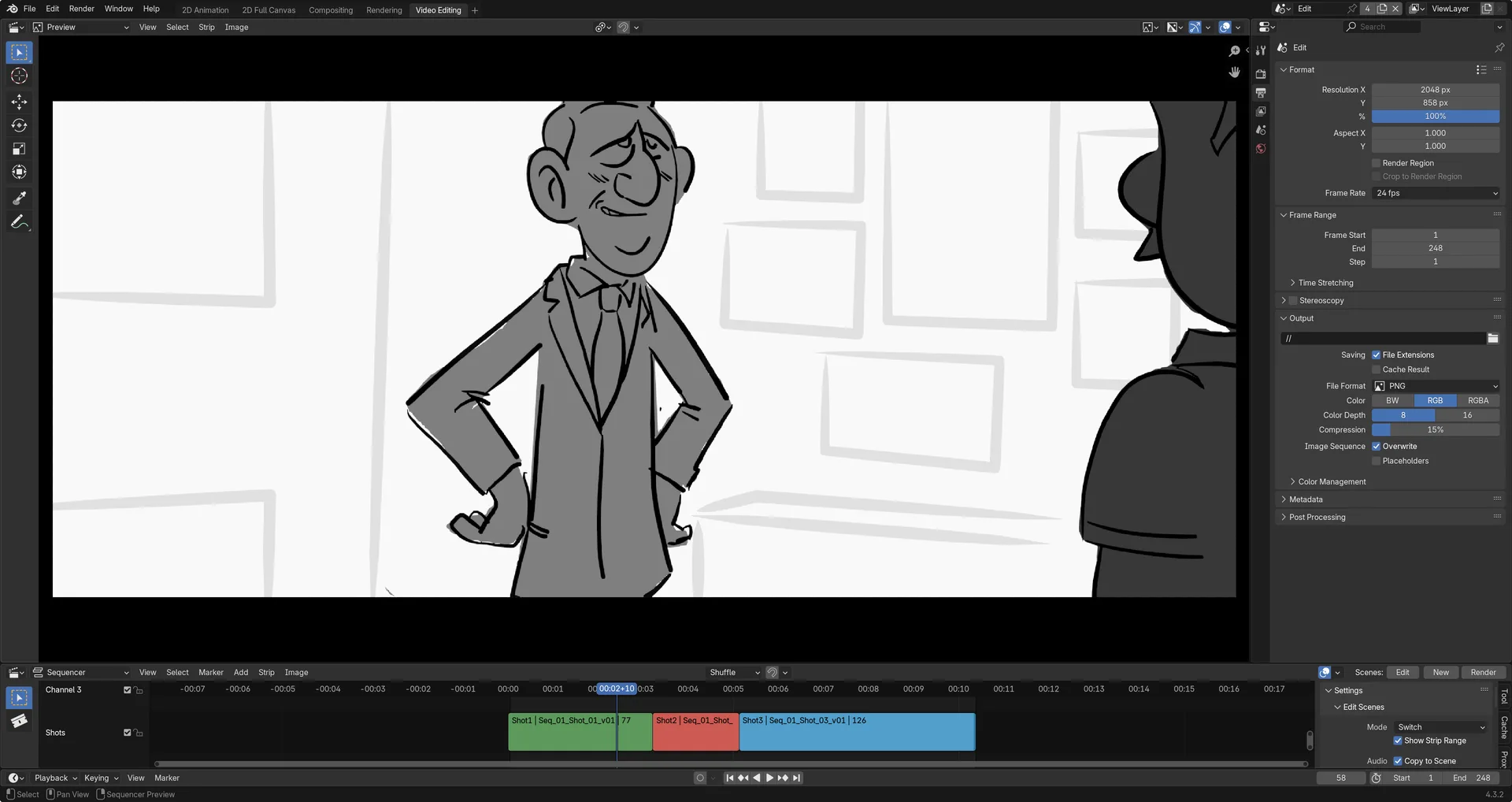
VSE Playback Speed adds preview-speed controls and pause detection to Blender's Video Sequencer. Choose a speed in 0.25× steps or use the percentage slider in the timeline playback bar beside Start and End, then press Play as usual.
Adjust preview playback
Playback does not skip frames, and audio stays in sync with the picture. The speed controls affect preview only: they do not change render FPS or strip lengths.
Find and cut pauses
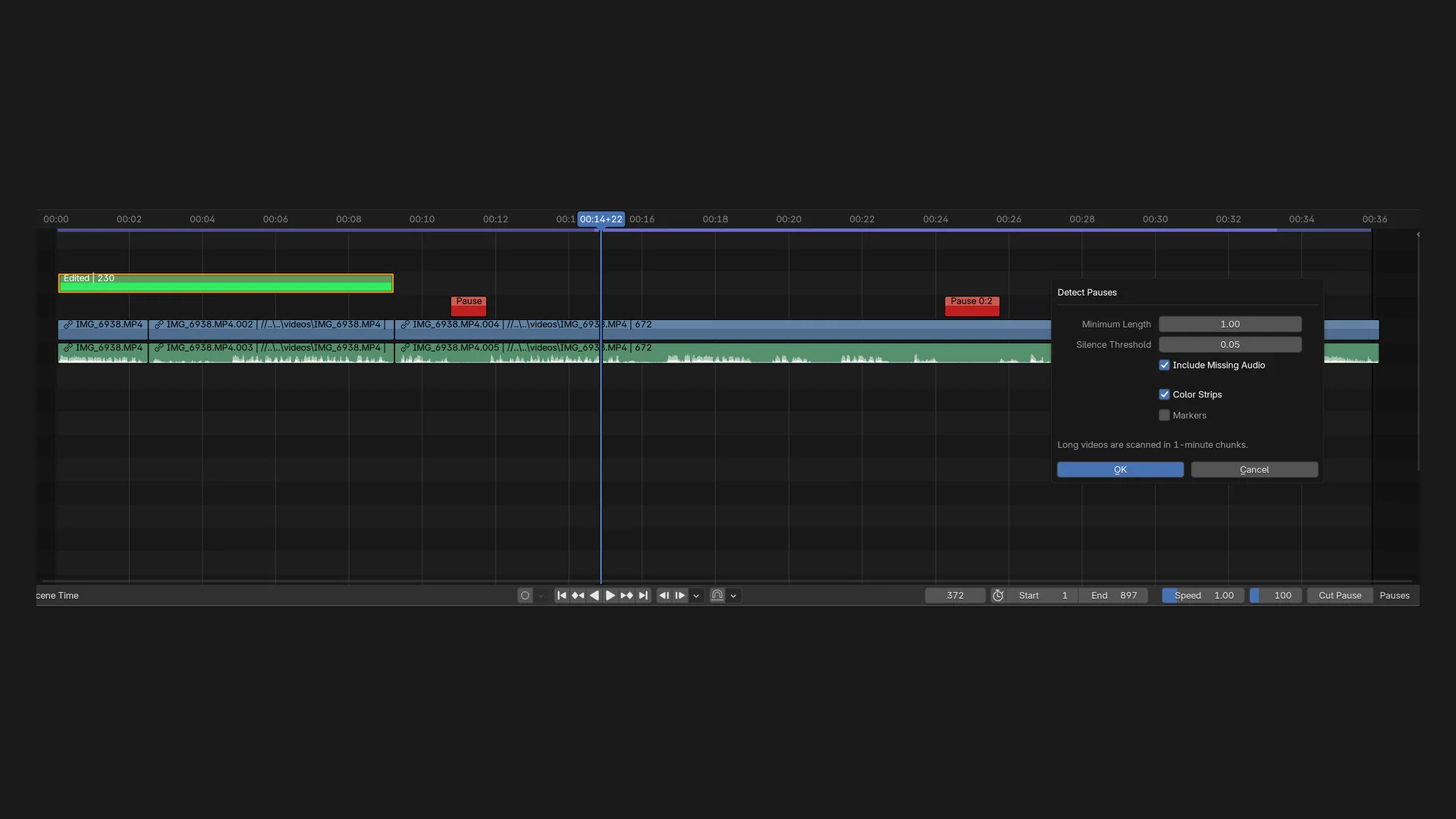
Choose Pauses → Detect Pauses to scan sound strips for long silence or missing audio. The default silence threshold is 10 seconds. The add-on places editable red flag strips at detected pauses, which you can trim if needed. Select a pause and choose Cut Pause to ripple-delete it and close the gap. An optional green bar marks the region you have already edited.
Compatibility and installation
The Blender Extensions listing identifies version 1.7.43 and Blender 4.2.0 or later. It reports testing with Blender 5.2 on Windows and says the add-on should work on macOS and Linux. Enable the add-on and open a Video Editing workspace to use it. The listing offers drag-and-drop installation or download and Install from Disk; see Blender's extension installation instructions.
Pause detection requests Files permission to read sequencer media files. The add-on is licensed under GNU GPL v3.0 or later. See the VSE Playback Speed listing for release details.