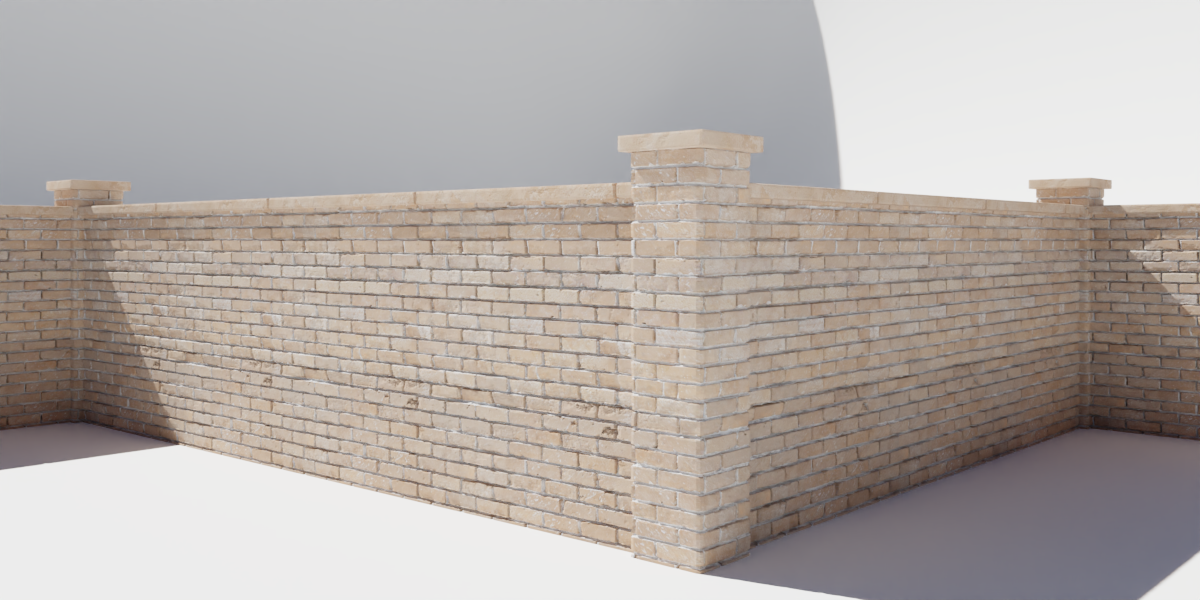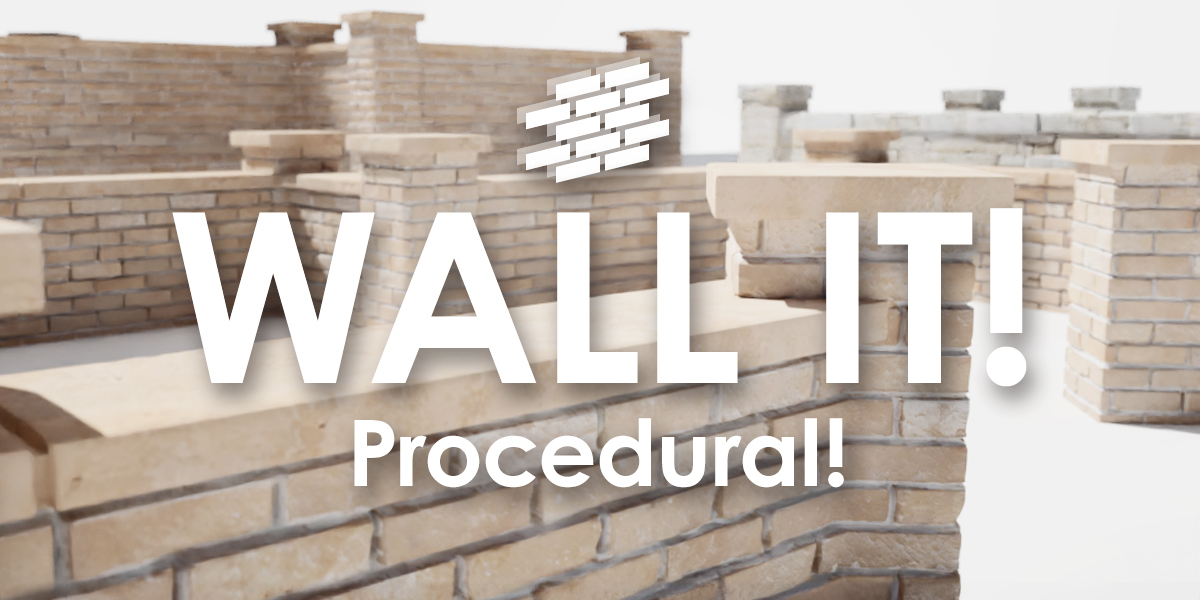
Wall It is a Blender add-on for creating procedural stone walls. The Superhive listing tags it for brick, masonry, stone, architecture and ArchViz. Its documentation describes a Geometry Nodes workflow for adjusting the wall and placing it against a ground object.
Wall type, height and quality controls
After adding a wall, use the Geometry Nodes tab on the Wall It! Stone object to change its Wall Type and Height. The Quality setting controls subdivisions, so you can add more detail to the wall. The listing also tags the add-on for construction and fences, making it relevant to architectural scenes that need a stone boundary or barrier.
Ground placement and mesh conversion
Wall It can use a scene object as a ground reference. Select the object in the Ground Object context, then toggle Ground Object. When you are ready to apply the procedural setup, choose Convert to mesh in the viewport.
Compatibility and license
The Superhive product listing identifies Wall It as a Blender Extension compatible add-on for Blender 4.0 to 5.2. It lists Cycles and Eevee as render engines and gives the license as GPL. The product is categorized under Modeling. Check the listing and documentation for details that apply to your Blender version and project.