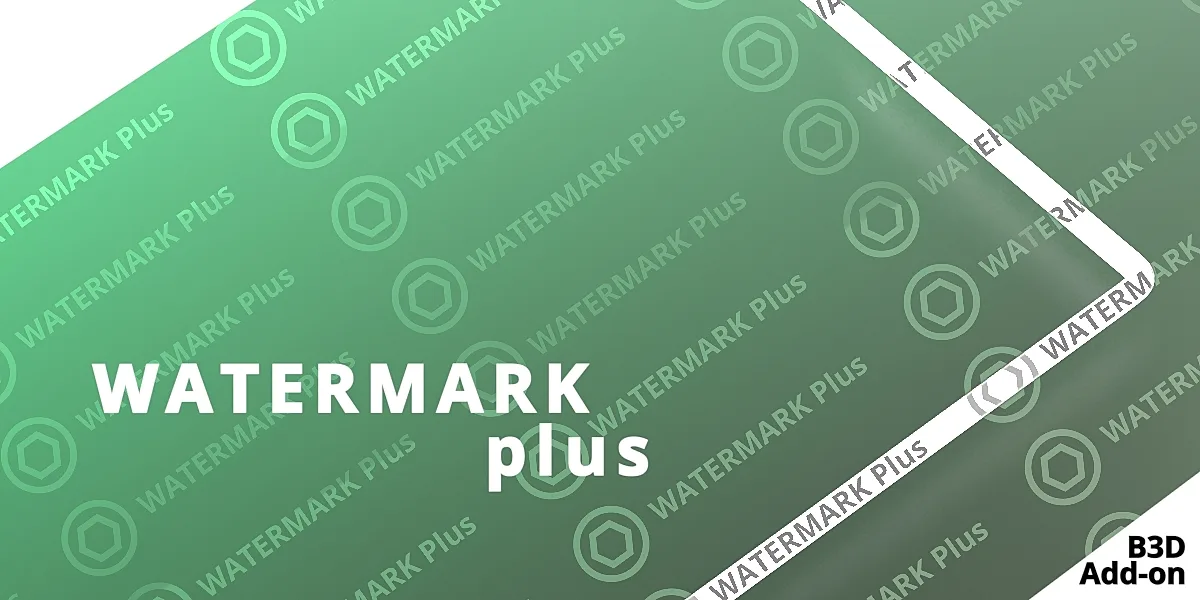
Watermark Plus is a Blender add-on for adding a custom watermark to a finished render from the Compositor window. Version 1.1.2 has two watermark levels. View the Watermark Plus listing.
Choose a watermark level
Watermark Level 1 applies a simple mark and processes it more quickly. Watermark Level 2 provides controls for customizing how the watermark appears across different render intensity levels.
The seller describes the additional parameters as a way to keep the watermark from interfering with the image while making it harder to remove. This is the stated design aim, not a guarantee that a watermark cannot be removed.
Set the image and placement
Choose a custom watermark image in the Image node, or set a default image in the add-on preferences. Use the base parameters to adjust the mark's size, position, and scale. For Level 2, the Additional Parameters section lets you refine its appearance across render intensity levels.
Find the controls in Blender's Compositor window, in the N-panel under the Watermark Plus tab. Press the button in the add-on panel to add the watermark to the finished render.
Blender compatibility and license
The listing names Blender 2.83, 2.90 through 2.93, 3.0 through 3.6, and 4.0. The documentation groups support as Blender 2.8x, 2.9x, 3.x, and 4.x, and says earlier versions are unsupported. Version 1.1.2's changelog notes an update for Blender 4.0. If you use a release not named in the listing, check the developer's page for current compatibility before installing. Superhive lists the add-on under the GPL license.
Who it suits
Watermark Plus fits Blender users who want to place an image watermark on renders from the Compositor and adjust its placement or intensity-dependent appearance. Its main choice is between a quicker, simpler mark and the more configurable Level 2 controls.