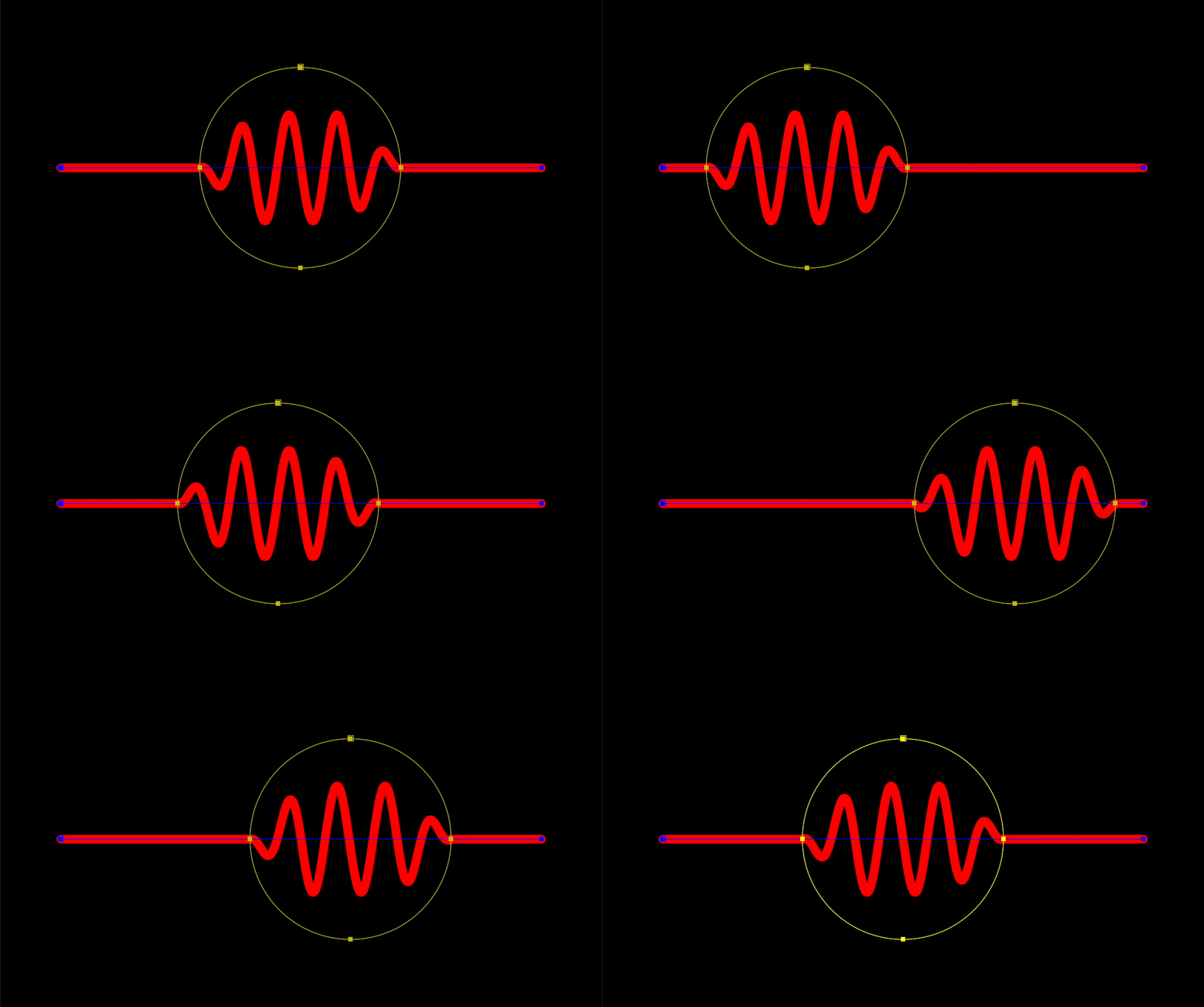
Wave The Path is a GPU-accelerated plugin for Adobe After Effects by François Lefebvre. It transforms an existing path into waveform motion, with controls for wave shape, amplitude, frequency, speed and direction. The effect is non-destructive, so the original path stays intact while you adjust the result.
Shape and animate the waveform
Choose from sine, triangle, square or sawtooth waves. Amplitude changes the wave height, while frequency sets how many waves appear along the path. Animation moves the waves along it, and rotation changes their direction. A mask can act as a spatial effector to control where and how the wave appears.
Trim paths and taper strokes
Version 1.1.0, released March 22, 2026, adds Trim Paths and Taper. Trim Paths controls the visible portion of the path with percentage-based values or an effector mask. Taper creates strokes with separate start and end width and length controls. These options let you shape the visible line as well as the waveform running along it.
Adjust the stroke and preview
Wave The Path includes stroke-width controls, stroke and fill color controls, and gradient support. Adaptive resolution can optimize quality and performance automatically, or you can set it manually. The developer lists GPU rendering through Metal on macOS and Direct2D on Windows, with real-time previews at 8-bit and 16-bit color depths. For 32-bit float workflows, the plugin uses automatic CPU fallback.
After Effects compatibility
The listed compatible versions are After Effects 2020 through 2026. Check the developer's product page for current compatibility and release information before installing.