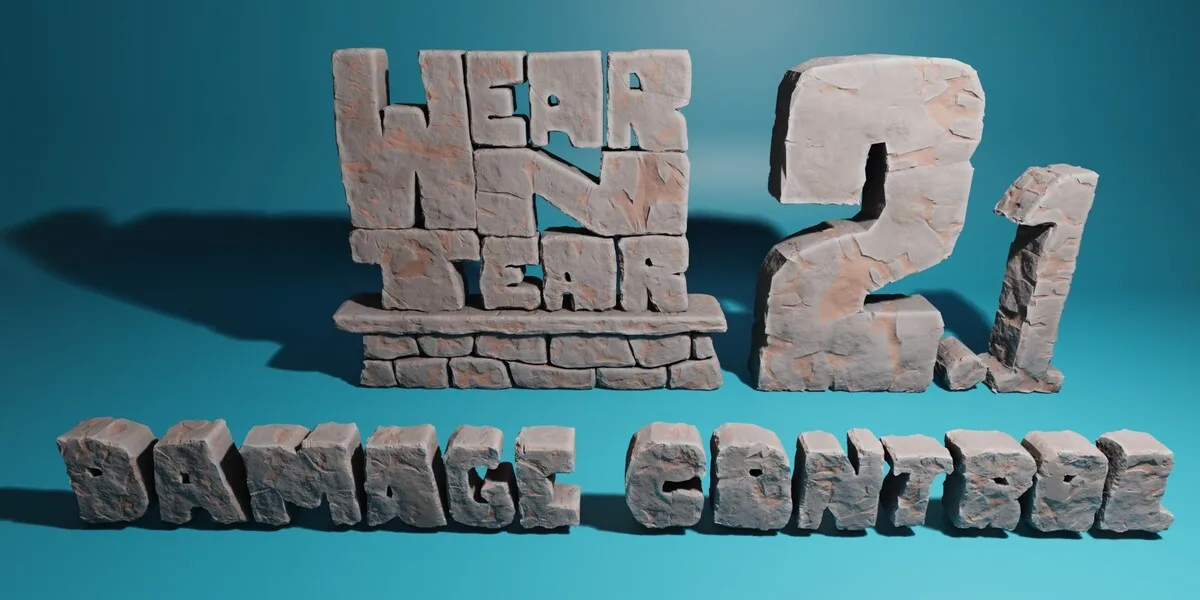
Wear N' Tear is a Blender add-on for giving models a worn, eroded look. Press F9 to open its controls, then choose HP for realistic damage or LP for a stylized treatment. You can work on one object or select several, including a wall whose bricks or stones remain part of the same object.
Work on single models or complete walls
The add-on can erode selected objects together, so a wall does not need to be split into separate bricks or stones first. This suits scenes where you want wear across a connected structure as well as individual props. The developer describes the response as real time, though larger and more complex objects take longer to process.
Choose realistic or stylized damage
Wear N' Tear HP offers a choice of textures, cavities, and texture transforms for translating, rotating, and scaling the texture. Wear N' Tear LP focuses on stylized edge damage. It can also treat multiple parts inside one object as though they were separate objects, with sliders for adjusting the result.
Add cracks, mortar, and plaster
Along with surface erosion, the add-on can cut cracks, remove parts, add scratches, and tear or shred a model. Its Pro features add mortar between bricks or stones and apply plaster. The developer says plaster can detect mortar when it is present and can also be used to create landscapes. Full Damage Control also includes procedural surface and mortar textures.
Restore a model and keep iterating
You can restore a model in full or restore a loose part, then repeat the process as needed. This gives you a way to revisit damage passes while shaping a scene. Practice scenes with step-by-step instructions are included. See the developer documentation or watch the Wear N' Tear video tutorial.