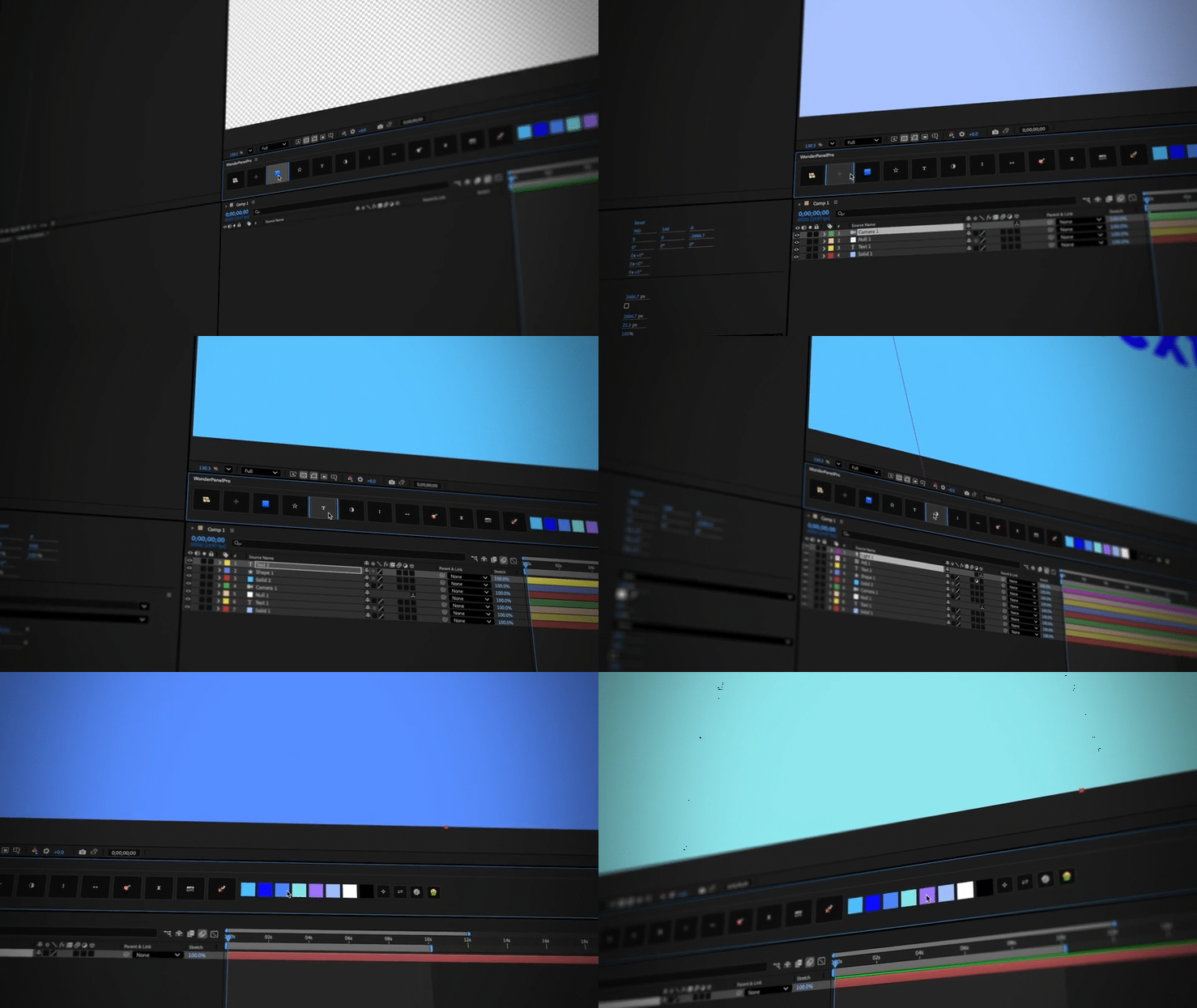
Wonder Panel Pro is a customizable toolbar for Adobe After Effects from Back to Earth Digital. It puts layer creation, color, alignment, keyframe easing, and render controls in one panel for artists who repeat these tasks while building compositions.
Tools for routine composition work
One-click controls create solids, shape layers, text, nulls, cameras, and lights with preferred colors, names, and settings. The Color Palette supports Adobe Color and Adobe Swatch Exchange. You can create, import, or export palettes, enter HEX values, or choose a color with the built-in picker.
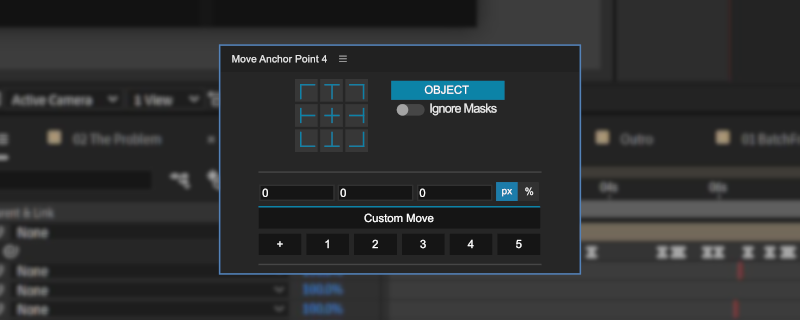
Align and distribute functions, anchor point cycling, and the Ease It keyframe tool cover common layer adjustments. The panel can render a composition and import the resulting file into the project. It also exports composition frames as PNGs for immediate import and includes a memory and disk cache purge control. The release history notes improved support for queuing multiple renders and importing image sequences after rendering.
Panel settings and keyframe behavior
Multiple layout options let you arrange buttons and set default names, colors, and output modules. You can export settings to sync them across workstations or share them with a team. Align, anchor point, and distribute tools respect animated properties, and Ease It includes a hold keyframe toggle.
Version 1.1.1 added tooltips that show current settings, a compact TinyTips mode, opt-in update notifications, and a Help and Licensing shortcut opened by CTRL/CMD-clicking Settings. The developer's Wonder Panel Pro listing identifies version 1.1.2 and lists compatibility with After Effects 2026, 2025, 2024, 2023, and CC.