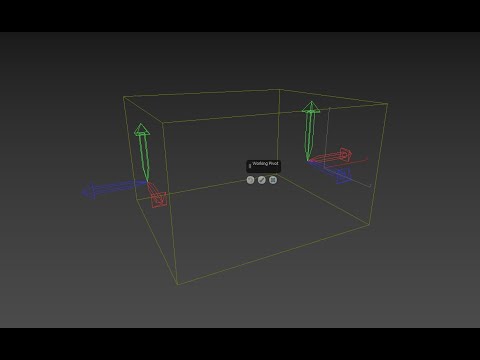
Working Pivot Placer is a 3ds Max script for placing the Working Pivot on a surface or by one, two, or three points. It also supports setting the pivot to a picked object's transform and includes macros for changing coordinate centers and systems. It is aimed at 3ds Max users who need different pivot placement methods and quick coordinate switching.
Place the pivot by surface, points, or object
Use By Surface to place the pivot on a surface, or By Points to use one, two, or three points. Version 1.2 added an object-transform action: hold Alt while using the Working Pivot Placer button to set the Working Pivot to a picked object's transform.
Hold Ctrl while using the button to cycle through By Surface, By Points, and By Object. You can also assign a shortcut to the separate Working Pivot Cycler MacroScript.
Switch coordinate centers and systems
The included Coordinates Shortcuts file contains three macros. Coordinate Center Cycle moves among three types of coordinate center. Coordinate System Cycle switches between View, Local, and Working Pivot. Coordinate System-Pick lets you choose an object to use as the coordinate system. The developer suggests assigning keyboard shortcuts to these macros, with Alt+C, Alt+V, and Alt+X as examples.
Availability and compatibility
The AnyPlugins listing marks Working Pivot Placer as free and identifies version 1.2 for 3ds Max. It does not specify a compatible 3ds Max release. Check the developer's Gumroad page for current availability and terms