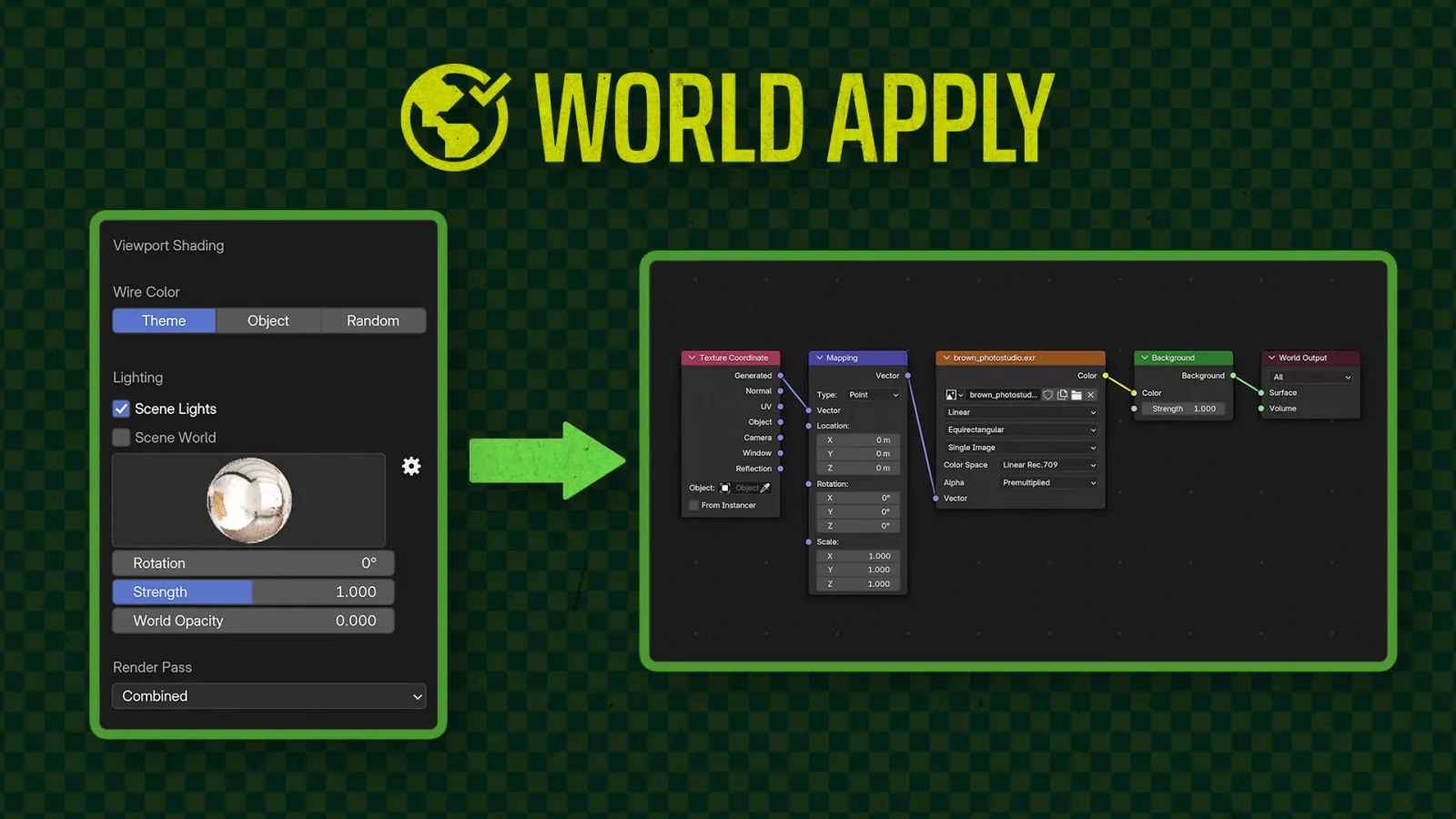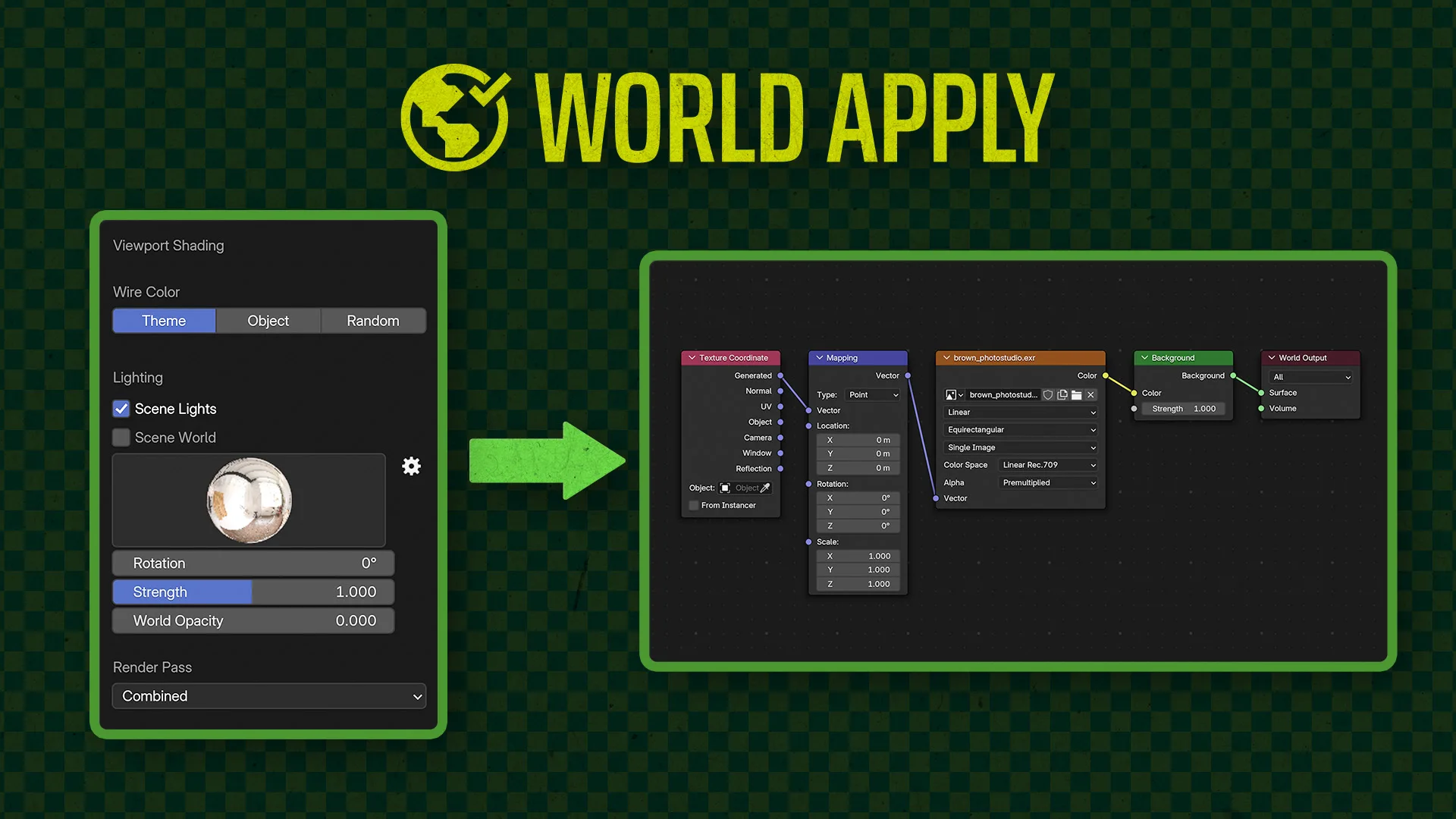
World Apply is a Blender add-on that syncs viewport world settings with scene world settings. It is intended for the handoff between setting up an environment in the viewport and rendering the scene. The Blender Extensions listing describes the sync; the product overview identifies HDRI strength and rotation among the settings it applies.
When World Apply helps
Use the add-on when the HDRI look you set in the viewport should carry into the scene used for rendering. For example, if you adjust the environment's strength or rotation while working in the viewport, World Apply provides a sync action to apply those viewport world settings to the scene world settings. That can save you from repeating the same adjustments in both places.
Version, compatibility, and permissions
The minimum Blender version for World Apply 1.0.1 is 4.2.0. The add-on is released under the GNU General Public License v3.0 or later and requests permission to read HDRI files stored in Blender's directories. Check the official listing for current release details before installing.
Installation
Get the add-on from its Blender Extensions listing. If you install a downloaded archive from disk, follow Blender's Install from Disk instructions.