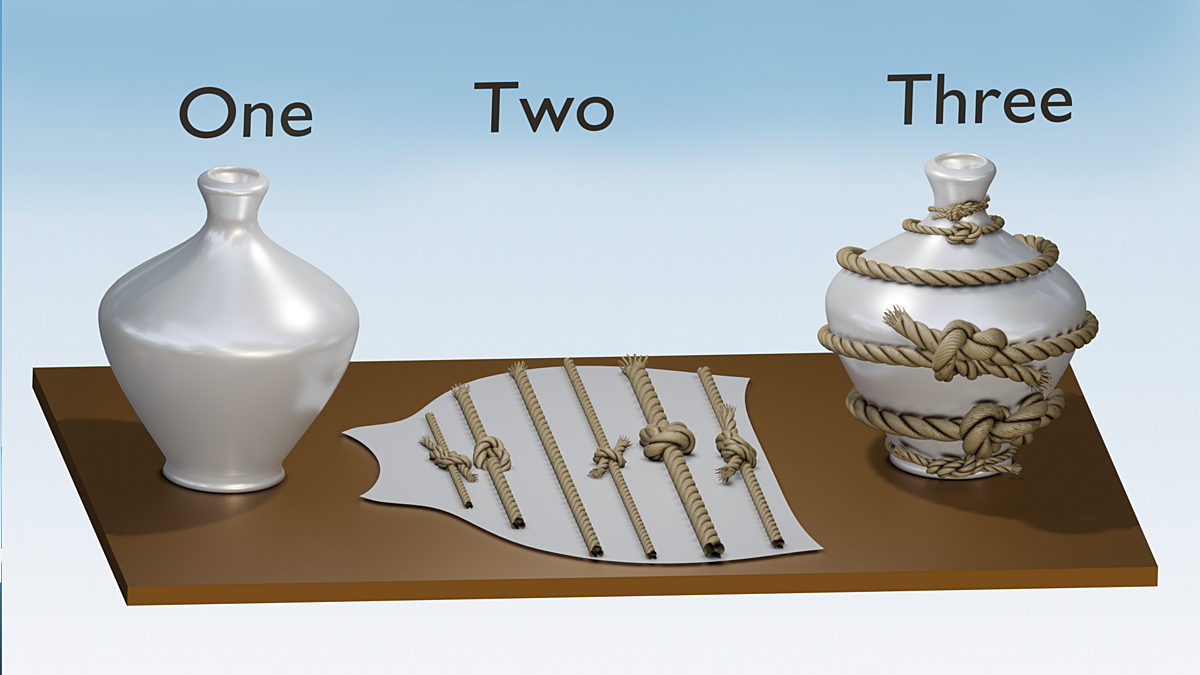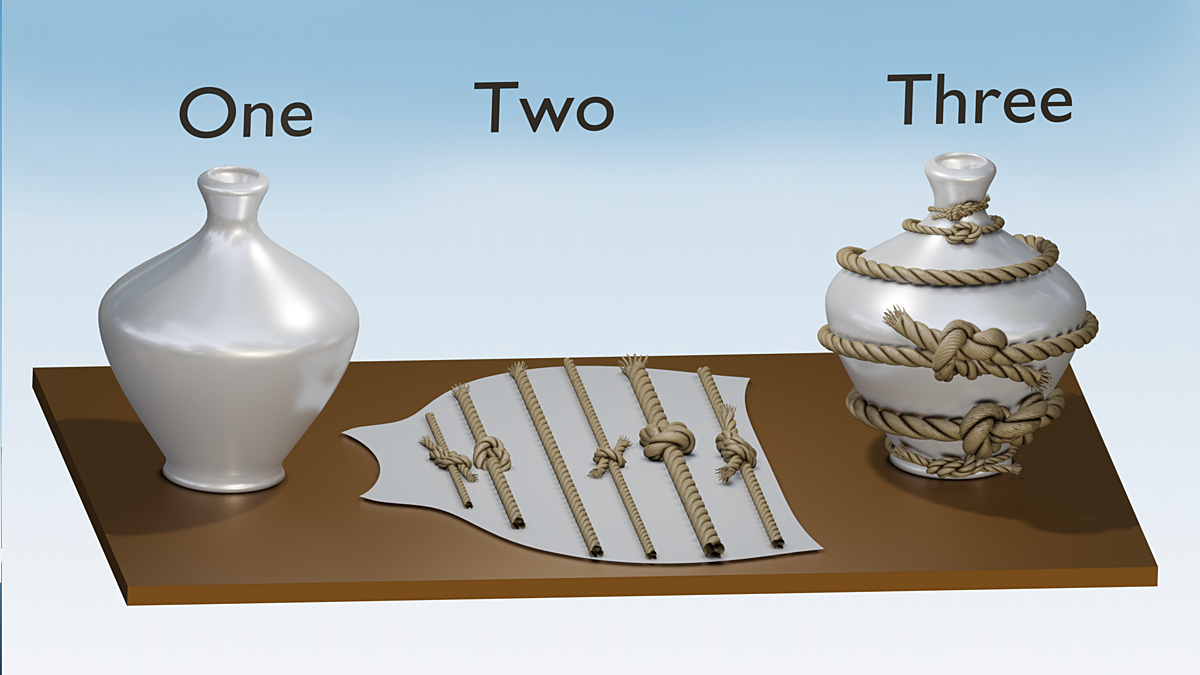
Wrap Tools is a Blender add-on by The 3D Advantage. Surface Follow deforms an object to follow another object's surface, while UV Shape tools flatten a 3D object using its UV map. Examples include wrapping a rope around a log and placing rocks across uneven terrain.
Bind objects with Surface Follow
Select the objects to follow, make the target surface the active object, then use Bind to surface. After the bind data is generated, Update once refreshes the bound objects on demand. Scene Update runs continuously, while Animation Update runs on each frame change. The documentation says Surface Follow inspired Blender's Surface Deform modifier.
Flatten an object with UV Shape
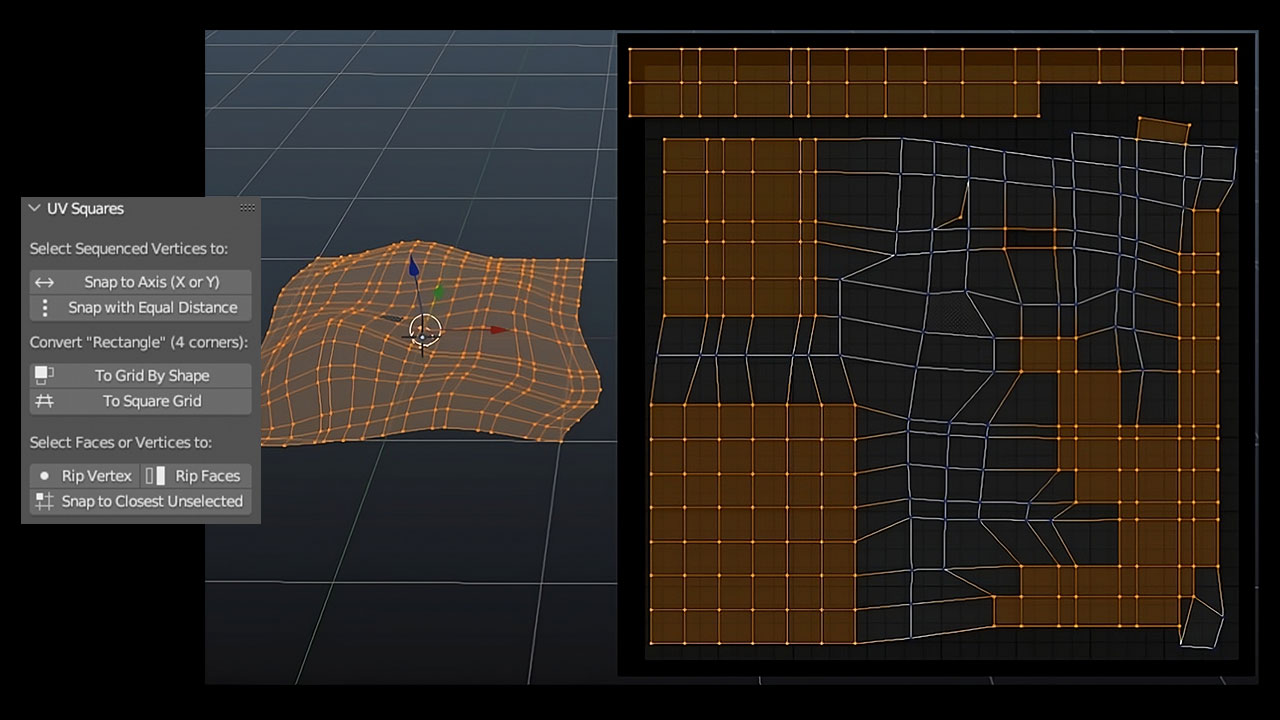
UV Shape uses an object's UV map to produce a flattened shape. Select Use Active Map to use a map you created. With that option off, the tool can generate a UV map automatically. Rescale Islands lets you keep the scale from the UV map or rescale the islands so their scale in 3D space is closer to the original object's scale. Reset deletes shape keys created by the tool.
Version and access
The product listing specifies Blender 2.8 and says the Surface Follow add-on was updated for that version. It does not confirm compatibility with newer Blender releases, so check current compatibility before installing on a later version. The listing describes Wrap Tools as free and gives its license as MIT. It also links a tutorial recorded for an older version, which the listing says remains helpful. Read the product documentation for tool details, or check the product listing for download information and the video tutorial.