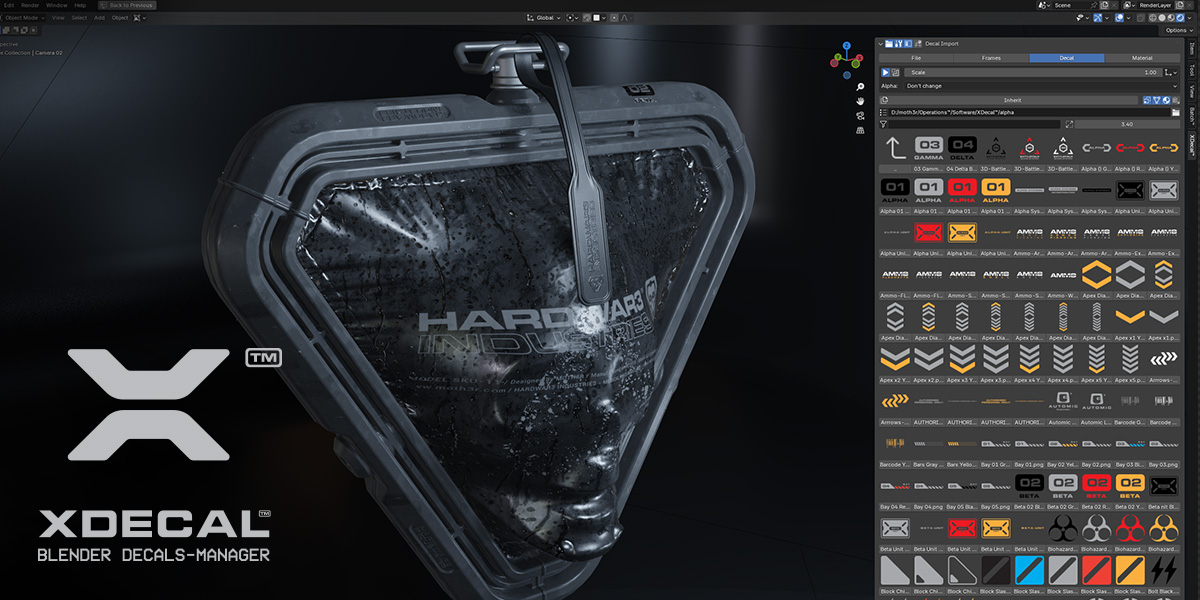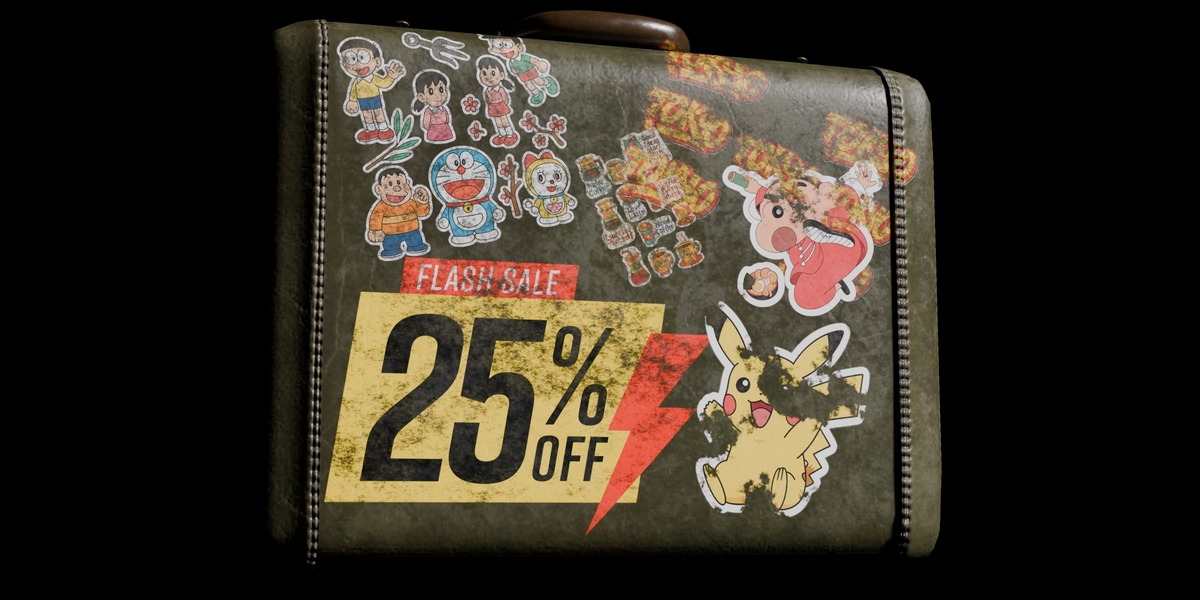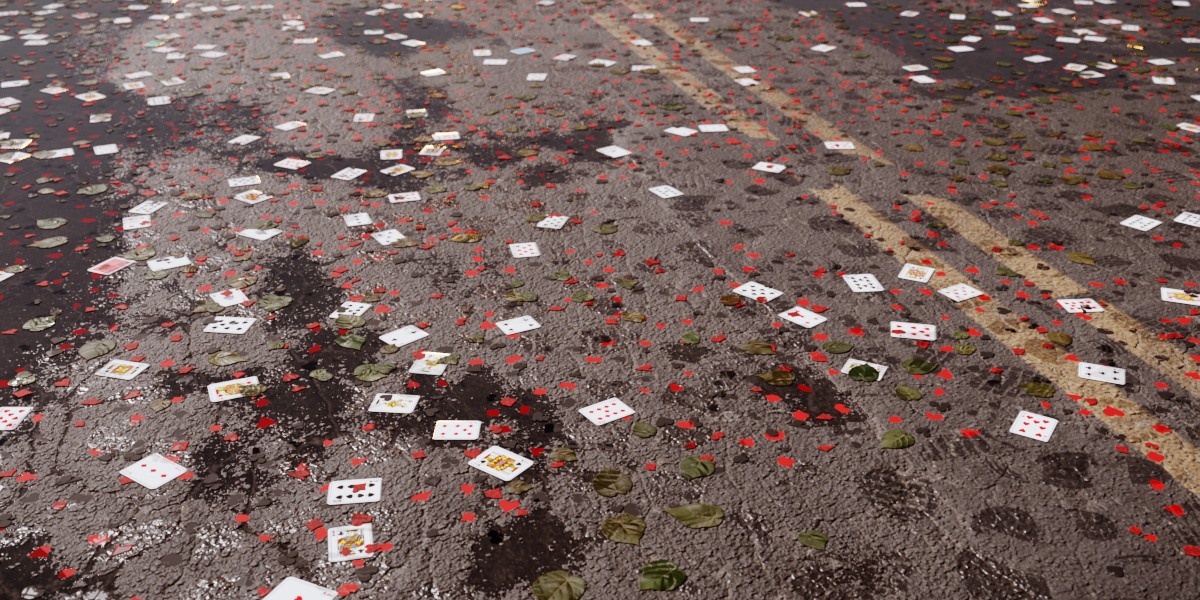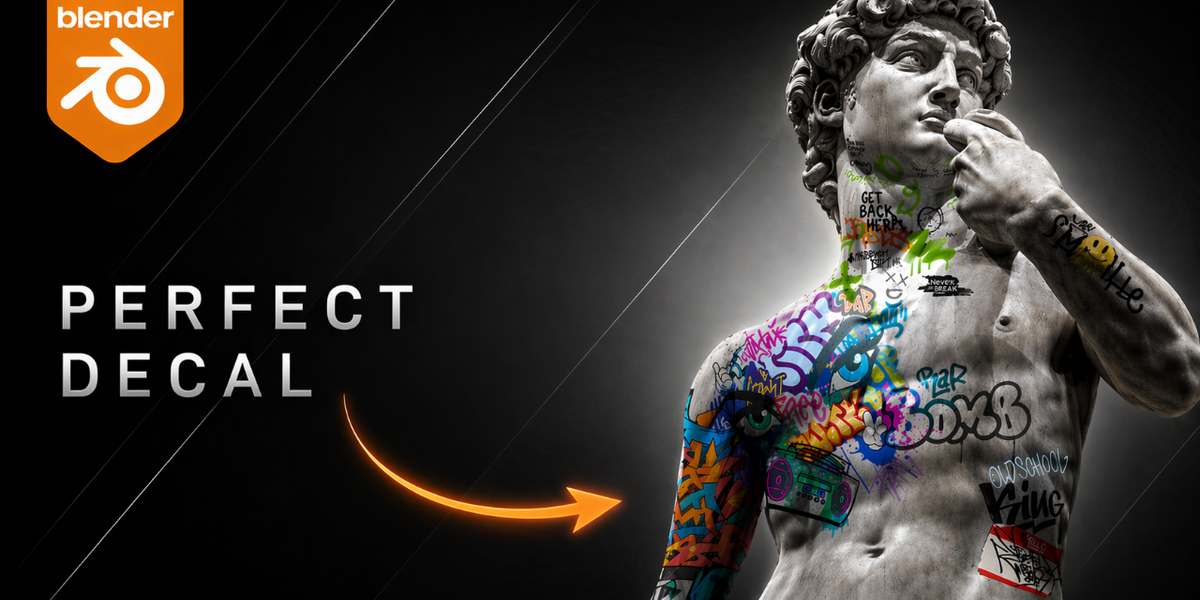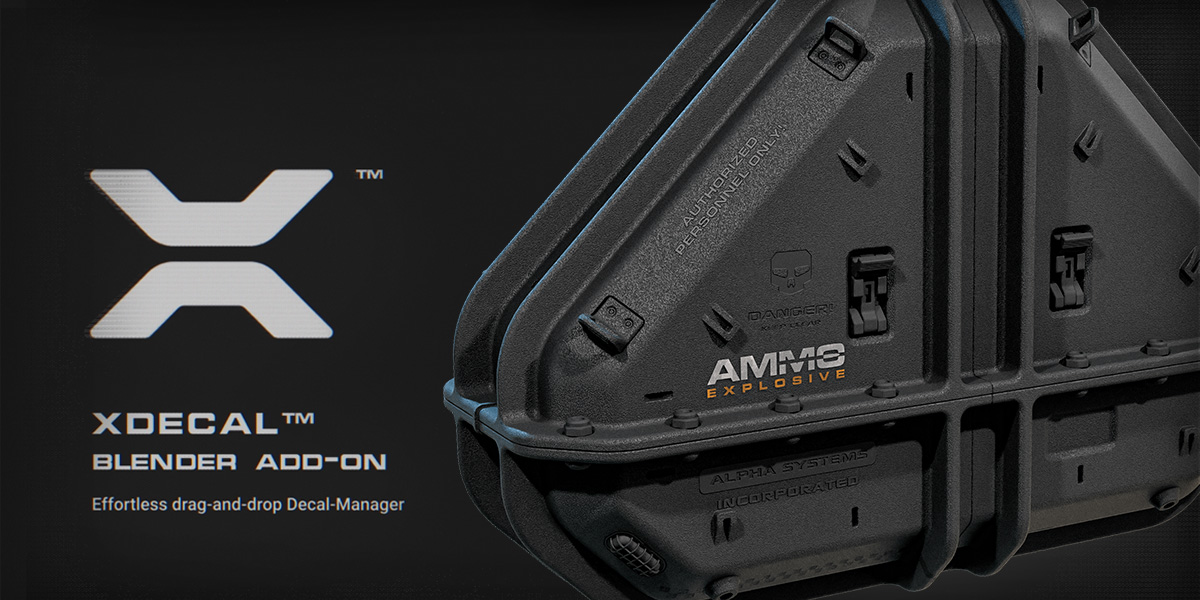
Xdecal™ Manager is a Blender add-on for placing decals on models without UV maps. Drag decals onto hard-surface objects, then use the gizmo to adapt their geometry to the surface. For more complex geometry, interactive projections include depth control.
Place decals and adjust their materials
The add-on can use an object or material as a decal template. A context popup provides access to geometry and material settings, and decal parameters can be copied, pasted or inherited between objects. Procedural material effects include damage and peeled paint, wear, bump and normal maps, and parallax.
Load decals from your folders
The built-in Palette creates decals from JPG, PNG or similar files in a folder on your drive. It loads them directly, without preloading or conversion, and can create instances of imported decals. The Palette also manages templates and can replace decals or swap their images and materials. A preset system lets you save favorite folders.
Included libraries
Xdecal™ Manager comes with a decal library of 500 or more items, a texture library for weathering, and a small set of CC0 prototype materials. The prototypes range from diffuse color to multi-texture PBR and parallax effects. You can adapt them or make your own material libraries.
Compatibility, licensing and documentation
The Superhive listing shows Blender 3.6–5.1 compatibility. It lists the add-on under GPL and separately credits the XDECAL™ Assets Library to Ivan Santic at MOTH3R® under CC BY 4.0; the included prototype materials are CC0. Check the applicable terms for each component. The listing describes one all-inclusive version with no Pro or Lite tiers. See the Superhive product listing for current details and the MOTH3R online documentation for product guidance.