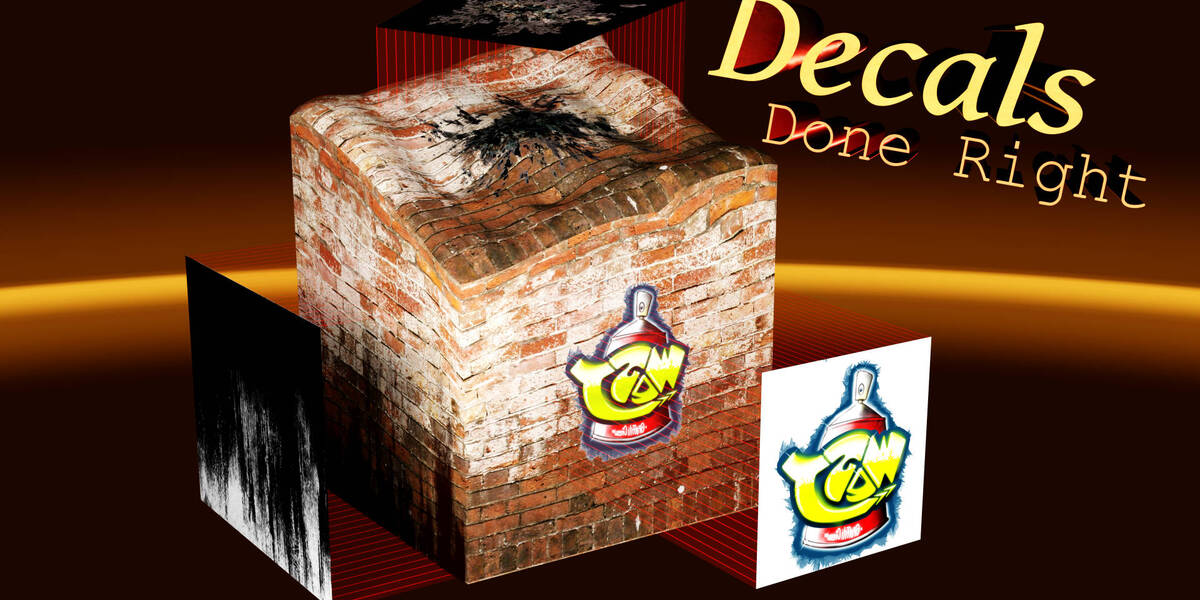
Decal Beast is a Blender add-on for placing and styling graffiti and decals on 3D models. The V1.3 update adds support for procedural and custom materials, expands baking, and lets the gallery folder selector remember its selection.
What changed in V1.3
Decal Beast can find procedural and custom materials, including materials used with Daz Studio and Character Creator models. It can also find grouped materials and add the decal node group inside the group. For image-textured materials, turn off Use Shader Chain and Feed Normal. For custom character materials, turn those options on so the decal node group is added after the BSDF.
Baking can now work as a standalone tool, so an object does not need to have a Decal Beast decal on it first. Choose Diffuse, Normal, or Roughness maps. Multiple Materials creates separate output for each material, while Single Material combines the result into one image set. Baking handles one object at a time.
The Gallery Folder Selector remembers the selected folder until you change it, so you do not have to choose it again each time you open Blender.
Decal placement and styling
The add-on places decals on meshes with multiple materials and can place the same decal on several objects at once. An empty controls placement. Move it manually or use the slide empty option to move a decal along a surface. When a decal spans several materials, a color or grunge change first affects one material; use Apply to Linked with the empty selected to propagate the change to the others.
Decal layers can be moved up or down in a non-destructive, layer-based workflow. The V2.0.2 listing says decal color is limited to two colors; the interface also has roughness controls and Batch Styling for applying grunge, aging, roughness, and other settings to selected decals. Grunge and aging effects can be animated for scenes that show decals wearing over time.
For custom lettering, type words into the add-on and choose from 25+ graffiti fonts. Word, line, and letter spacing can be adjusted, and multiline text is supported. The included library has 250+ hand scribbles. These tools suit urban scenes, game assets, architectural visualization, and character customization.
Installation and version details
Install dependencies the first time you use the add-on if you want the Add as Single Image option to work. The Decal Beast documentation describes the add-on's decal workflow, while the Superhive product page has its current product details.
The Superhive listing identifies the current product as V2.0.2 and lists Blender 4.2–5.3. That range is for the current listing, not a verified compatibility range for V1.3. Check the product page for the version and requirements available before installing.