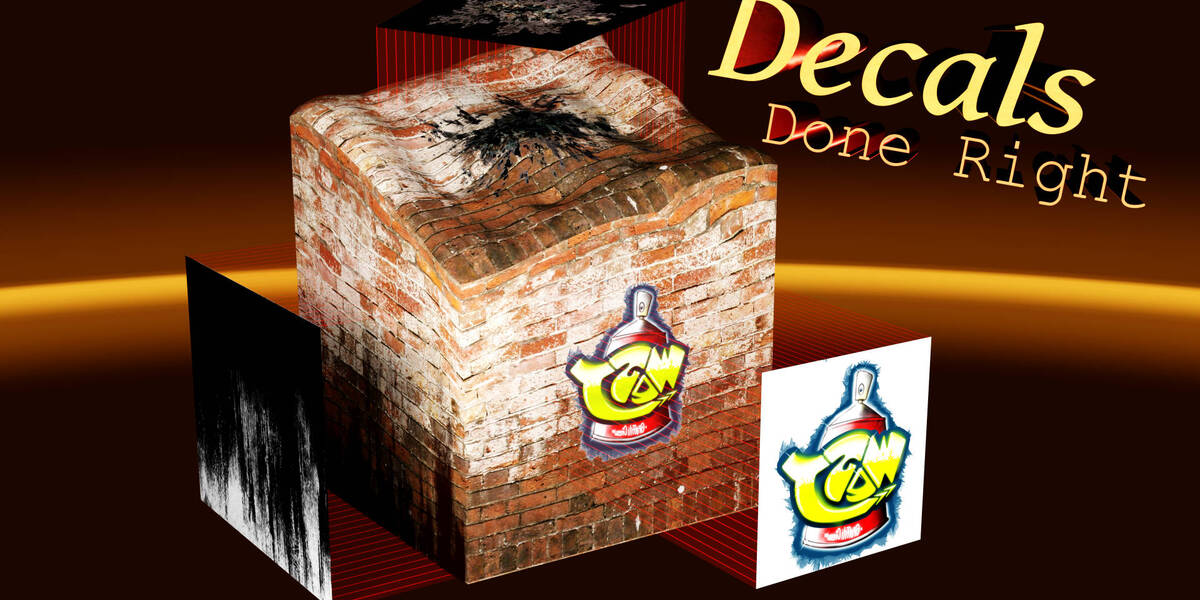
Graffiti Decal Addon is a Blender add-on for placing text-based graffiti on walls and other objects. Aimed at street scenes, it includes over 40 presets and 82 additional graffiti tags in one font file. The product listing describes its features and supported Blender versions.
Place graffiti on a surface
Choose a preset, click Add Graffiti, select a wall or object, then click Shrink To Target. Adjust the shrink property to change the distance between the surface and the text.
To place a separate object, select the target first, then select that object and click Shrink To Target. When you finish with a text object, the listing instructs you to convert it to a mesh and use the Parent button.
Customize the presets
You can adjust the colors and materials of the supplied font presets. To access the extra tags, choose the preset named “presets,” enter Edit Mode, remove its existing characters, and type the character that corresponds to the tag you want. The developer says the included fonts are royalty free and that permission was secured for their use in the add-on.
Check Blender compatibility
The listing names Blender 2.8, 2.81, 2.82, 2.83, 2.9, 2.91, 2.92, 2.93, versions 3.0 through 3.6, and 4.0. This documented range does not confirm compatibility with later Blender releases, so check the current listing if you use a newer version.