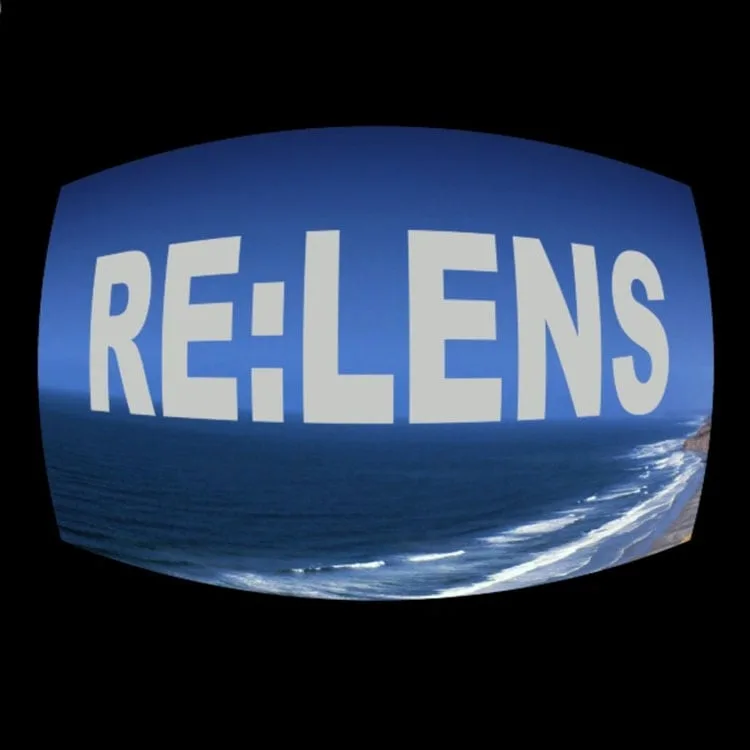
Zoetrope DFISH corrects barrel distortion in footage shot with fisheye lenses and action cameras. Available through FxFactory, it works in Final Cut Pro, Motion, After Effects, Premiere Pro and DaVinci Resolve. Its separate controls for the inner and outer parts of the lens help when distortion varies across the frame.
Adjust correction across the frame
Some lenses do not distort the image evenly from center to edge. DFISH lets you adjust the inner and outer portions separately, so you can tune the correction for a wider range of lenses and cameras. Presets for common action cameras and fisheye lenses provide a starting point.
Correct the horizon and frame edges
When a camera is mounted off axis, the horizon correction control can help straighten the shot. With stronger fisheye corrections, stretched or distorted edge areas may remain; DFISH's crop feature can remove those artifacts from the frame.
Reuse lens settings
After tuning a preset for a particular lens or camera, save your settings and apply them to other footage from the same setup. DFISH uses OpenGL acceleration, and its corrections render in real time during playback.
Install through FxFactory
DFISH requires FxFactory. Install FxFactory first, then use it to download and install DFISH. The FxFactory product page lists its supported host applications and explains how to install DFISH. Check the product-specific system requirements in FxFactory.