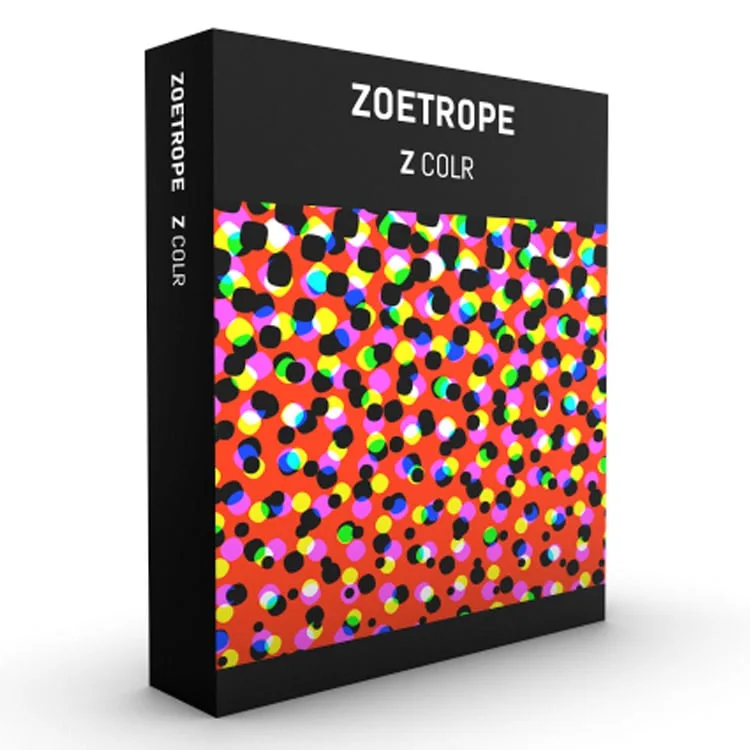
Zoetrope Z COLR is a collection of four animated color generators for creating title backgrounds, slides, compositing elements, and lighting effects. The generators run through FxFactory in After Effects, Premiere Pro, DaVinci Resolve, Final Cut Pro X, and Motion.
Four ways to animate color
Z Breath
Z Breath uses a two-channel gradient similar to a vignette. Its inner color expands and contracts over time, and its shape can be resized for asymmetric compositions. At slower speeds the movement stays subtle; faster settings create a flicker that can suit film projection or lighting effects.
Z Bars
Z Bars turns five selected colors into vertical bars that meander across the frame. You can adjust their ratios, sizes, and relationships, then start from one of the included palette presets.
Z CMYK
Z CMYK applies a CMYK filter to color-gradient sources. Oscillators modulate its parameters over time; you can adjust the speed and oscillator type or keyframe parameters.
Z Fields
Z Fields creates a soft, oscillating gradient from five colors. Set the gradient along a vertical or horizontal axis, then adjust the oscillation and color mix over time.
Presets and color choices
Each generator has a preset system for exploring factory looks and saving your own. An integrated color picker works with color resources such as Adobe Kuler. The shared color engine and preset system give the four generators a common way to work with palettes while producing different kinds of motion.
Supported hosts and FxFactory
Zoetrope Z COLR requires FxFactory to run. FxFactory is available as a free download, while FxFactory Pro is paid and has the same system requirements as the free version. The product is listed as compatible with Apple Silicon and Intel processors.
Check FxFactory’s current system requirements for your editing application before installing.