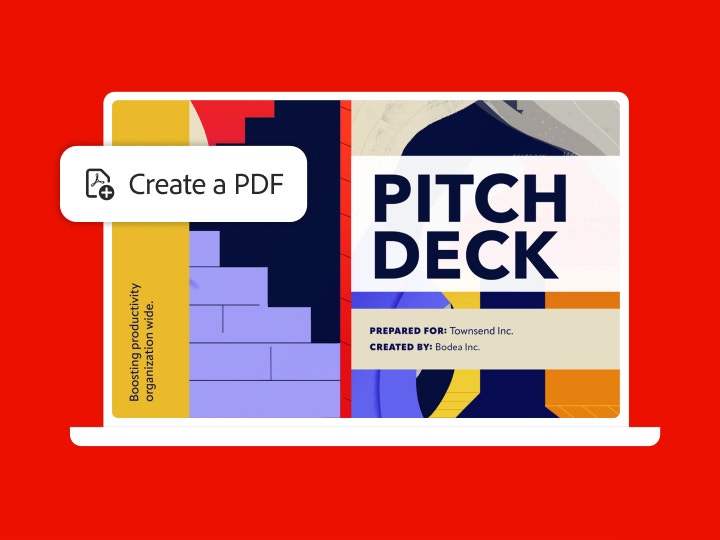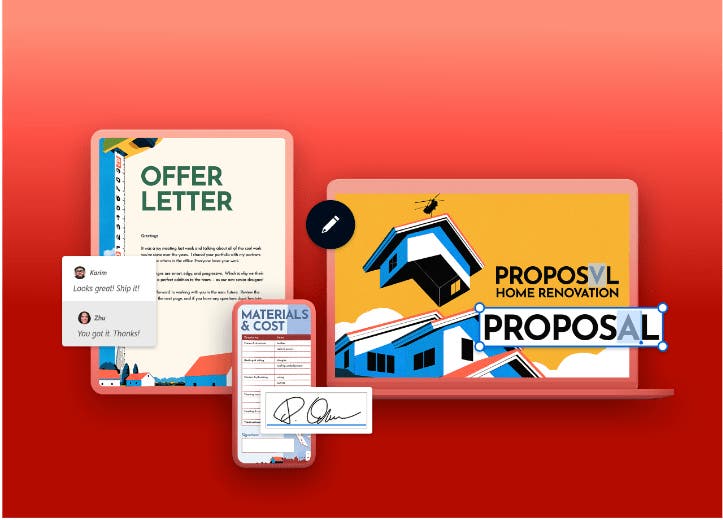
Adobe Acrobat Pro is a paid PDF editor for people who need to revise documents, compare versions, work with scans, collect signatures, or prepare files for sharing.
Review and revise documents
Acrobat Pro can edit text and images in PDFs, organize pages, combine different file types into one PDF, and convert PDFs to formats such as Word, Excel, and PowerPoint. When a revised PDF needs checking against an earlier one, the comparison tool creates a report of the differences. Adobe lists PDF comparison in Pro and marks it as unavailable in Standard. See Adobe's plan comparison and instructions for comparing PDF versions.
Make scanned pages editable
Open a scanned PDF and choose Edit. Acrobat applies optical character recognition (OCR) and creates an editable PDF copy. Check the recognized text before relying on it. Adobe recommends improving blurry or low-resolution scans first and warns that edits to tables, graphs, and images can affect the layout. Its scanned-PDF guide explains the process and review steps.
Prepare forms and collect signatures
Acrobat supports creating, filling, and sending forms, requesting electronic signatures, and tracking responses. For a form that people can access through a web link, Adobe requires a valid Acrobat Pro or Acrobat Pro for teams subscription. Connected services may require registration, may be unavailable in some countries or languages, and can carry additional charges. Adobe's guides cover sending a document for signature and creating a web form.
Remove sensitive information before sharing
Redaction permanently hides selected visible text or images in a PDF by replacing them with colored boxes. Sanitization is a separate step for hidden material such as metadata, embedded content, and scripts. Keep an original copy before applying redactions, and sanitize the shareable copy when it also needs hidden data removed. Adobe describes both steps in its guide to redacting and sanitizing PDFs.
Check the plan and system requirements
Acrobat Standard includes many common editing, conversion, form, and signature tasks. Pro is worth comparing when you need PDF version comparison, scanned-PDF editing, redaction, or web forms. Adobe's technical requirements, updated Nov 5, 2026, list Windows 10 64-bit version 1809 or later and Windows 11 64-bit. For macOS, they list versions 13, 14 (Sonoma), 15 (Sequoia), 26 (Tahoe), and 27 (Golden Gate), and Intel or M1, M2, M3, or M4 Apple Silicon processors. The listed minimums are 4 GB of RAM, 4.5 GB of free disk space on Windows, and 2.75 GB on macOS. Check Adobe's technical requirements for the exact macOS releases and online-service conditions before installing.