Adobe Acrobat Reader is Adobe's free PDF app for opening, reading, and printing files while preserving their fonts, layouts, and embedded content. It fits people whose PDF work centers on reviewing documents, returning forms, and exchanging feedback rather than rewriting page content.
Read and review PDFs
Reader lets you mark up PDFs with comments, sticky notes, highlights, strikethroughs, and freehand drawings. Use Share to send a file into a review. Adobe says recipients can view or comment without logging in, which helps when occasional reviewers do not have Acrobat accounts.
Fill and sign forms
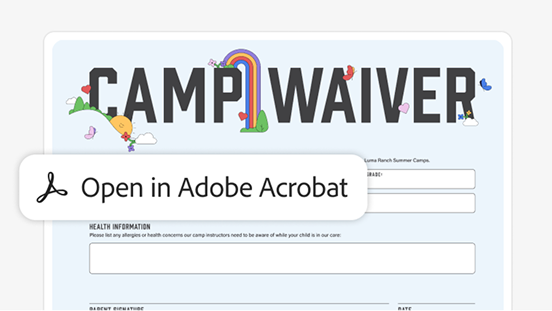
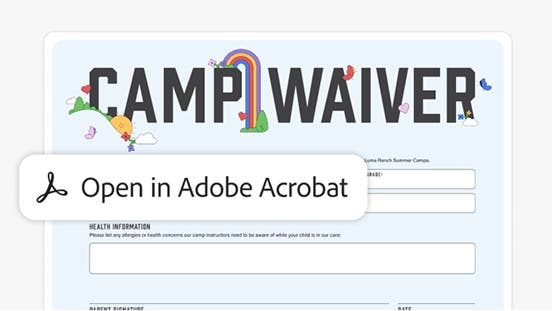
Reader can fill existing PDF form fields, add checkmarks and signatures, then save or send the completed document. It works for routine form completion when you need to return a filled PDF without printing it.
Know where Reader stops
Adobe lists Reader as free, with viewing, printing, sharing, and commenting in its free plan. Acrobat Pro adds PDF creation, editing, exporting, comparison, and organization tools, along with password protection and redaction. Reader suits reading, reviewing, and completing documents. Choose Pro when you need to change PDF content, build fillable forms, or redact information.
Compatibility and licensing
Adobe offers Reader for Windows and macOS desktop systems, plus iOS and Android mobile apps. Its current desktop requirements list 64-bit Windows 10 version 1809 or later and Windows 11, as well as macOS versions 13, 14, 15, 26, and 27. Check Adobe's requirements for processor, memory, and disk space before installing.
The standard Reader license permits one copy on a computer and does not authorize server use or distribution. Organizations that plan to bundle or deploy Reader should check Adobe's separate distribution terms. Adobe also notes that online services may require registration and extra terms or fees, and may not be available in every country or language.