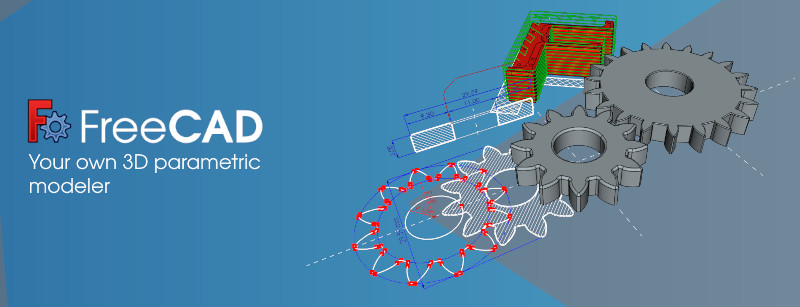
FreeCAD is an open-source 3D parametric modeler for designing real-world objects. Its stated uses range from product design, mechanical engineering and architecture to prototyping, furniture design, 3D printing and learning CAD. The software supports Windows, Mac and Linux.
Build designs from sketches and model history
FreeCAD's parametric approach lets you revise a design by returning to its model history and changing parameters. You can create constrained 2D sketches as a base for 3D objects, then adjust dimensions or extract design details from 3D models to create technical drawings.
This workflow can suit projects where dimensions and earlier design choices change during development. For a specific engineering task, check the documentation for the relevant tools and steps.
Explore workbenches and file formats
FreeCAD includes modern finite element analysis (FEA) tools and experimental computational fluid dynamics (CFD). It also has dedicated building information modeling (BIM), geodata and computer-aided manufacturing/CNC (CAM/CNC) workbenches, plus a robot simulation module.
The software reads and writes open formats including STEP, IGES, STL, SVG, DXF, OBJ, IFC and DAE. If a project depends on a particular format, confirm that the available workflow supports the files and operations you need.
Who might use FreeCAD?
FreeCAD is intended for hobbyists, programmers, experienced CAD users, students and teachers, as well as product designers, mechanical engineers and architects. FreeCAD is open-source, has no licensing fees and requires no sign-up. Its suitability for a project depends on whether its tools and file handling meet that project's needs.
Start with the official Getting started guide, then review the workbenches documentation for specific tools. The downloads page lists download options.