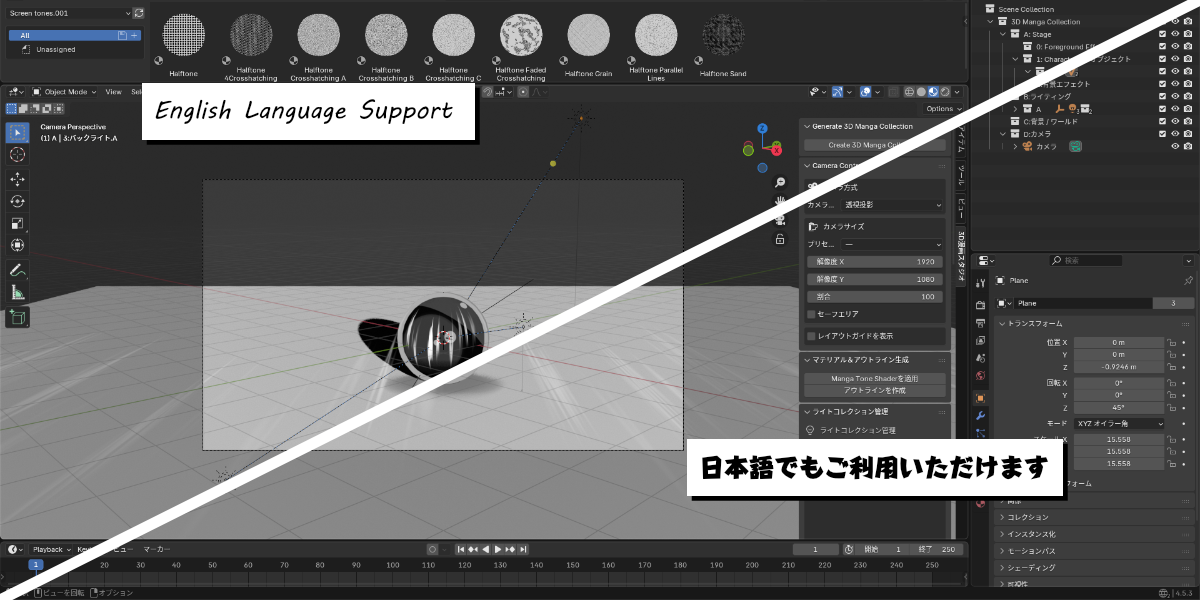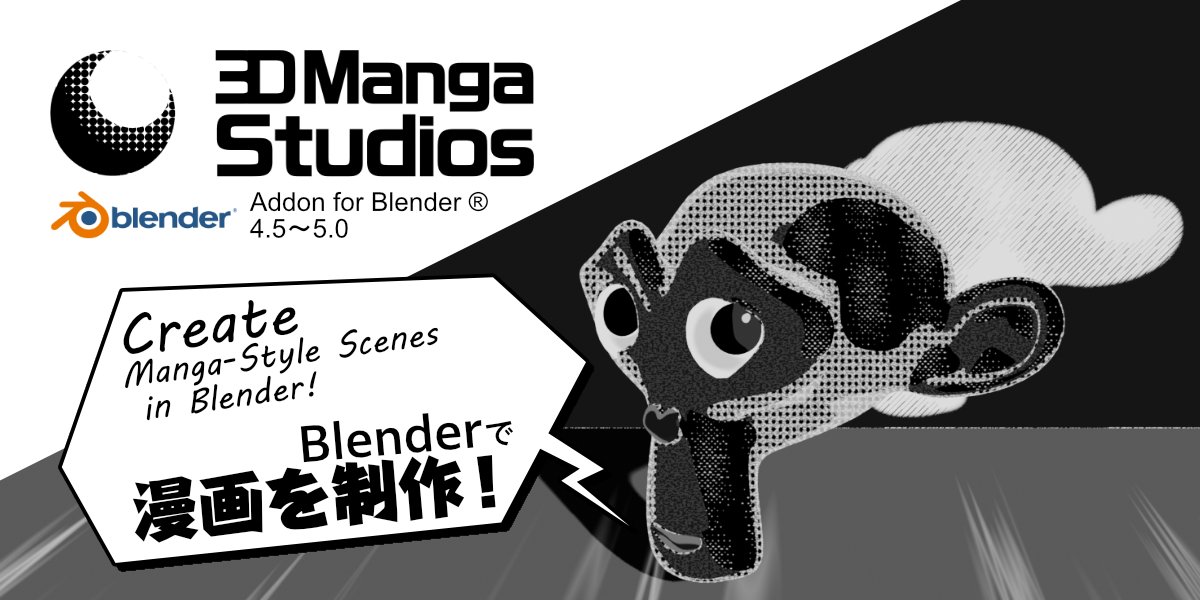
3D Manga Studios / 3D漫画スタジオ is a Blender add-on for creating manga- and comic-style cel-shaded scenes. It brings camera composition, lighting, tone materials, and outline setup into one workflow. For compatibility and license details, see the Superhive product listing .
Organize a manga scene
The add-on can generate a collection hierarchy for foreground effects, characters and objects, background effects, lighting, the background and world, and the camera. This gives scene elements distinct places as you build a comic-style composition.
Camera controls include perspective and orthographic views, JSON-based resolution presets, safe-area guides with pixel-accurate margins, and layout grids with adjustable rows and columns. You can change guide colors and line widths to suit the composition.
Set up lighting, tone, and outlines
A one-click three-point lighting setup creates key, fill, and back lights. The panel provides intensity controls, viewport visibility toggles, Track-to controls using empty objects, and Light Linking support through generated collections.
Apply the Manga Tone Shader to selected objects, generate outlines with a Solidify modifier, and manage materials and outlines per object. The add-on can load assets from Blender's Asset Browser and connect mat-tone textures and ambient-occlusion masks. Its sidebar groups shader controls, supports Shader to RGB connections, duplicates node trees for independent materials, synchronizes properties in real time, and previews mat tones and AO masks.
Getting started
- Enable the add-on in Blender Preferences.
- Open the 3D View sidebar by pressing N, then select 3D Manga Studios.
- Choose Generate 3D Manga Collection, then apply the camera, lighting, and manga materials you need.
The documentation says the add-on focuses on scene setup and shading; it does not handle modeling or rigging. Plan to bring in or create those assets separately.
Blender compatibility, price, and license
The product description says Blender 4.5.0 or later, while the listing's Blender Version detail gives a range of 4.5 to 5.0. Check the current developer documentation or listing for compatibility beyond 5.0. The listing names Eevee as the render engine used; the retrieved documentation does not confirm Cycles support.
The AnyPlugins catalog entry lists the add-on as free to download and use. Confirm the current price on Superhive before downloading. The Superhive description permits personal and commercial projects and says the source code is released under GPLv3. It also says redistribution or resale of the add-on itself is not allowed, and that branding, logos, documentation, and other non-code assets are outside GPL unless explicitly stated. Review the current listing terms for your intended use.