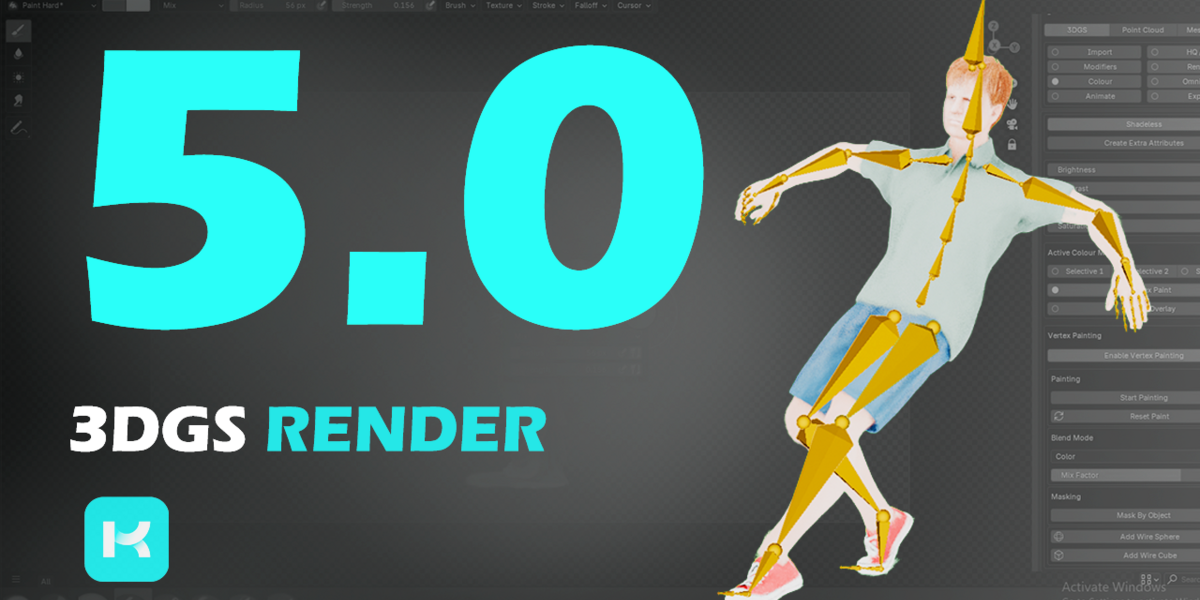
3DGS Render by KIRI Engine is a free, open-source Blender add-on for working with 3D Gaussian Splatting (3DGS) scans. Import 3DGS .ply files, edit the splats, combine them with Blender scene elements and render in the same project. The Superhive product listing identifies Cycles and Eevee as supported render engines.
Edit splats and combine them with Blender scenes
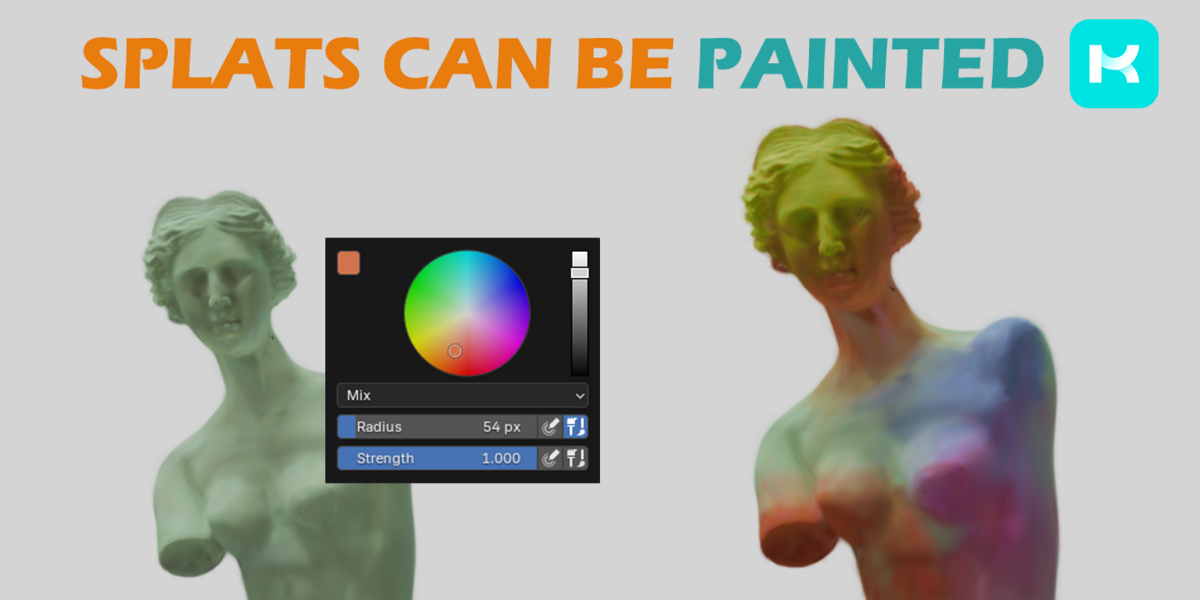
The add-on has Edit and Render workflows. In Edit mode, Blender selection and modifier tools help crop or cull parts of a scan, reduce splat counts, adjust colour, paint and change attributes. In Render mode, you can compose splats with native Blender meshes for still images or animation. It also supports merging splat objects and converting fully triangulated OBJ models to splats when their corresponding texture and MTL file are in the same folder.
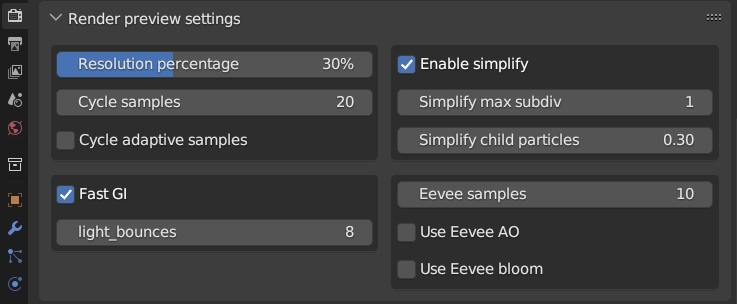
Dense scans can make editing slower. The KIRI Engine guide explains that Edit mode represents each splat with a face that may need updating to the view or camera. Reducing the face count, displaying the scan as a point cloud or disabling camera updates while arranging a scene can help. Render mode does not have that same face-update limitation.
Experimental animation and lighting
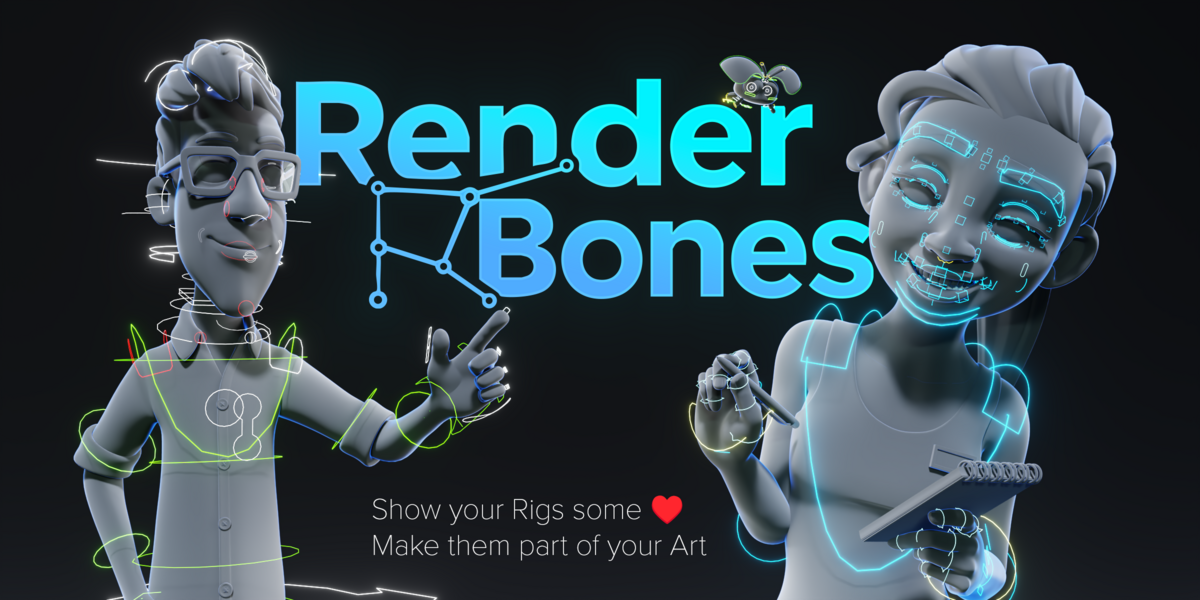
For proxy animation, bind a scan to proxy geometry, animate the proxy with an armature or lattice, then bake the deformation back to the splats. Edited and baked animation can also be exported as numbered .ply sequences for 4DGS-style workflows. Proxy rigging and light baking are experimental; the guide warns that heavy operations on a full-scene scan can take a long time or crash Blender, so test them on a smaller, single-object scan.
The GitHub 5.1.0 release notes describe improved proxy-rigging deformation, real-time relighting and Eevee mesh shadows. Relighting is an artistic approximation: ordinary Gaussian-splat files do not contain all the surface, material and lighting information needed for physically based rendering. The notes describe World or HDRI lighting as smooth diffuse illumination rather than sharp environment reflections.
Compatibility and installation
The current GitHub release is 5.1.0. Its notes retain Blender 5.1 compatibility, add Blender 5.2 support and report testing on Blender 5.1.1 and 5.2.0 LTS. Check the release notes for the package that matches your Blender version before installing, since code, written documentation and older tutorials can differ.
Download the packaged add-on ZIP from the GitHub release for your Blender version and operating system; leave it compressed. In Blender, open Edit → Preferences → Get Extensions, choose Install from Disk from the upper-right menu, and select the ZIP. Then open the 3D Viewport, press N and select the 3DGS Render tab.
The add-on is free and open source under GPL-2.0. KIRI Engine remains the repository owner and project steward as community maintainers take on more development work. Most users should use a packaged release; the main branch may contain work that has not yet been packaged or tested. See the project repository for releases, documentation links and issue reporting.