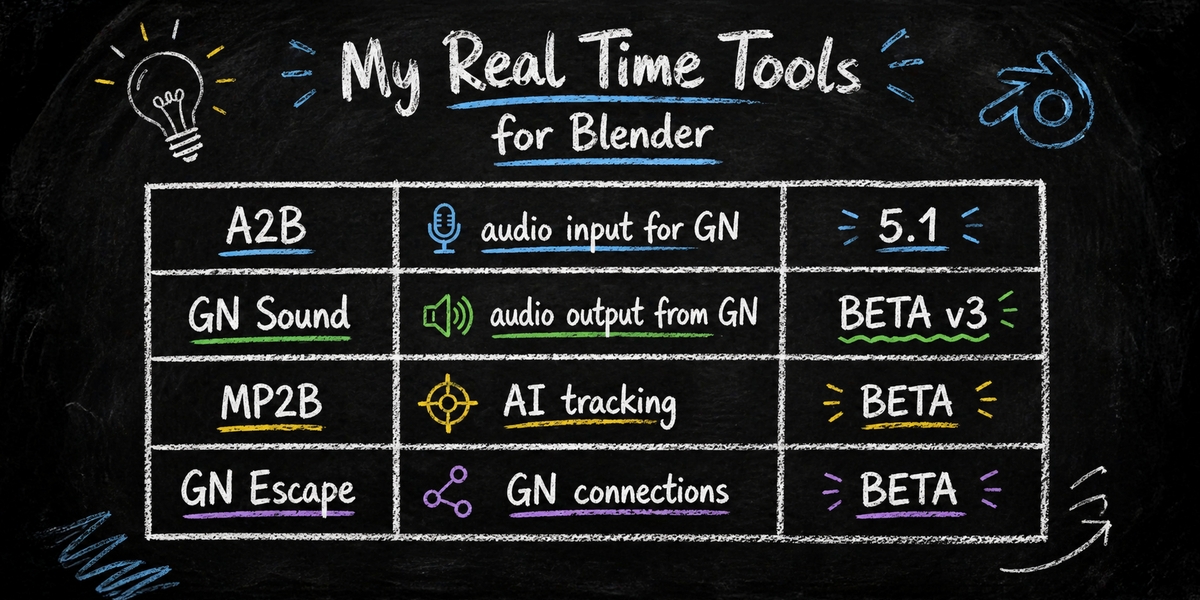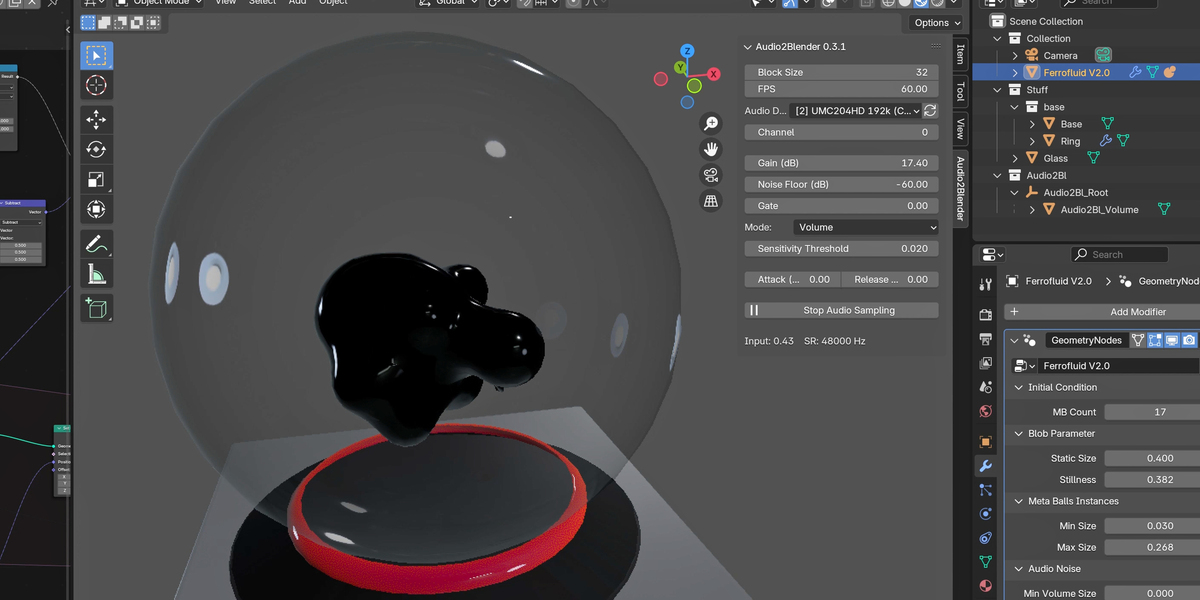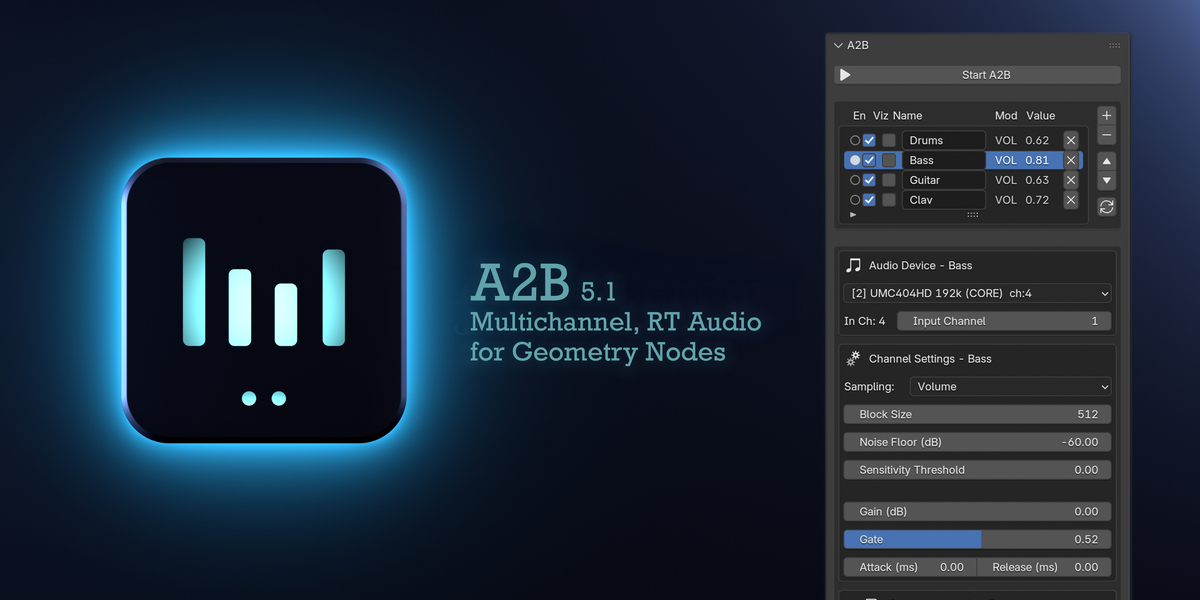
A2B 5.1, also called Audio2Blender, sends live audio input to Blender Geometry Nodes as data for sound-driven visuals and procedural setups. Version 5.1 adds a multichannel workflow and experimental pitch, onset, BPM, and spectral-flux analysis. The A2B documentation describes the setup and output attributes.
Audio input in Geometry Nodes
A2B creates scene data for use in Geometry Nodes. In Volume mode, the a2b attribute holds a single normalized value. In FFT mode, it holds one value per frequency band. The product listing describes volume as a2b[0] and FFT bands as a2b[1..N], accessed with Sample Index. FFT output also includes attributes for the frequency range and band count.
You can configure multiple input channels, select a device and physical input for each, and name or reorder channels. Per-channel controls include gain, gate, attack and release smoothing, sensitivity, and dB floor. Channels on a multichannel audio interface share the same data block size. Choose Volume for an amplitude signal or FFT when the node setup needs spectrum bands.
Experimental analysis in version 5.1
Each channel can enable one experimental analysis mode. For analysis alone, use Volume; choose FFT when the Geometry Nodes setup also needs spectrum bands, because each scalar analysis value is repeated across every FFT point. These outputs are intended as creative control signals for animation and visual response, not as forensic audio measurements.
pitchestimates fundamental frequency in Hz and can report a note when detection is reliable; octave precision is limited.onsettracks transient energy changes as a trigger-like value from 0 to 1.bpmestimates tempo over time and includes a confidence readout.spectral_fluxmeasures spectral change over time, usually on a normalized 0 to 1 scale.
Setup and live-use limits
The documentation lists Blender 5.1 or newer, Windows x64 or ARM64, and macOS x64 or ARM64. An audio input device is required. Linux is not listed as supported for this release. Install the extension ZIP by dropping it into Blender, or use Edit > Preferences > Get Extensions > Install from Disk.
On Windows, a native ASIO driver from the audio interface maker is usually the best choice for low latency. A2B does not install or distribute vendor ASIO drivers. If no ASIO driver is available, WASAPI is usually the best fallback. On macOS, audio devices use Core Audio. A2B processes audio in real time in the 3D viewport. It does not bake audio data or render the audio-reactive result.
Device access and license
According to the developer documentation, by using A2B, you grant the extension access to audio input devices connected to your computer, such as microphones, audio interfaces, sound cards, and virtual audio devices. A2B processes audio locally in Blender and does not record, save, transmit, or upload audio. The extension does not connect to the internet or access user files.
The documentation identifies A2B as GNU GPL v3 or later. It states that the A2B and Audio2Blender names and branding are not covered by that license. See the Superhive product listing for the product details.