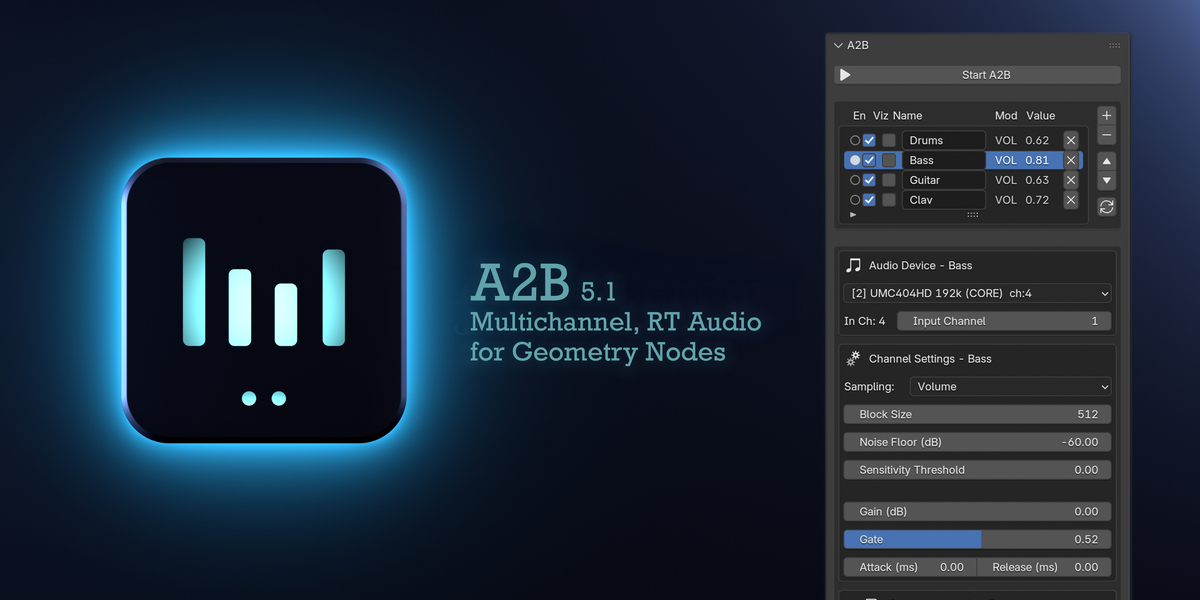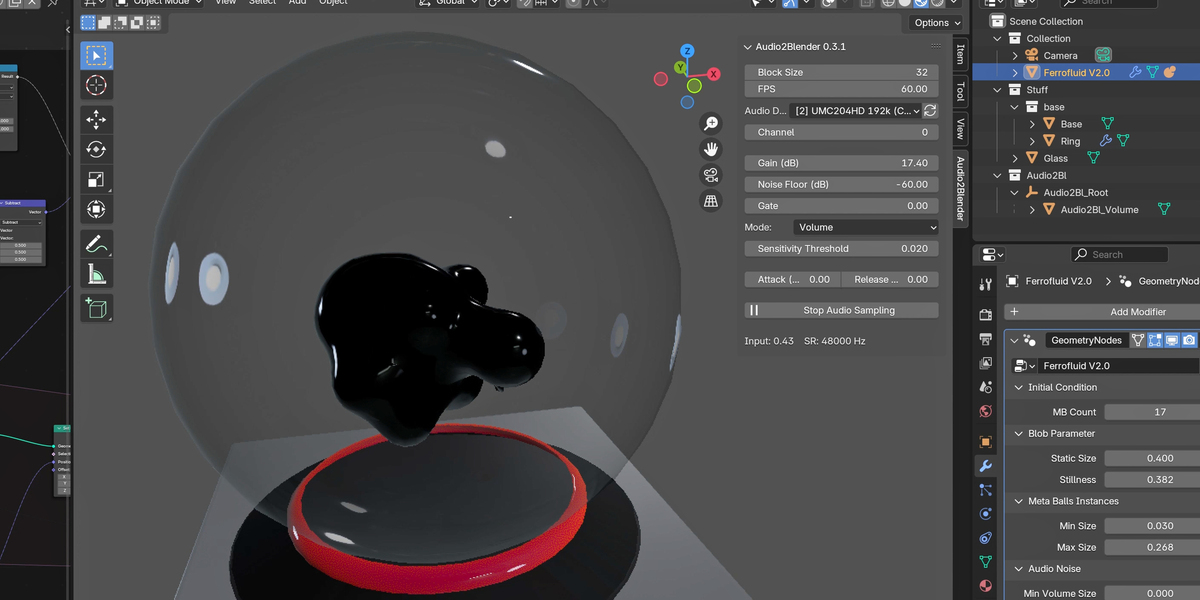
Audio2Blender Extension + SP1 brings live audio from a microphone or another input device into Blender, where Geometry Nodes can use the resulting values for animation and simulation. Developer Tommaso Malaisi's package pairs the extension with SP1 (Starter Pack 1), an assets pack for setting up audio sampling, triggers, and animation.
How audio drives Geometry Nodes
Choose Volume or FFT analysis. Volume produces one float value; the documentation describes it as an RMS level mapped from 0 to 1. FFT returns a value per band across a specified frequency range, with linear or logarithmic spacing. The documented controls include band count, gain, noise floor, gating, per-band smoothing with attack and release times, and precision or deadband.
When sampling starts, the extension creates scene data for the selected mode. Volume provides a single volume attribute. FFT creates a point cloud with one vertex per band and an fft attribute. Use these values in Geometry Nodes or modifiers to drive animation, shaders, or physics. The product is intended for live sound-reactive visuals, games, generative art, and installations.
What SP1 includes
SP1 is an assets pack that helps users sample, trigger, and animate live audio values in Geometry Nodes. It accompanies the extension; it does not add audio recording or instrument separation. The product listing also notes that its example projects are not included.
Installation and Blender compatibility
The documentation describes a modules package and an extension file: install audio2bl_modules.zip first, then install audio2blender.zip from Blender's extension preferences or by dropping each file into Blender. Enable Audio2Blender if it does not activate automatically. The required sounddevice package is included with the modules, NumPy is included with Blender, and the documentation says an internet connection is not required.
The marketplace listing specifies Blender 4.2 through 5.0 and says a version for 5.1 is coming. The documentation instead says Blender 4.2 or newer. Since the stated upper limits differ, check the current release information before installing on Blender 5.1 or later. The documentation page identifies Audio2Blender as version 0.3.1.
For macOS, the documentation says Blender must be launched with administrator privileges for audio input access. It gives /Applications/Blender.app/Contents/MacOS/Blender as the default Terminal launch path and says to use this launch method each time you work with the extension. For a version-specific app such as Blender 4.5, include the version number in the app name and put the path in quotes.
Limits and device access
Audio2Blender samples one input channel at a time. It does not separate instrument stems; the product FAQ explains that frequency ranges can overlap. The extension also has no built-in way to record sampled values for use in a later render, so it suits live interaction rather than a baked audio-analysis workflow.
The documentation says the extension accesses connected audio input devices with permission and processes audio locally inside Blender. It says audio data is not collected, stored, or transmitted, and the extension does not require internet access.
See the Audio2Blender documentation for installation and controls, and the marketplace listing for its release and compatibility details.