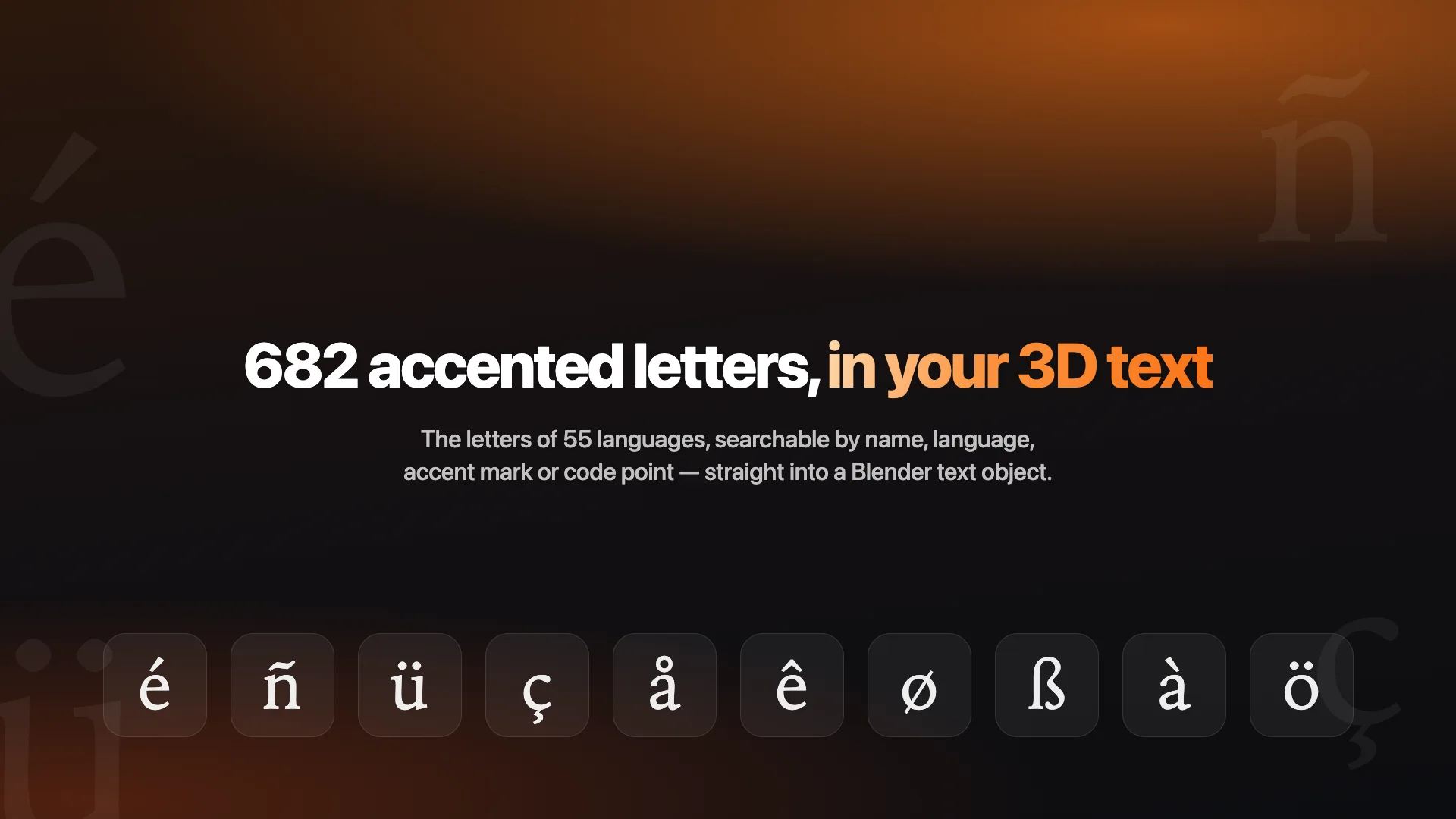
Accent Letters is a Blender add-on for inserting accented characters into text objects and removing accents from existing text. It covers letters used in 55 languages and lets you search a collection of 682 characters. The character data comes from Unicode 16.0.0 and CLDR 48.2.0.
Find a letter in the 3D Viewport
Open the 3D Viewport sidebar with N, then select the Accent Letters tab. Search by the character itself, its Unicode name, accent mark, language, code point or Alt code. For example, searches for two dots, spanish, 00e9 or é find é. That gives you several ways to locate a character when you do not know its exact name.
Insert at the text cursor
When a text object is in Edit Mode, choosing a letter inserts it at the text cursor. Outside Edit Mode there is no cursor, so the add-on appends the letter to the end of the active text object and tells you what it is doing. This makes the insertion point depend on the editing state of the text object.
Remove accents with options for Latin letters
The Remove accents command rewrites each selected text object and groups the change into a single undo step. For example, Crème brûlée becomes Creme brulee. German umlauts can either lose their mark, so ä becomes a, or be spelled out, so ä becomes ae.
Some Latin letters have no plain form in Unicode. The add-on handles ø, ł, đ, ß, æ and œ with a conversion table: for example, ø becomes o, ß becomes ss, and æ becomes ae. You can turn off that table to leave those letters unchanged.
Preserve text outside Latin letters
Accent removal leaves anything that is not a Latin letter as it was. The add-on avoids stripping combining marks by category, which could alter other writing systems. Its examples include the Devanagari virama, Thai vowels and emoji variation selectors.
Offline use and Blender compatibility
Accent Letters reads one JSON file included with the add-on. It makes no network requests, collects no data, and does not access files outside its own folder. Its manifest requests no special permissions. The Blender Extensions listing specifies Blender 4.2.0 or later and provides drag-and-drop and download options. For installation from an archive, see Blender's Install from Disk instructions. The listing also links to the Accent Letters website and the issue tracker.