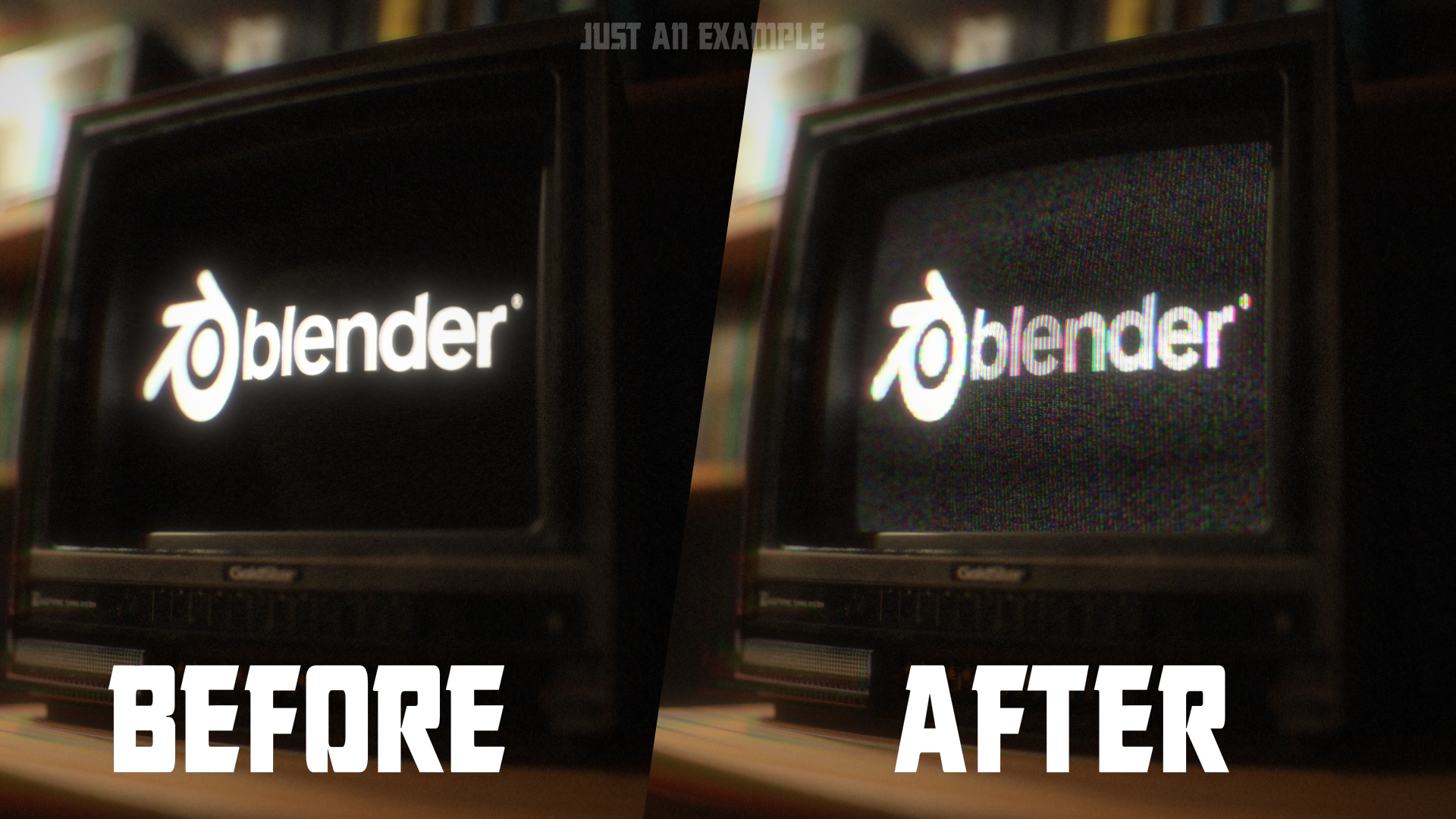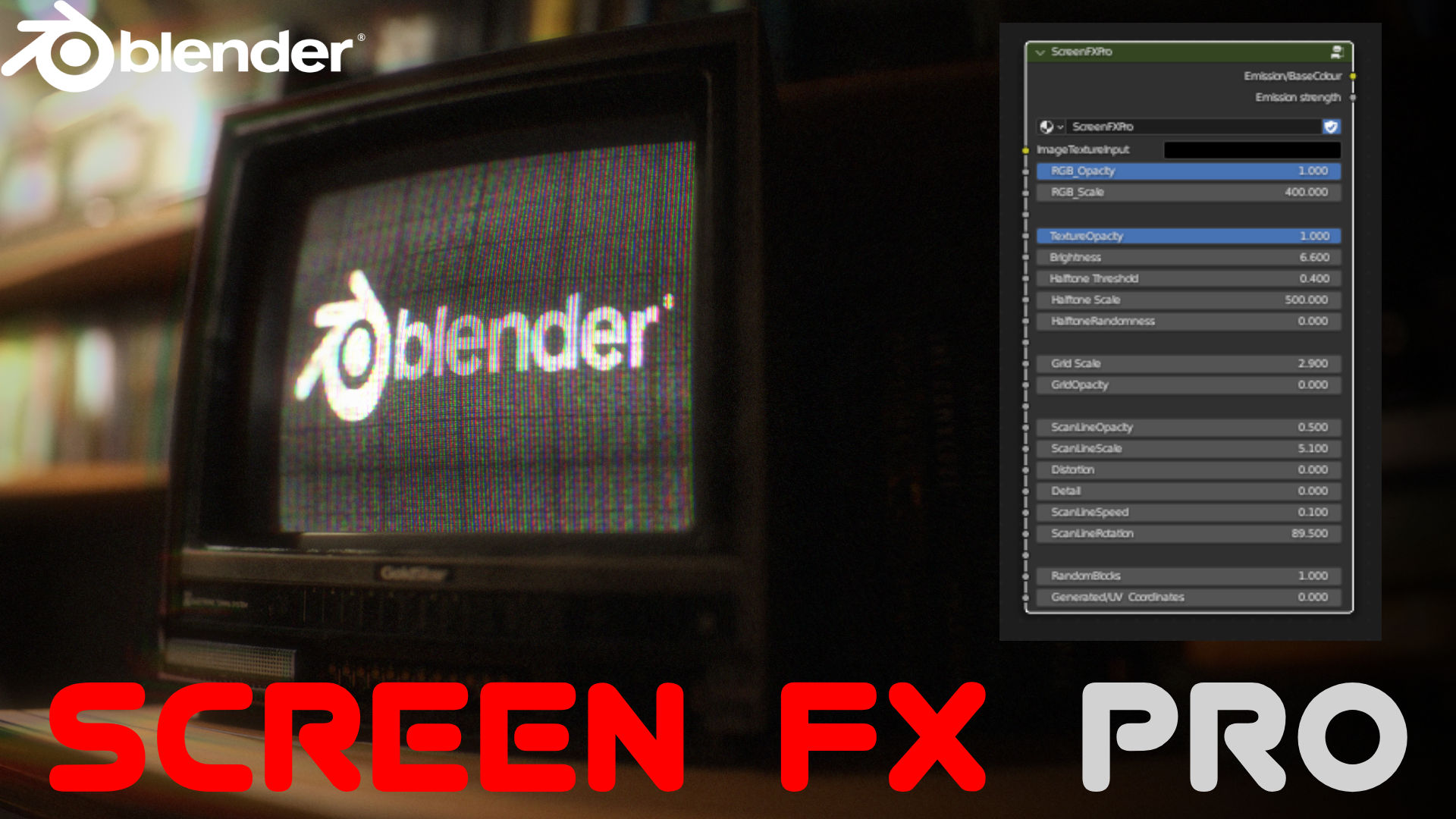
Screen Fx Pro is a Blender node tree for adding screen-style texture effects to digital displays, billboards, text, UI elements and holograms. The creator says it can be used on both close-up and distant objects.
Bring the node tree into a scene
Despite being described as an add-on, Screen Fx Pro comes as a .blend file rather than something installed through Blender's usual add-on process. It contains a node tree that you append into a scene. The creator's product listing includes reference images for importing the file and adjusting its parameters.
Choose a screen treatment
The node tree adds an RGB or pixel effect to a texture, along with procedural halftone and grid textures and a scanline effect. Coordinate behavior varies by effect: the RGB or pixel effect can switch between UV and generated coordinates, while halftone and grid use generated coordinates. Keep that difference in mind when matching texture placement across objects.
Renderer and version notes
The creator lists support for both Cycles and Eevee, and names Blender versions 3.0 through 3.6. The listing labels the license GPL and shows the node tree used on billboards in an animation. It does not confirm compatibility with later Blender releases, so check the current listing before using it with a newer version.