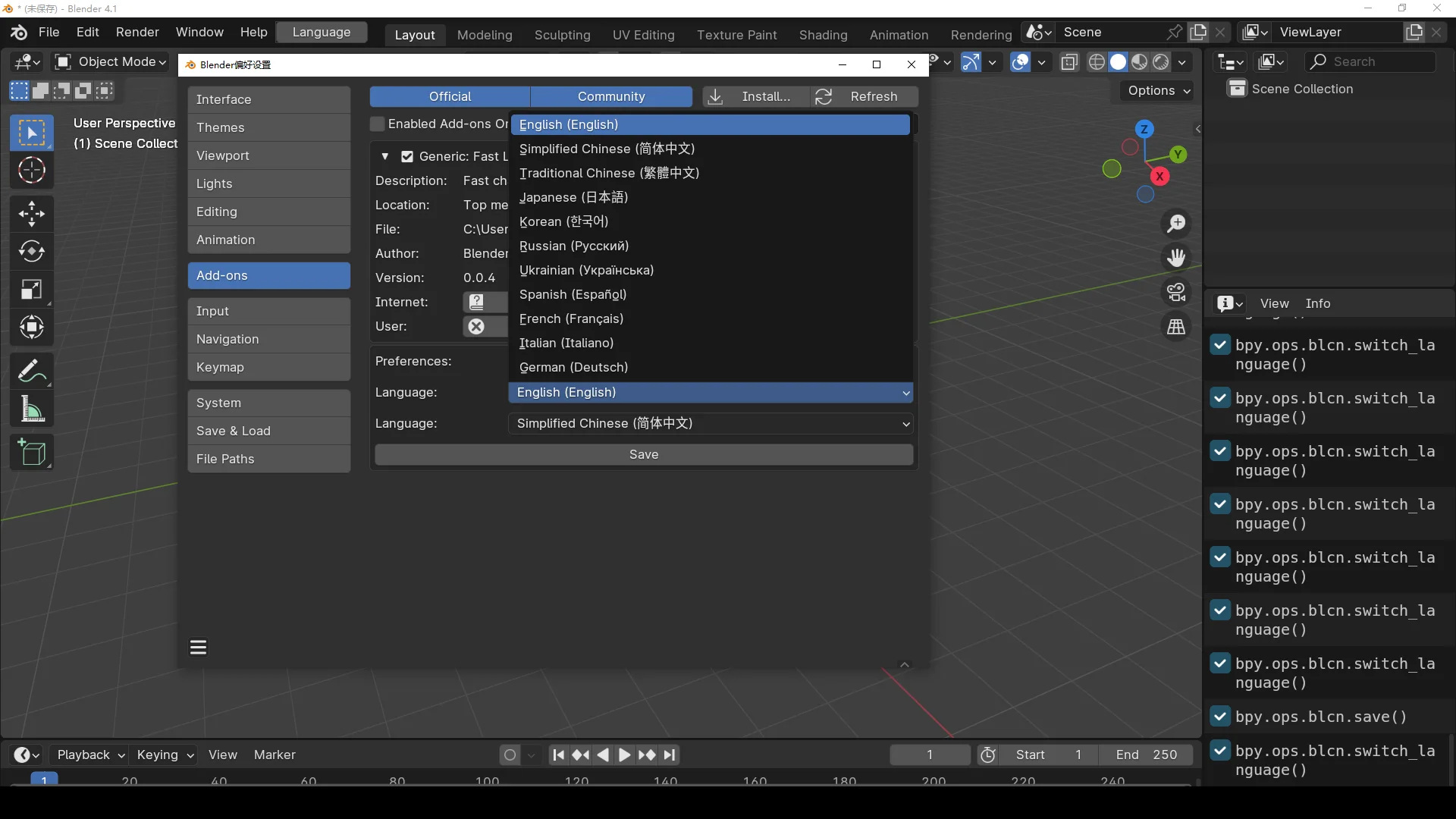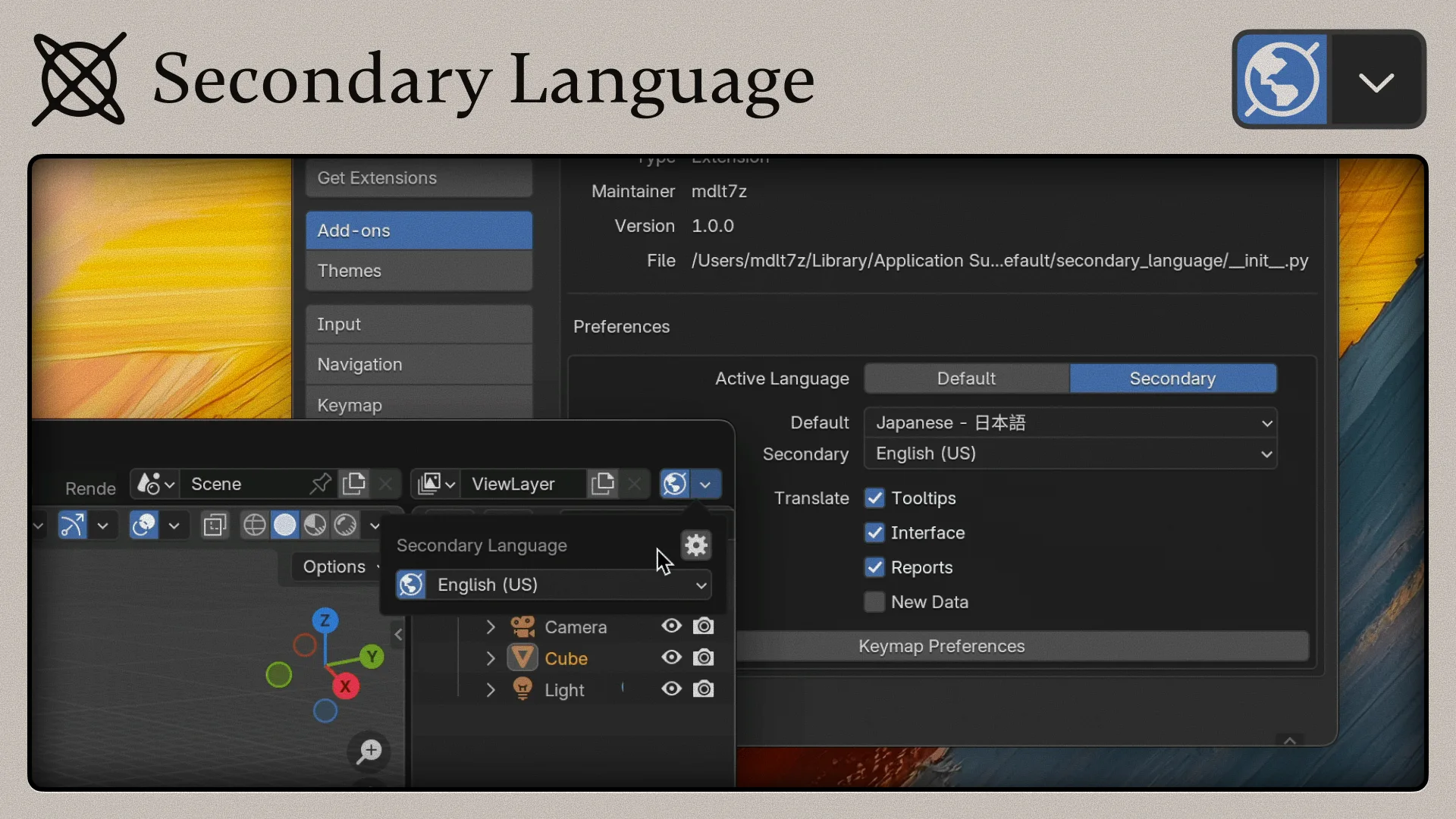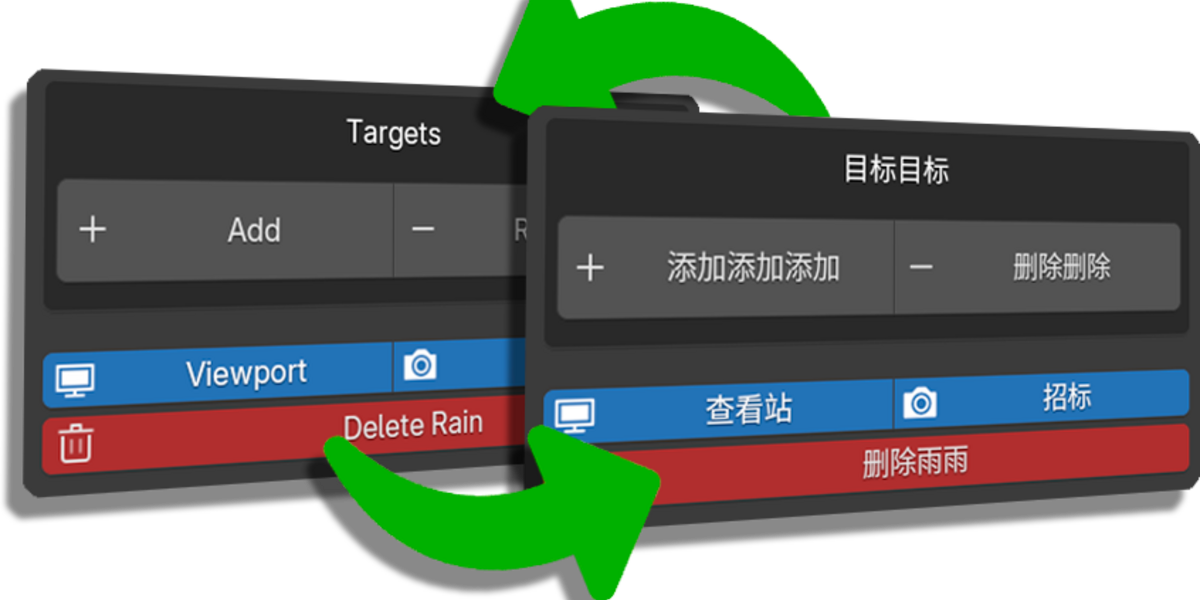
Addon Translator runs inside Blender and translates the interface text of installed add-ons and extensions. It scans what is installed, then lets you translate everything at once or choose specific add-ons. The add-on has a built-in language selection and supports Blender 3.6 through 4.5.
Choose an online or offline engine
The add-on has three translation engines. Deep Translate is an online option powered by Google. MarianMT is a free, open-source AI translator that works offline. MyMemory is another online AI option. You can choose an engine based on whether you need an internet connection and which service you want to use.
Export text for other translation services
If the built-in language list does not include the one you need, you can export an add-on as a text file and use another translation service. Examples include Google Translate, Doc Translator, and Claude Sonnet. The exported document can be used with Google's language-detection feature when you do not know the add-on's original language. Translation through those services happens outside Addon Translator.
Restore the original interface
The add-on changes interface elements without changing its functionality, and you can restore the original language in one click.
Compatibility and a known issue
The listing specifies Blender 3.6 through 4.5 and a GPL license. It also reports that MarianMT may produce duplicate words when translating Traditional Chinese, with a fix being worked on at the time of the listing. If that language and engine combination matters to your workflow, check the note about MarianMT and Traditional Chinese for the current status.
Who may find it useful
Addon Translator may suit Blender users who work with add-ons whose controls are in another language, especially when they want to translate only selected interfaces or need an offline engine. Users who need a language outside the built-in selection can export the text and handle that translation with a separate service.