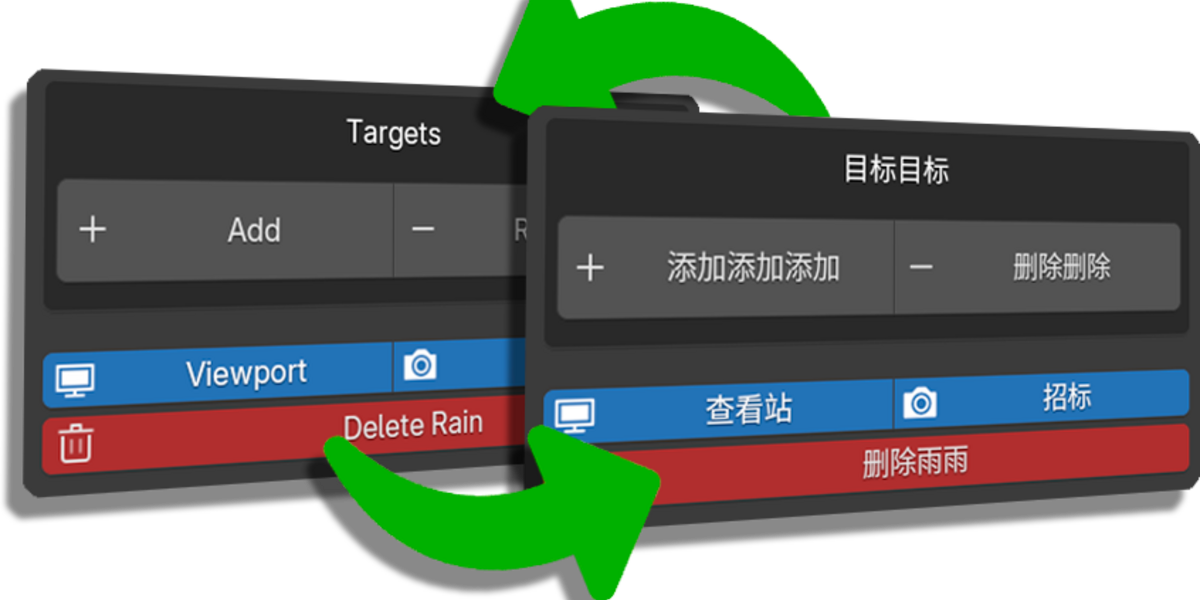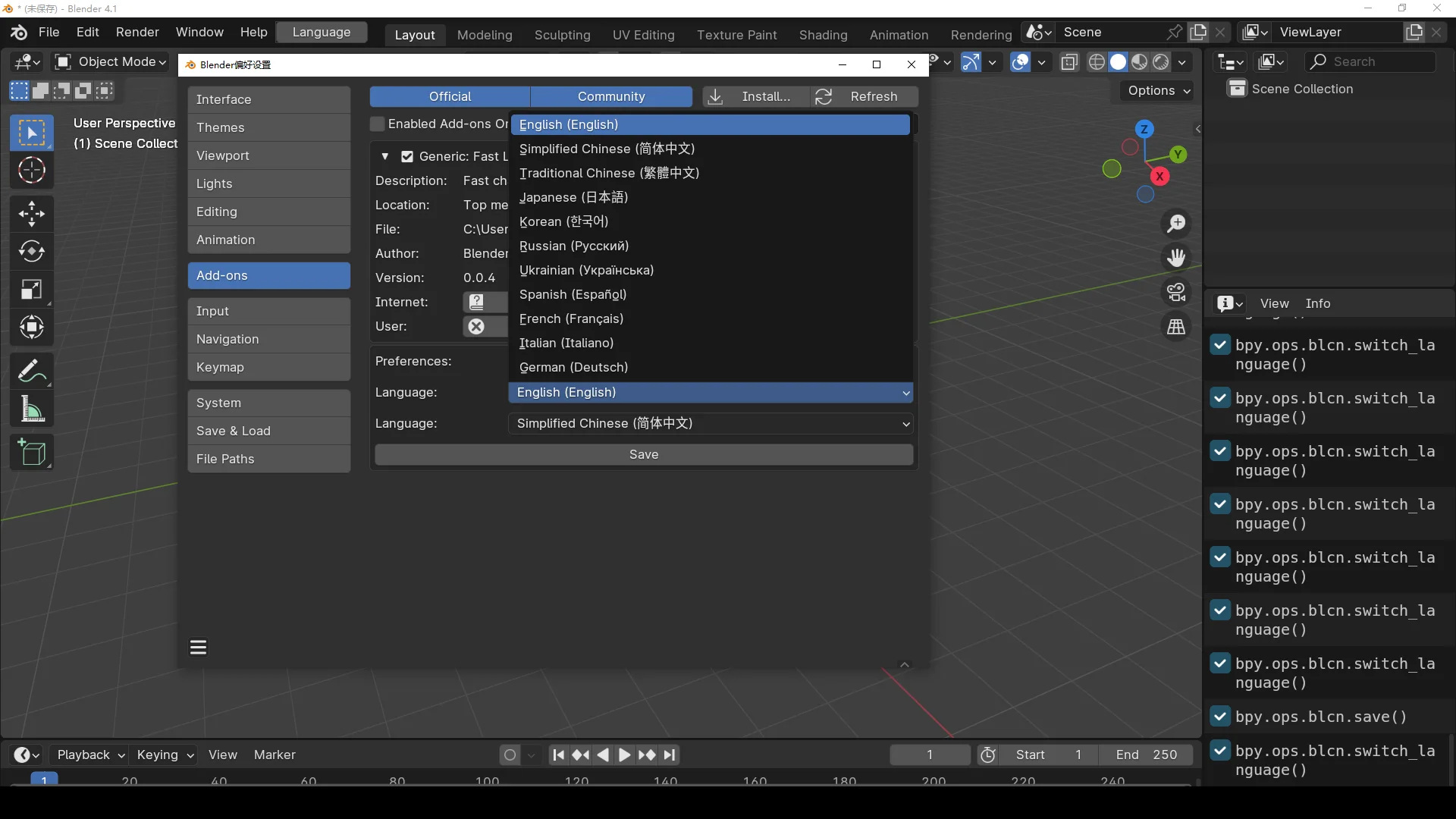
User Translate is a Blender add-on for adding your own translated text to external add-on interfaces. You can enter translations manually in a CSV dictionary or use its semi-automatic workflow to build one from an add-on’s text. The dictionary reloads every second, so you can edit it in a text editor and check the results in Blender.
Keep translations in a CSV dictionary
Place the CSV file in the add-on’s user_files folder. Each row uses two columns in this order: "Translated text","English". The translated label comes first, followed by the English text it replaces. You can edit the file with spreadsheet software such as Excel or a text editor.
This format gives you direct control over the translated labels. It suits dictionaries that you want to write by hand, as well as files you create through the add-on’s semi-automatic process.
Create a dictionary from add-on text
User Translate provides a semi-automatic workflow to convert extracted text into a CSV dictionary:
- Output the external add-on’s text data as HTML.
- Open the HTML in Microsoft Edge, use the browser’s translation, and save the translated page.
- Use User Translate to convert the saved page into a CSV file.
The extraction depends on how the target add-on is structured. Some text may not be extractable, so you may need to add missing translations to the dictionary yourself.
Review edits in Blender
While you edit the dictionary in a text editor, User Translate reloads it every second. You can see the translated labels in Blender as you work, which helps you review the wording in the interface where it will appear.
Compatibility and license
The Superhive listing specifies Blender versions 3.0 through 5.1 and a GPL license, and names Bookyakuno as the creator.