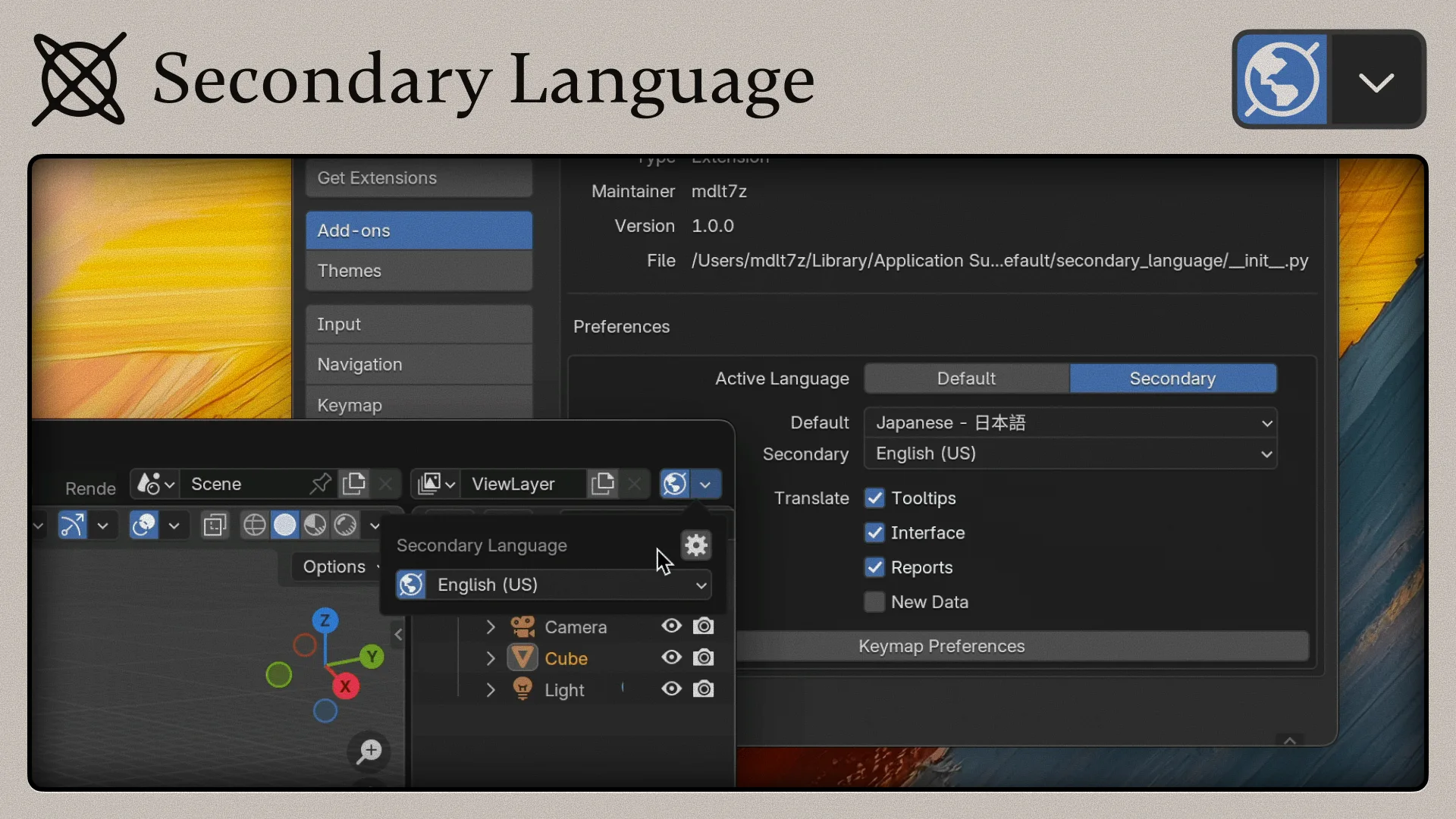
Secondary Language is a Blender add-on by mdlt7z for switching between a default and a secondary interface language. It suits Blender users who work in two languages and want to change between them with a keyboard shortcut.
Choose the languages
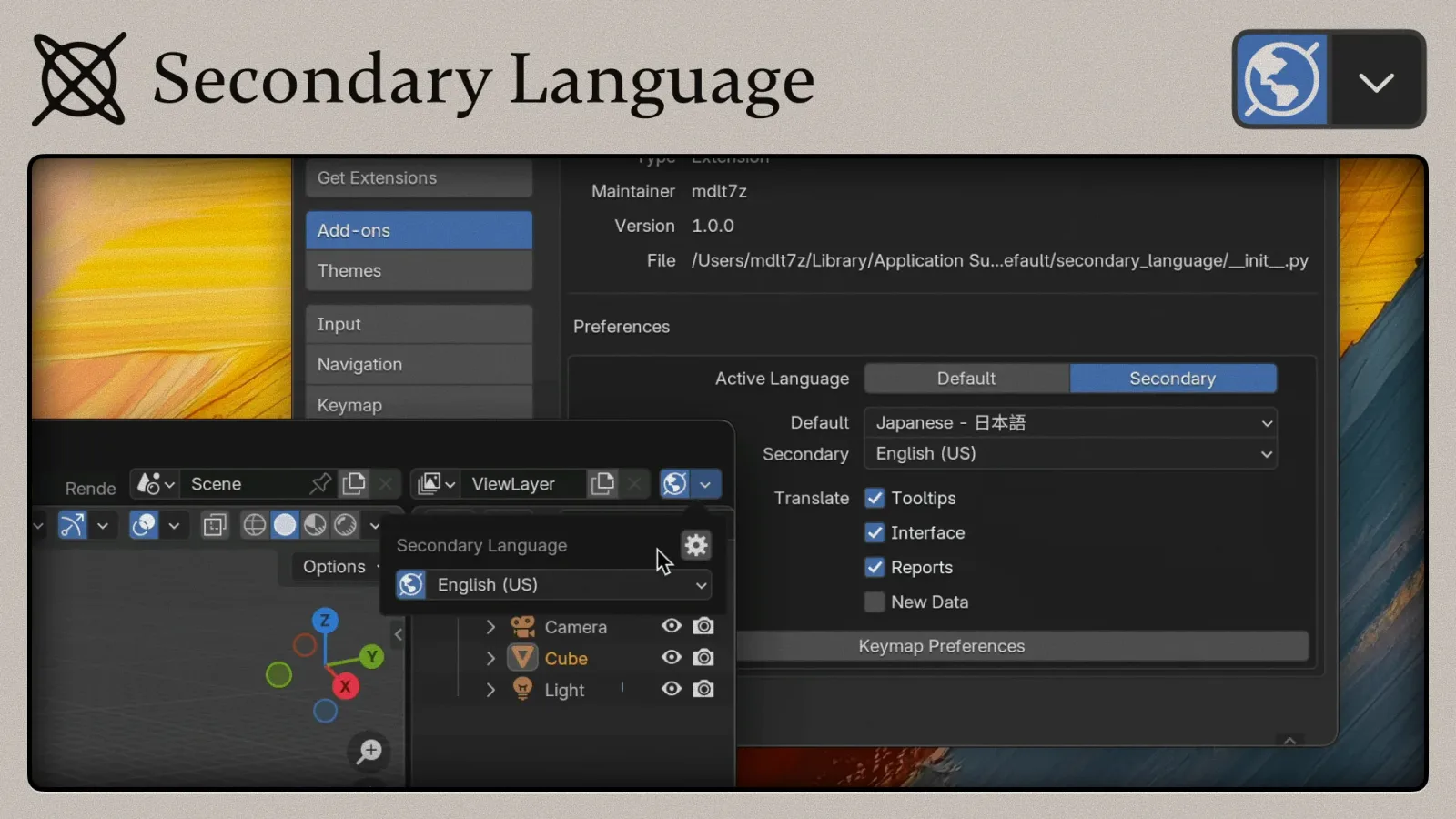
Set a default language and a secondary language. The add-on starts with en_US and ja_JP configured and supports all languages. You can also choose a translation target that takes priority, and the add-on remembers your translation settings between sessions.
Switch with a keymap
The default shortcut is Shift+Period, and you can change it in the keymap settings.
Version and installation
Version 1.1.0 requires Blender 5.0.0 or later. Check the official Blender Extensions listing for the current release and installation details. Version 1.0.1 is listed for Blender 4.2 LTS and marked unsupported for Blender 5.0 and newer; check each release's compatibility before using an older build.
Secondary Language is licensed under GPL-3.0-or-later. The project source code is available on GitHub.