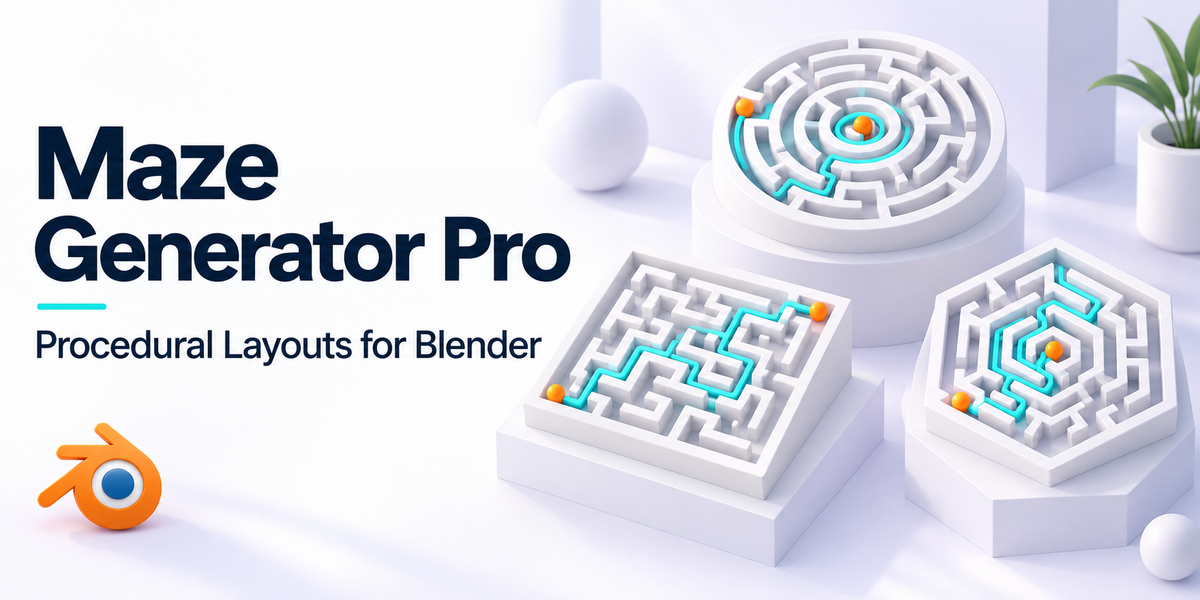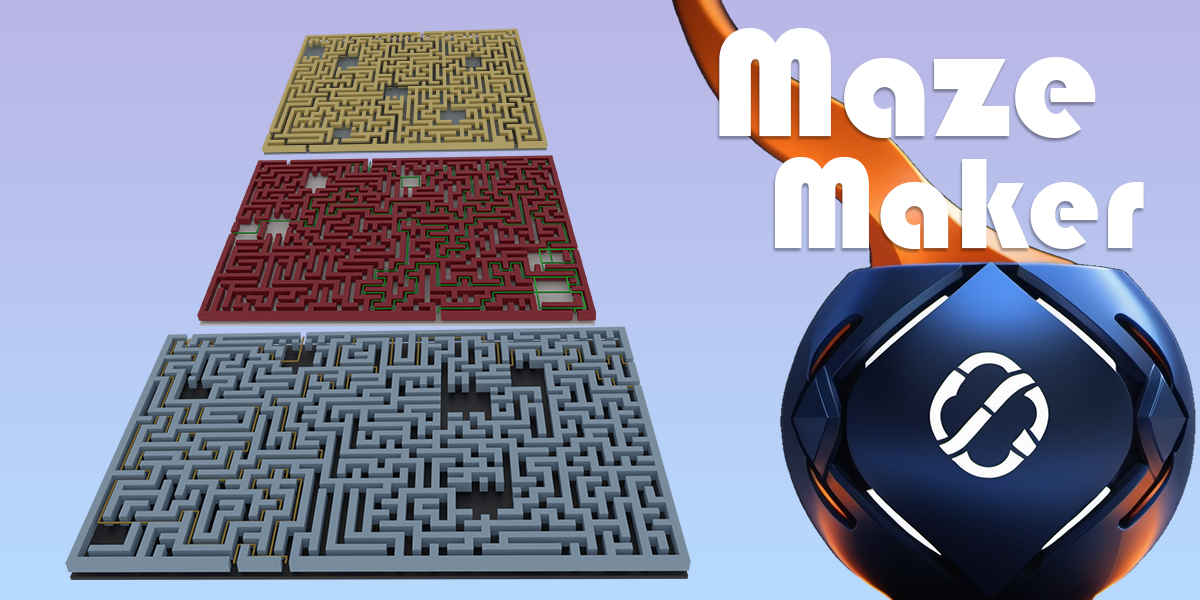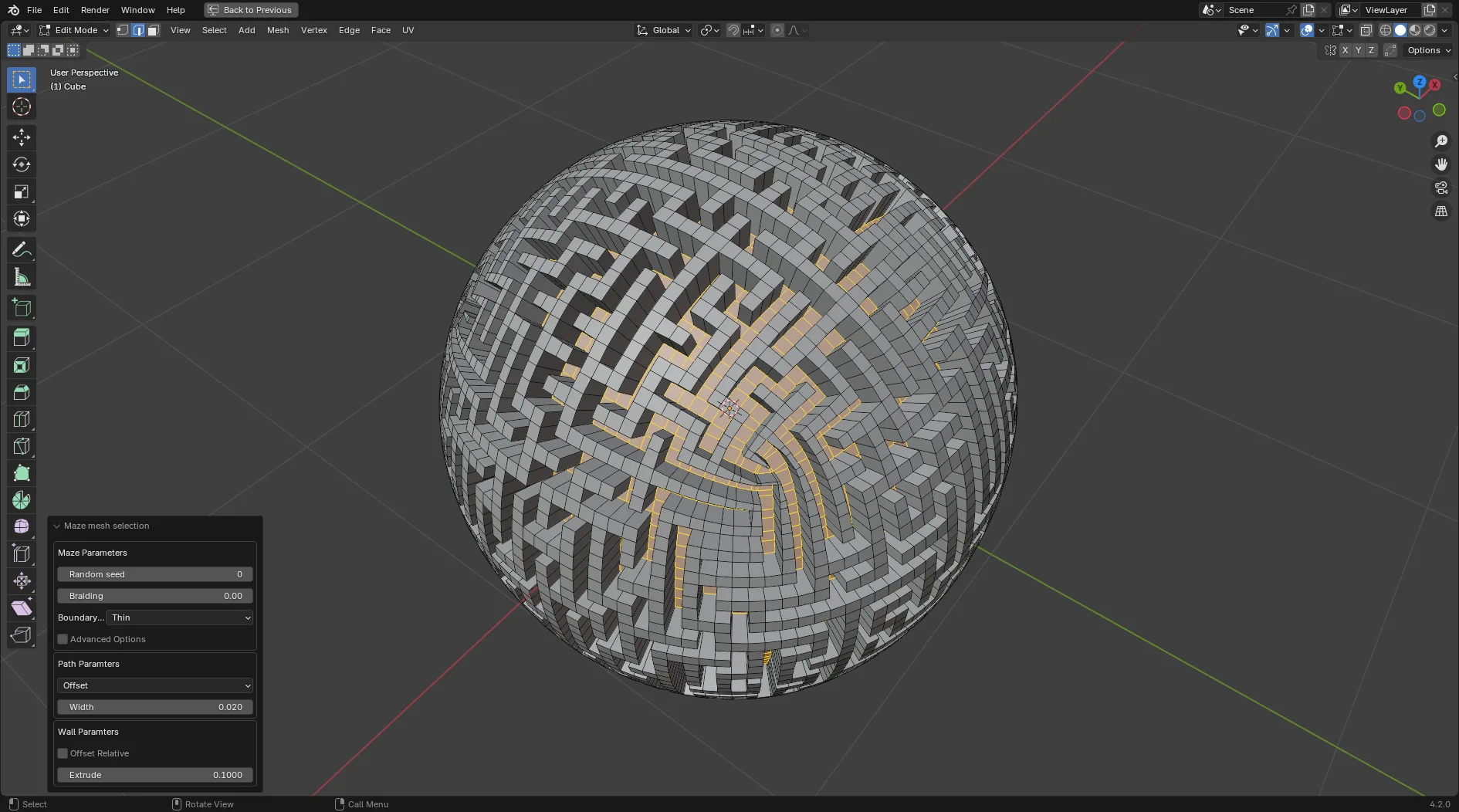
Advanced Maze Generator Pro is a procedural maze add-on for Blender. It combines several generation algorithms with controls for the maze outline, paths, rooms, walls and floors. The product listing describes it for level design, puzzles, educational examples, architectural layouts, procedural art and physical models.
Choose an algorithm and outline
The available algorithms include recursive backtracking, Kruskal, Prim, Wilson, Eller, Binary Tree, Sidewinder and Growing Tree. Each approach creates a different starting structure, so you can try alternatives before settling on a layout.
The maze can use a rectangle, circle, ellipse, triangle, diamond, polygon, star, heart, cross, ring or L- and T-shaped boundary. The outline affects the space available to the passages, so inspect the finished route as well as the overall footprint.
Adjust paths, rooms and difficulty
Controls for complexity, symmetry, rooms, central paths, edge circuits and loops let you change how a maze connects and reads. Weighted generation, heat-map and flow tools, path analysis and difficulty controls help you explore the result. Check connectivity, entrance and exit placement, and passage widths for the project before using a layout.
Set up the geometry and keep variants
Wall and floor styles, wall angles and thickness, materials and colours affect the generated geometry. You can show the solution path and add start and end markers when the route needs to be clear to someone viewing the maze.
Batch generation helps you explore multiple layouts. Maze data can be imported and exported as JSON. Merged geometry, quality settings, memory controls, timeouts and iteration limits let you adjust generation for the job and machine.
A practical way to use it
- Choose an algorithm and outer shape.
- Set the maze size, wall and floor options, and path controls.
- Generate a layout, then check its connections and route.
- Adjust rooms, loops, materials or route markers as needed.
- Keep the variants that fit the project and prepare them for use.
Check Blender compatibility
The product page gives two different version statements: its requirements section says Blender 3.0 or newer, while its details list Blender 3.6–5.2. Check the current product listing for your exact Blender release before installing.