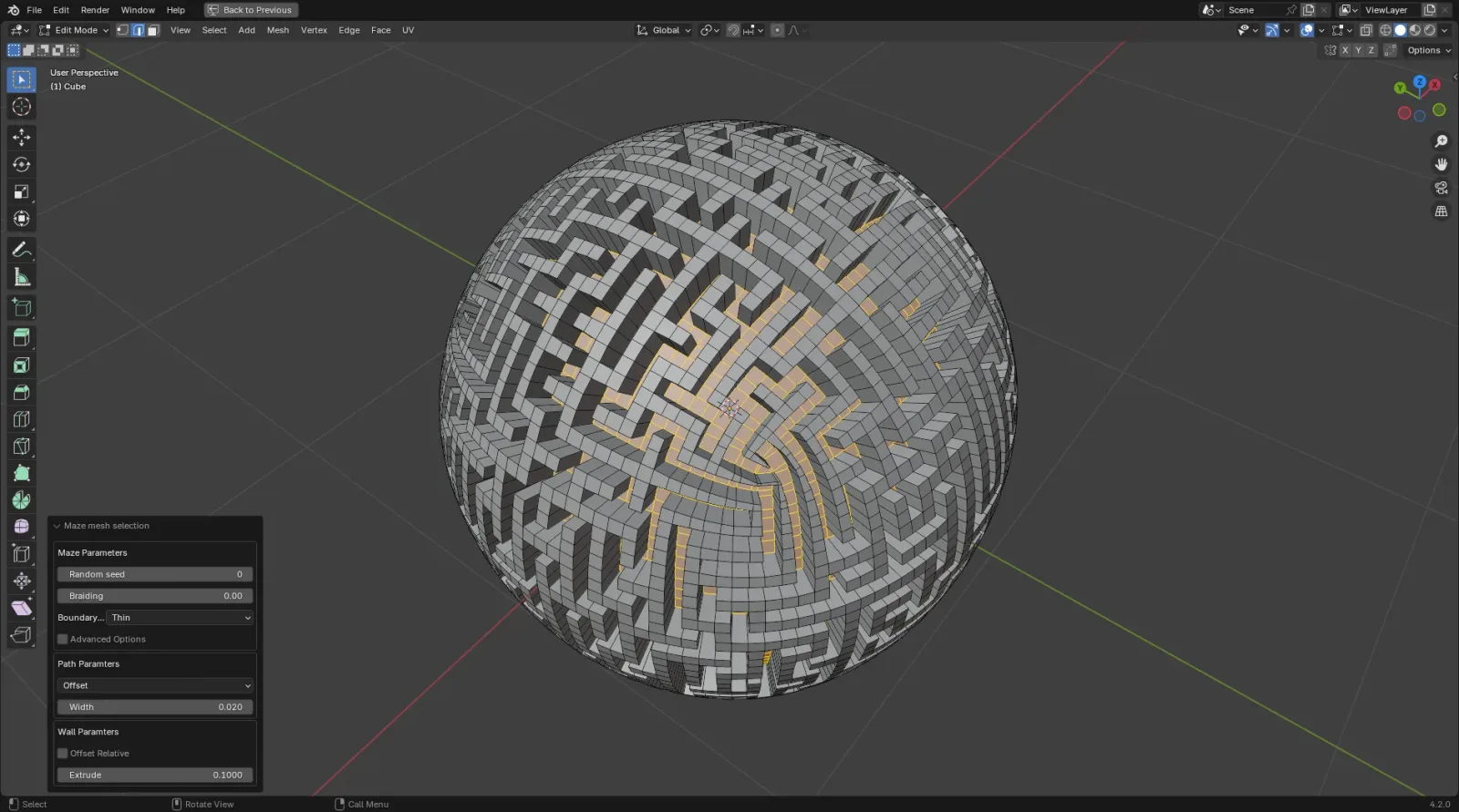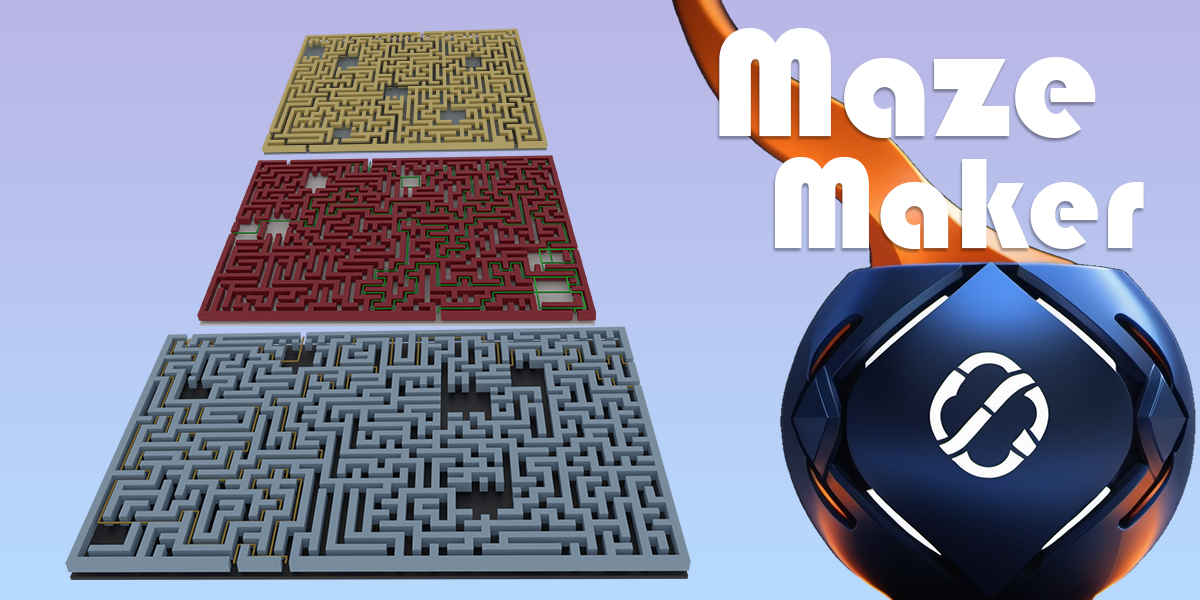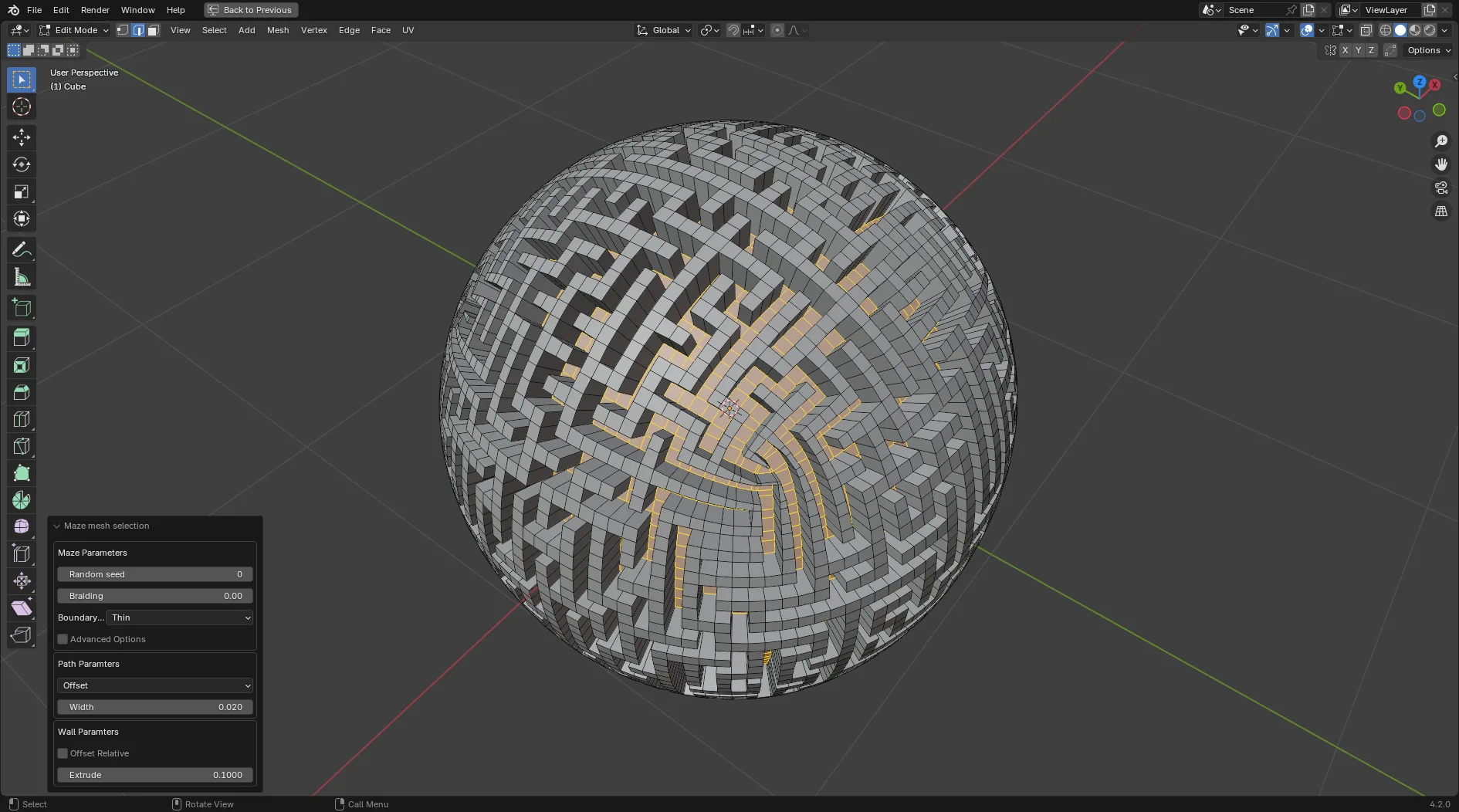
Maze any Mesh converts a selected part of a Blender mesh into a maze. It treats vertices as cells and edges as links between neighboring cells, then uses a recursive backtracker to carve a route through the mesh. Because it follows the mesh topology, the input does not need to be a separate grid.
Control the layout and wall shape
On meshes with faces, the add-on bevels the selected maze edges by default to give the path width, then extrudes walls outward for height. Advanced Options expose additional Path and Wall settings tied to those operations.
- The Random Seed parameter recalculates a different maze on the same selection.
- The Braiding slider controls dead ends. Higher values create fewer dead ends and more loops or alternative paths.
- Boundary Wall Type sets the outer wall to Thin, Thick, or None when the selected region meets a mesh boundary.
Make a maze from a 3D edge network
For a 3D maze, use a network of vertices and edges without faces. In this mode, Maze any Mesh leaves the maze path edges selected and ignores the Path and Wall parameters. The developer's repository describes how to invert the selection, remove edges outside the maze, and use Blender's Skin modifier to give the remaining network shape.
A user report on the Blender Extensions listing describes using the maze as a decorative vector fill for text and graphics engraving with a diamond drag CNC.
Find the operator and check compatibility
After installing and enabling the add-on, open a mesh in Edit Mode and choose Maze any Mesh from the Mesh menu or search for "maze" with Blender's F3 menu. The Blender Extensions catalog lists version 1.2.2, a minimum Blender version of 4.2.0, and the GPL-3.0-or-later license. Check the listing for current release details; Blender's Install from Disk instructions cover local extension installation.