Maze Maker is a Blender add-on by SkdSam for generating procedural mazes from your own geometry. Set the maze dimensions, choose wall objects, and configure entrances, exits, rooms and loops. It supports Blender 3.6 through 5.0 on Windows, macOS and Linux, according to the Superhive product listing.
Set the maze layout
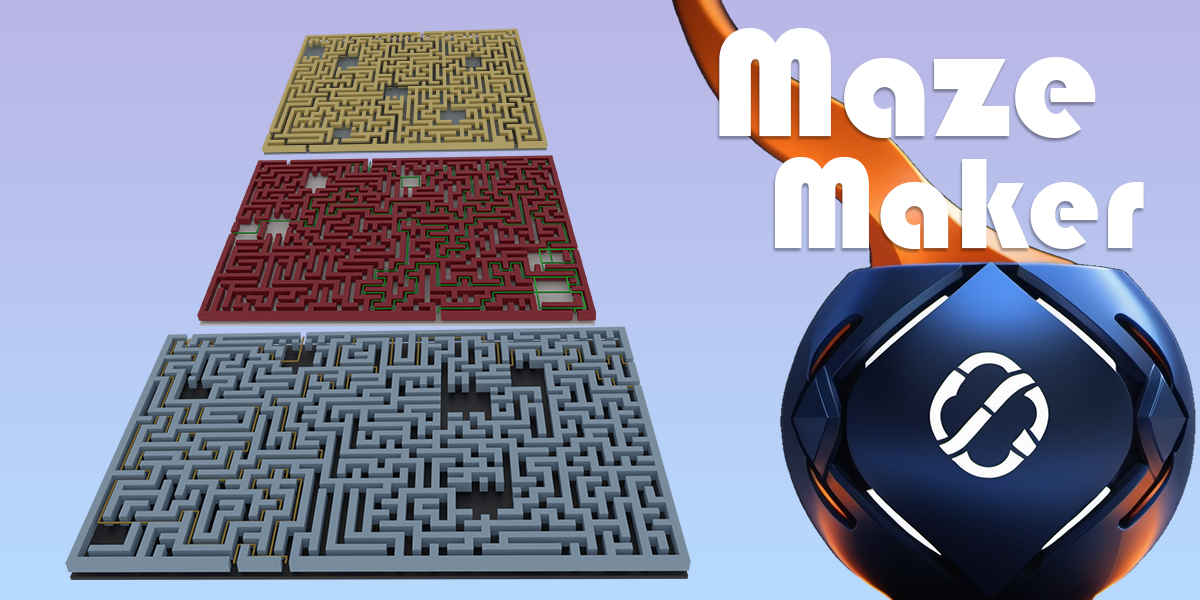
Maze Maker lets you choose the number of entrances and exits and which sides they appear on. You can add randomly generated interior rooms and adjust corridor width, floor size and wall size. Loop probability adds isolated, non-continuous walls to vary the layout. Each generated maze is placed in its own collection, and you can regenerate a layout with one click.
Choose wall objects and maze shapes
For walls, use a single object or select a collection so Maze Maker can choose objects from it. The add-on also creates an automatic floor. Version 3.0 adds custom-shaped mazes: the product listing describes selecting a predefined shape or using an object as the floor shape, with an option to turn that object into a floor mesh.
You can merge the generated walls into one object if that better suits your scene. Collection objects with dense geometry may take longer to process and can crash Blender when the maze is too large for your computer.
Generate a path curve
Maze Maker's pathfinder uses breadth-first search (BFS) to find the shortest route through the maze and create a curve. Use that curve for camera motion or navigation. The generated visible path gives you a route to work with alongside the automatic floor and maze geometry.
Plan for maze size
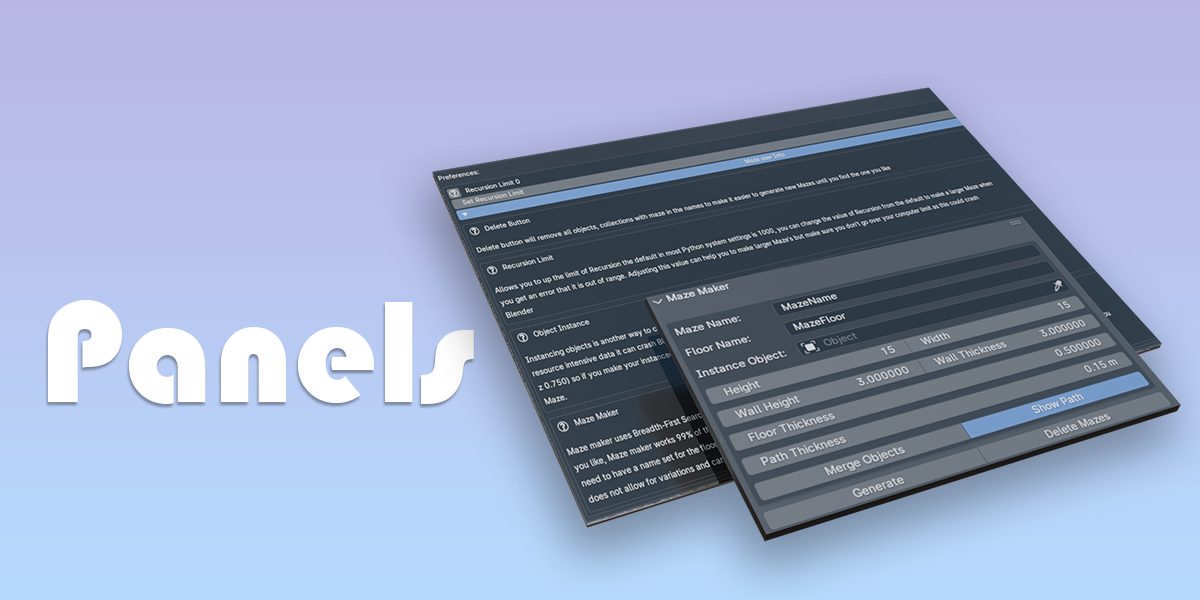
Larger mazes and higher Python recursion limits can demand more from your system. Increase the recursion limit only when you need support for a larger maze and your computer can handle the added workload. The product listing also warns that very small settings can rarely fail to create an exit; the listing does not identify a particular setting that prevents this.
Install the add-on
The product documentation describes downloading the latest package, then choosing Edit > Preferences > Add-ons > Install in Blender. Select the downloaded file and enable Maze Maker in the Add-ons list. Its panel appears in the 3D Viewport Sidebar under the Maze maker tab.
Check the current version
The available listings disagree: Superhive identifies version 3.0 as latest and lists Blender 3.6 through 5.0 support; the AnyPlugins page, marked updated July 15, 2026, identifies version 2.0. Superhive's version history says collection-based wall generation arrived in 2.0 and custom shapes in 3.0. Check the Superhive product page for current package details before downloading.