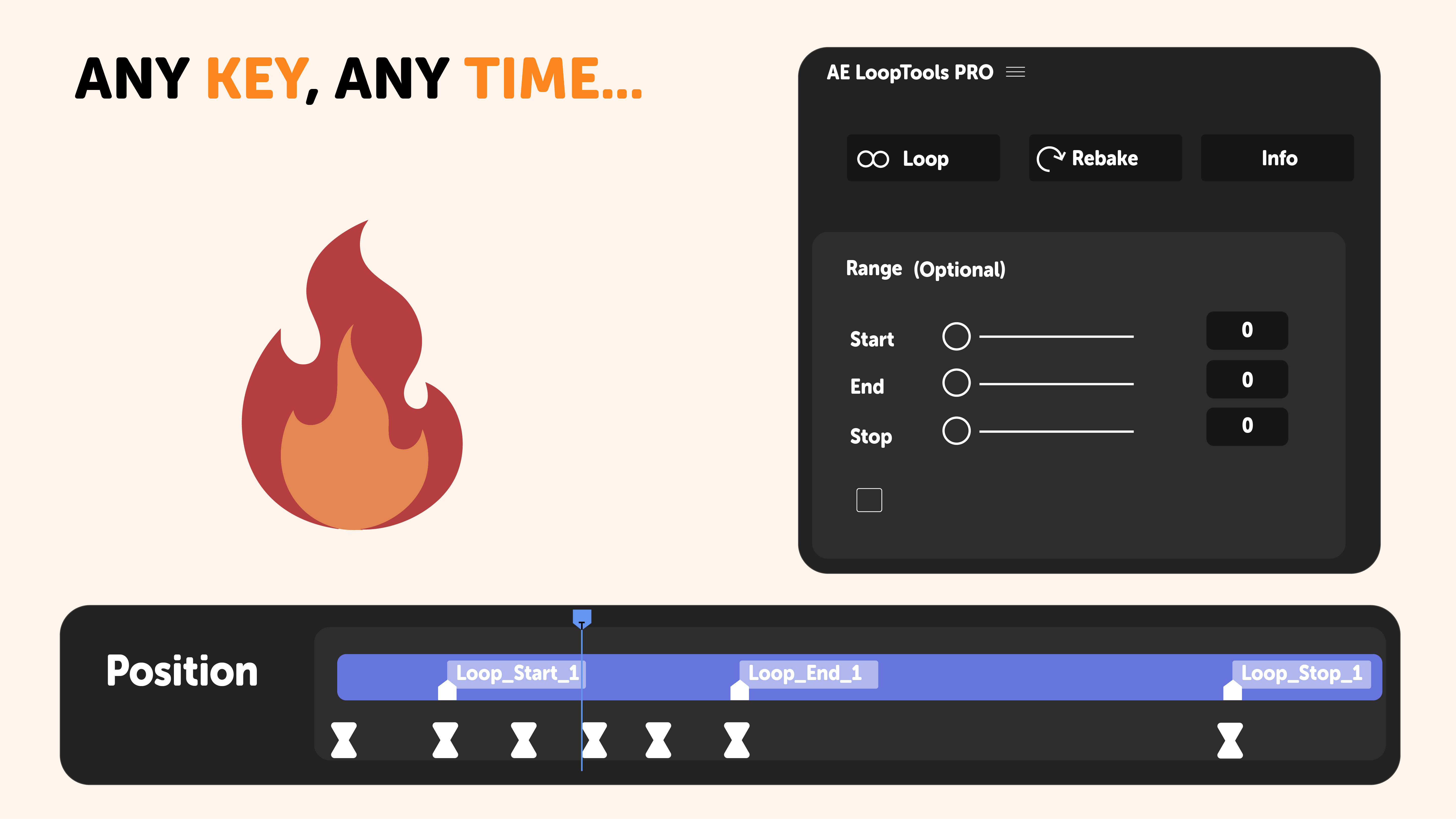
AEJuice Loop is an After Effects script for repeating animation on layers, footage, compositions, paths, and masks.
Using Loop
- Install AEJuice Pack Manager and log in, then restart After Effects before opening Pack Manager from the Window menu.
- Select the layer, composition, or property you want to loop.
- Press Loop. The script detects the selected item and applies the corresponding expression or settings.
Path animation is a useful case: AEJuice's guide explains that the regular loopOut expression does not work on paths and documents a separate expression method. Loop lists paths as a supported target.
Compatibility and license
AEJuice identifies Loop as an After Effects script. Its product page lists Windows 10 or later, macOS 10.14 or later, and M1 and M2 Macs. A separate AEJuice product listing names After Effects CC 2015, CC 2017, CC 2018, CC 2019, CC 2020, CC 2021, and CC 2022 or higher; the current product page gives no After Effects release range, so confirm a specific version with AEJuice.
The listed license is for one user and permits unlimited videos for unlimited clients.