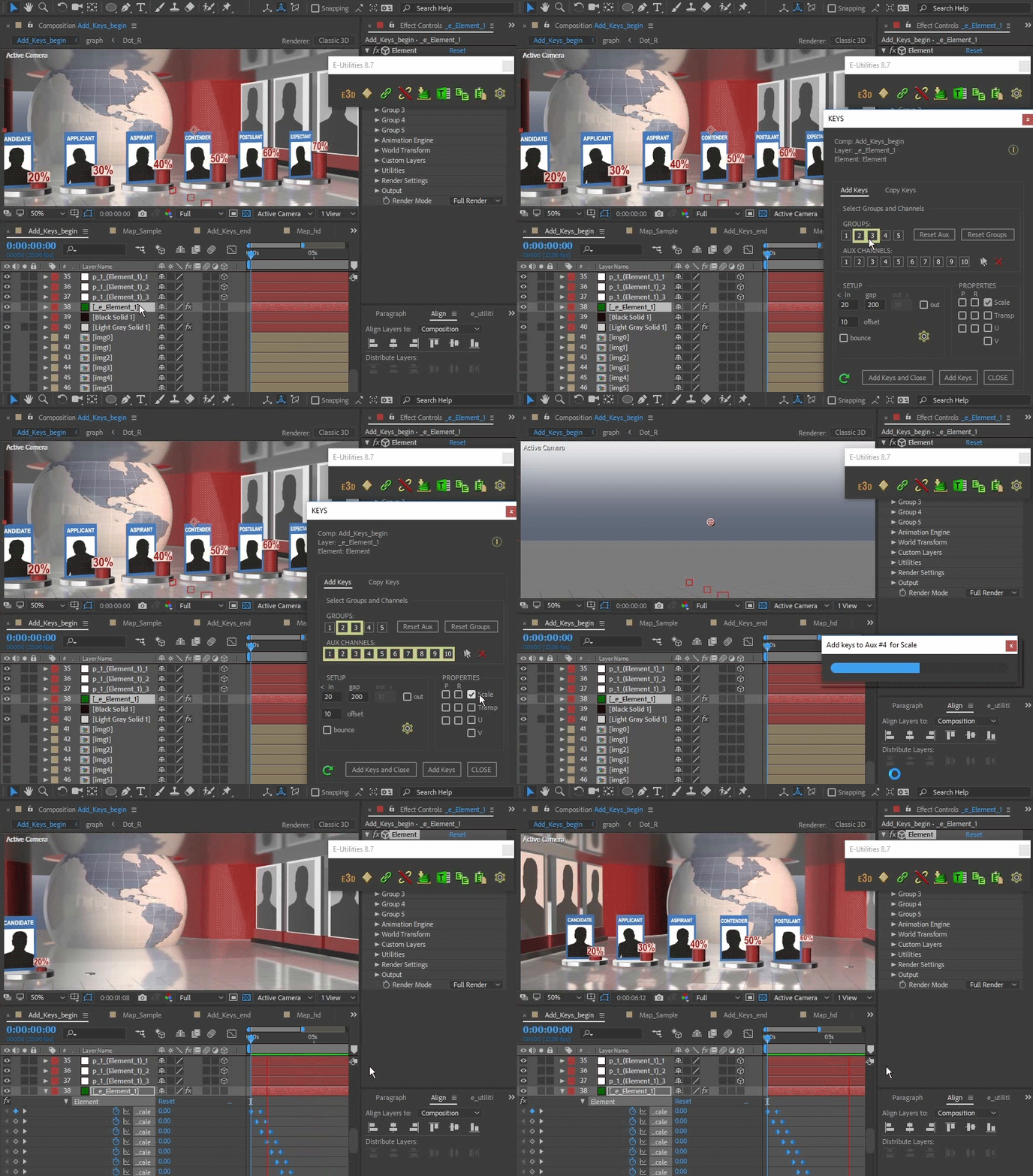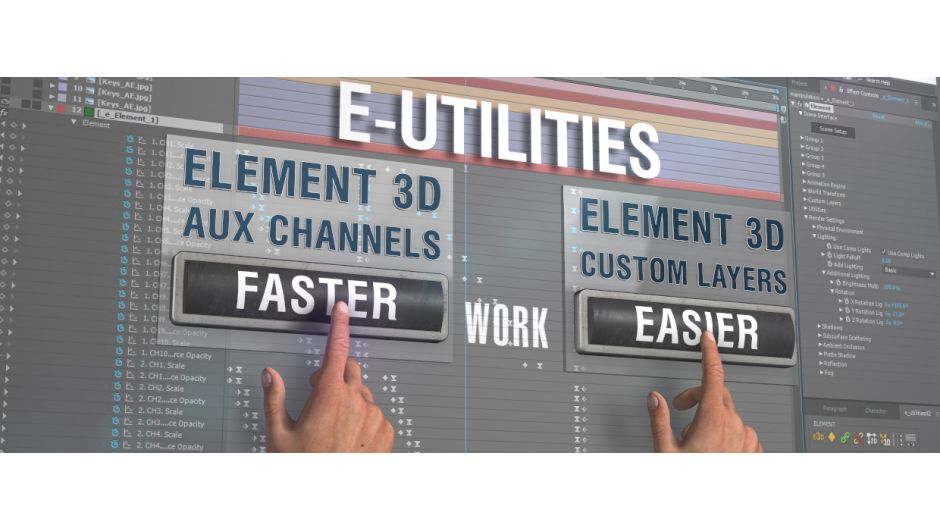
E-Utilities is a set of After Effects tools for Element 3D production, including TV infographics and scenes with many animated objects. Its workflows cover group controls, Aux Channel keyframes, Custom Channels, text setup and moving Element layers between compositions.
Element 3D controls and animation
Bind or unbind Element 3D groups to Control Layers, called Control Nulls in Element 3D. To move a setup into a composition with a different format, copy the Element layer and its controls, then use the Control Layer reassignment button. E-Utilities adjusts resizing to the composition format, and any layer type can be used as a Control Layer.
For keyframe work, the tools can add keys to Aux Channels and copy selected keys or all keys from one group to another. You can also add the Element 3D effect with one click; holding Ctrl/Cmd adds a new solid and a Group Null.
Scene and layer workflows
Use 2D mode to set up a scene and 3D mode to render it. In 2D mode, Control Layer visibility is inherited by its child-layer hierarchy. E-Utilities can also select layers in the active composition by criteria, such as precomps, footage or city names, and batch-process matching layers.
Copy and paste layers carrying Element 3D between compositions. The tools account for any number of Element 3D effects on the same layer.
Text-driven Custom Channels
E-Utilities can bind Custom Channels automatically to selected layers. The E-Text Editor can also fill Custom Channels from text. Each line becomes a separate text layer with the chosen font and size, and each layer is bound to Custom Channels automatically. The editor can trim extra spaces, change case and add common symbols such as currency and copyright characters. On Windows, favorite fonts can be selected from a list; on macOS, enter favorite font names in the text field.
Compatibility and licensing
The published compatibility list names After Effects CS6, CC, CC 2014, CC 2015, CC 2015.3, CC 2017, CC 2018 and CC 2019. It does not name later versions. The product listing states that a Floating License Server is required. Its EULA grants one copy for installation and use; additional copies or users require appropriate licensing.