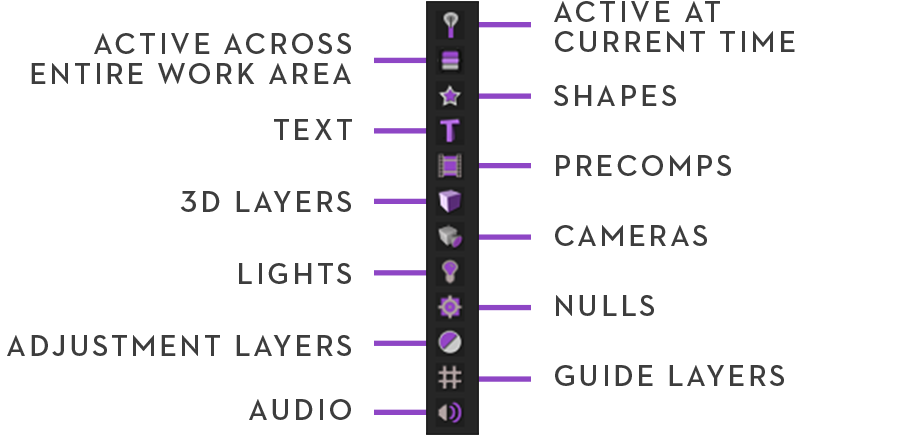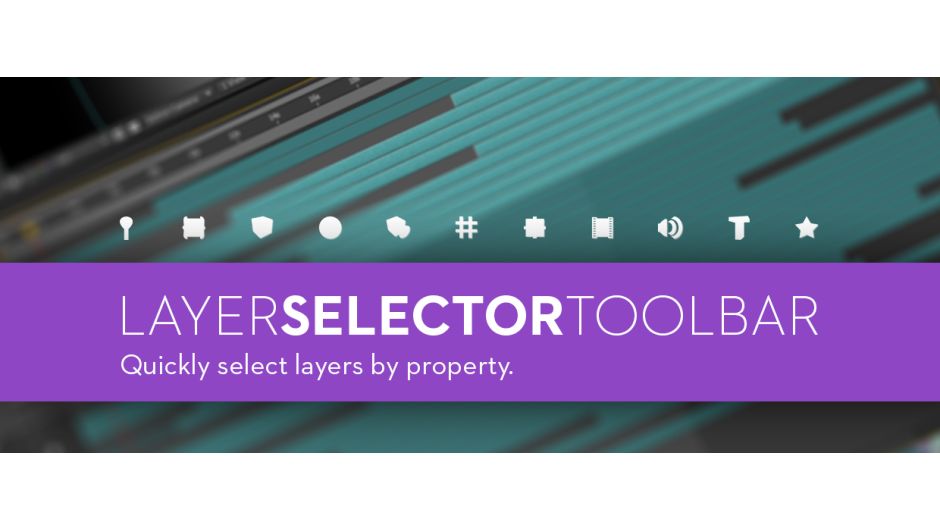
Layer Selector Toolbar is an After Effects script for selecting groups of layers by type. It suits users who need to make those selections without tagging layers or relying on color coding. Choose the composition you are working on, then use the toolbar controls to select a layer group.
Select by type and current-time activity
Click a control to select layers of that type. Shift-click selects the inverse. Ctrl/Cmd-click limits the selection to layers of that type that are active at the current time. Ctrl/Cmd+Shift-click selects everything except those active layers of that type.
Choose a panel setup
The toolbar can run as a dockable panel or a floating window, and its layout adjusts to the workspace. For a dockable panel, unzip the download, place Layer Selector Toolbar.jsxbin in After Effects' Scripts/ScriptUI Panels folder, restart After Effects, enable Allow Scripts to Write Files and Access Network in preferences, then open it from the Window menu. To use a floating window, run the script from the main Scripts folder or choose File > Run Script File. The floating window cannot be docked.
Compatibility and licensing
The product page states compatibility with After Effects CS4 and later on Windows and OS X. Its explicit compatibility list names versions through CC 2015, and its latest listed release, version 1.7, has conflicting dates: 1/2/2016 in Release History and December 24, 2015 in Version History.
Individual users may pay any amount. Non-individual purchases, including businesses and teams, must pay the suggested price for a valid license.