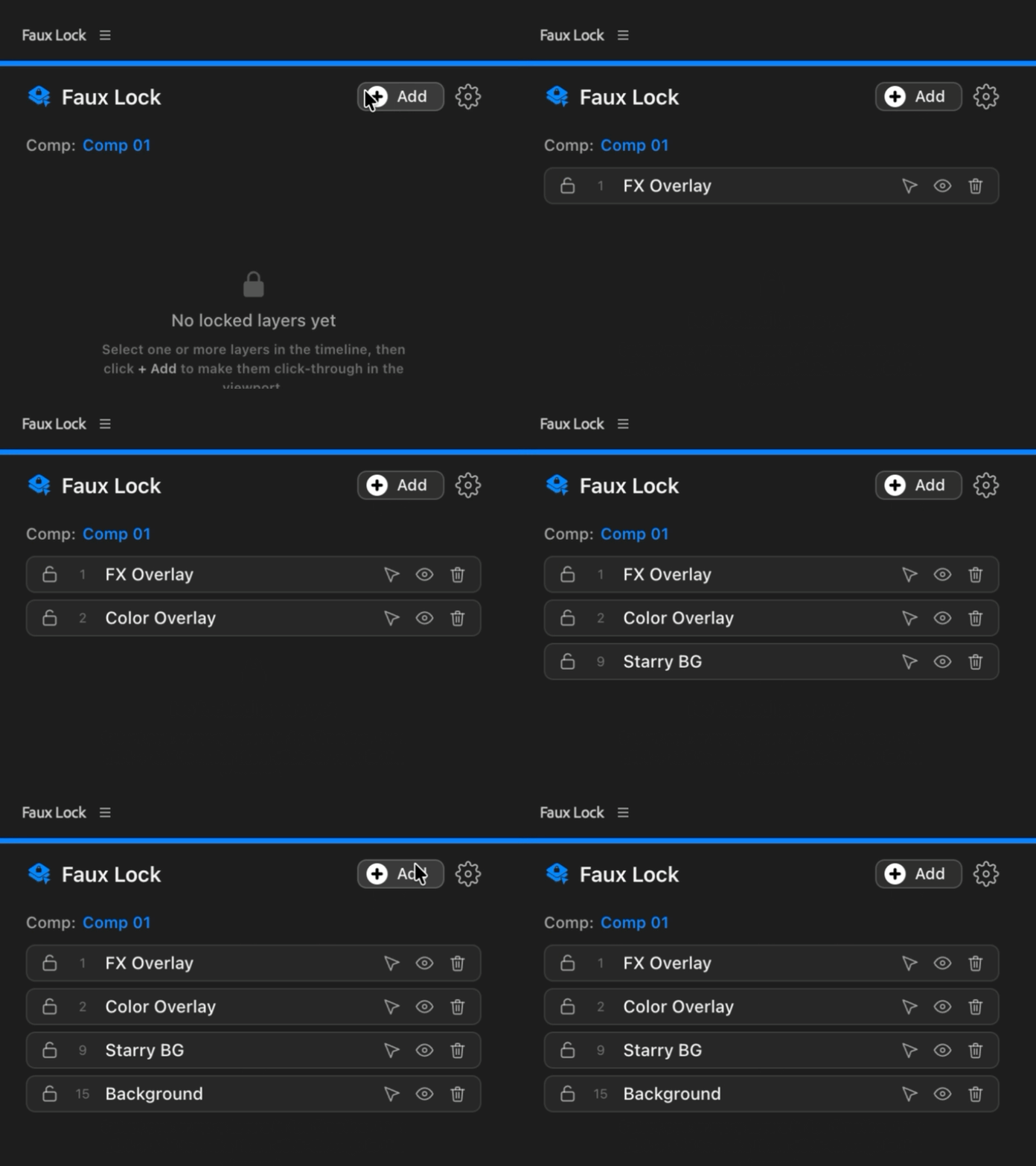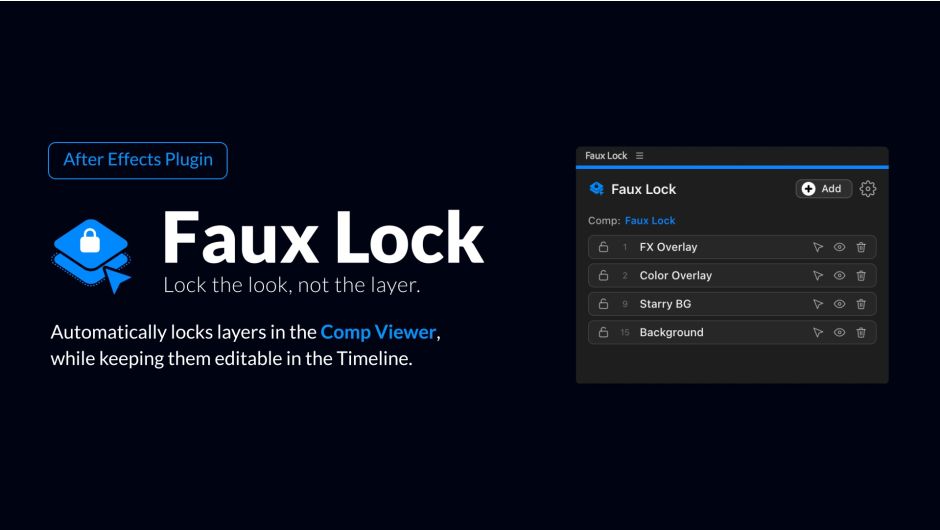
Faux Lock changes how selected After Effects layers respond to clicks in the Composition viewer. It lets you select layers beneath targets such as full-comp adjustment layers, guides, mattes, or controls while keeping those targets editable from the Timeline.
How target selection works
Add one or more layers to Faux Lock's target list. When the panel is enabled, those targets stop catching clicks in the Comp viewer. Select a target in the Timeline to release it temporarily for editing; click back in the viewer to make it click-through again. Turn Faux Lock off to release all targets.
Managing several targets
The panel supports bulk adding and lets you add, lock, hide, select, or remove multiple layers. It tracks target state as compositions update. Panel status colors distinguish locked, released, and active targets. The panel also has a quick on/off control and can highlight the row matching a Timeline selection.
Compatibility and setup
Faux Lock requires After Effects 2024 (24.0) or newer and runs on macOS 11 or newer or Windows 10 or newer. The listing specifies support for Apple Silicon and Intel Macs. Install it with the free aescripts + aeplugins manager app, restart After Effects, then open the panel from Window > Extensions > Faux Lock. The manager handles licensing, updates, and trial activation; a free trial is available.
License and data handling
The product's EULA grants one copy for use on one computer at a time. Multiple users or computers require an appropriate license for each copy and user. The product listing says Faux Lock collects no analytics or personal data, does not read project files or layer content, and makes no network connections of its own. The manager handles licensing and updates.