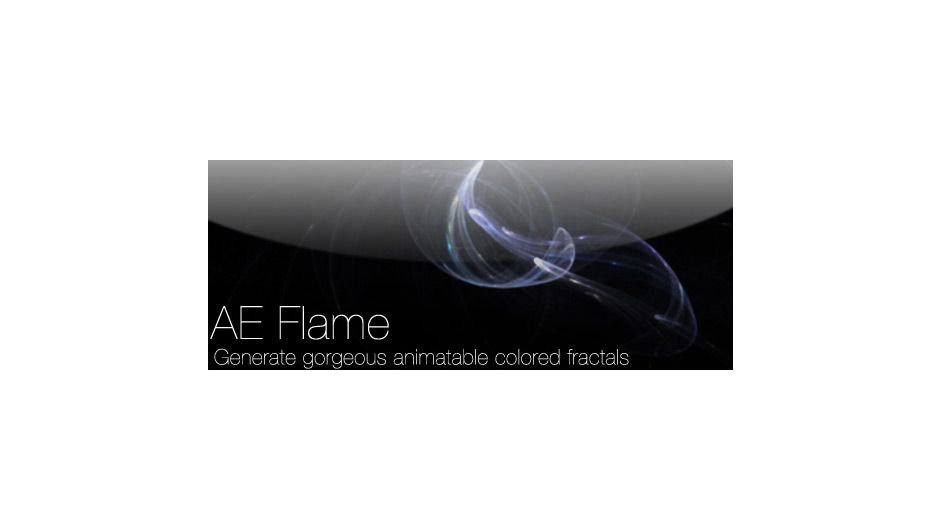
AE Flame is an After Effects plug-in for generating keyframable fractal animations.
Install and apply the effect
Copy the appropriate plug-in file into the After Effects Plug-ins folder. Then apply AE Flame from Effect > Render > AEFlame.
Compatibility and support
The published compatibility list covers After Effects CS3, CS4, CS5, CS5.5 and CS6. The listing describes AE Flame as a direct port, and its latest listed release is version 1.0 from March 31, 2011. The compatibility list ends at CS6, so the listing does not establish compatibility with newer After Effects releases. It also calls the release beta quality, says it has not been extensively tested and warns users not to expect support. The page lists a support ticket route to the author, though that is not a support commitment.
License and access
The aescripts listing shows a price of $0.00 and identifies the GNU General Public License. For AE Flame, the checkout notice marks the Floating License Server as required. The separate server listing says Floating and Render Only licenses require the server, while Single User Licenses do not; it lists the server at $99.99, but offers one server free when purchased at the same time as five or more Floating licenses. That offer is limited to one server per customer; previously purchased licenses and purchases through resellers, purchase orders or full-service orders do not qualify. The listing does not identify whether AE Flame is available under a Single User License, so confirm that before treating $0.00 as the total setup cost.