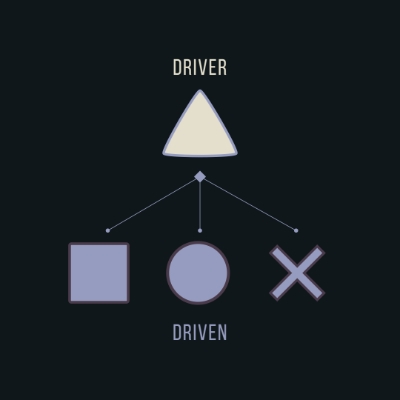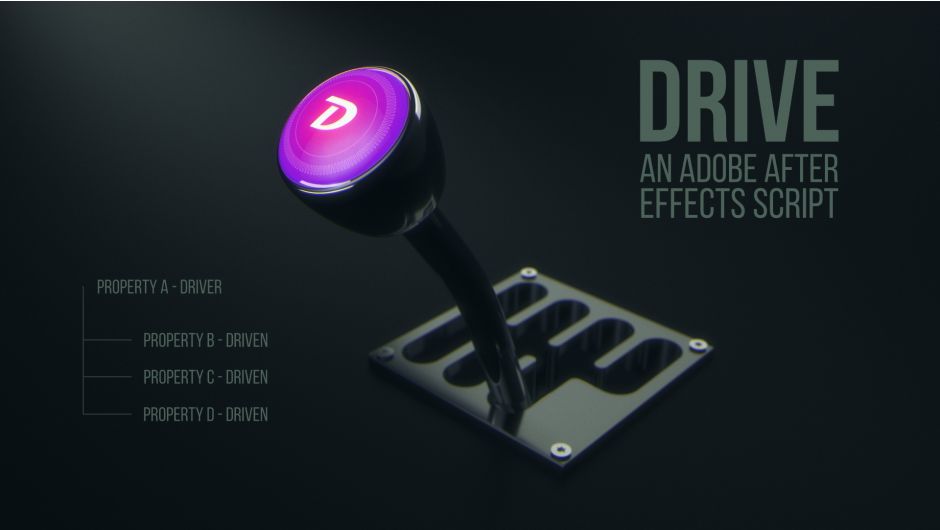
Drive for After Effects links one numeric layer property, called the Driver, to up to three Driven properties. A small set of keyframes can then coordinate changes across several layers without keyframing every linked property separately.
Drivers and value mapping
The Driver can be layer position (X, Y, or Z), scale (X or Y), opacity, rotation (X, Y, or Z), or a custom numeric layer property. Each Driven property can be any keyframable numeric layer property. Drive maps the Driver's minimum and maximum keyframe values to the Driven properties. Markers on the Drive control layer can override that mapping. Driven properties support linear or ease interpolation.
Example workflows
- For character motion, use X and Z position values to drive Z and X rotation, as shown in the BB8 example.
- A rotating bar can drive its own position and the mirrored rotation, vertical position, and horizontal position of an opposing bar.
- Moving a UFO vertically can control its beam color, dust, rotation speed, and a figure's position and bend.
Fit and compatibility
Drive suits After Effects motion designers who want one controller to coordinate multiple numeric properties, especially on layered rigs. It works with properties that accept expressions and have numeric values. The listing states compatibility with After Effects 2026, 2025, 2024, 2023, 2022, 2021, 2020, and CC 2019.
License conditions
Drive's EULA, updated Oct 21, 2025, grants one copy and requires appropriate licenses for multiple copies, users, or computers. aescripts' Nov 5, 2026 license guide says that, unless a product notes otherwise, a Single User License can be installed on up to two computers belonging to one user if they are not used at the same time. The guide requires the Floating License Server for Floating and Render Only licenses, but not for Single User Licenses. The Drive listing displays a server requirement, so check the selected license type and its terms at checkout.