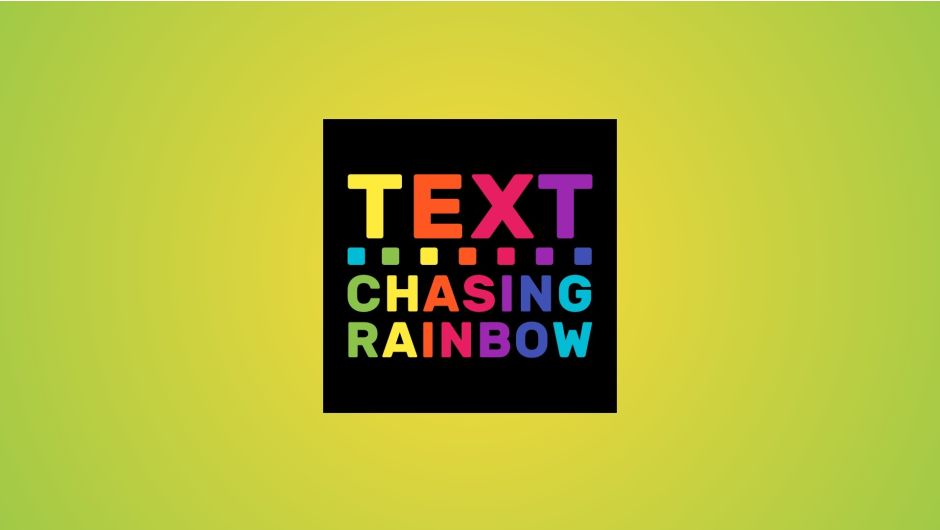
Text Chasing Rainbow is an After Effects script by Danimate for creating or converting text into a colorful treatment. Choose a palette of 2 to 16 colors and apply it to characters, to characters excluding spaces, to words, or to lines. Those options let you set the unit that receives each color as you build a text treatment.
Choose how colors are applied
Use Characters to apply color character by character. Excluding spaces leaves spaces out of that method. The Words option applies color by word, while Lines applies it by line. For a short title, character-level color changes can create a different pattern from assigning color to whole words or lines.
Adjust the palette and animate its settings
Text Chasing Rainbow's controls are available in After Effects' Effect Controls Panel. Customize the palette and randomize its color order there. The random seed and color offset can also be modified or animated, giving you controls for changing the color assignment over time.
You can select one or more text layers to update the palette color count or the application method for the associated Text Chasing Rainbow layer. This is useful when you want to adjust those settings across several selected text layers.
Keep the auxiliary layer
Applying the effect creates a shy auxiliary text layer. The product listing warns you not to delete it. The text layer and auxiliary layer remain linked if you rename them. If you rename the text layer, the recommended naming pattern for its auxiliary layer is the new text layer name followed by - arr; this helps avoid orphan layers when updating the effect.
After Effects compatibility
The product listing names After Effects 2020, 2021, 2022, 2023, and 2024. It also includes a video tutorial covering the script's features. See the product listing for the tutorial and current details.