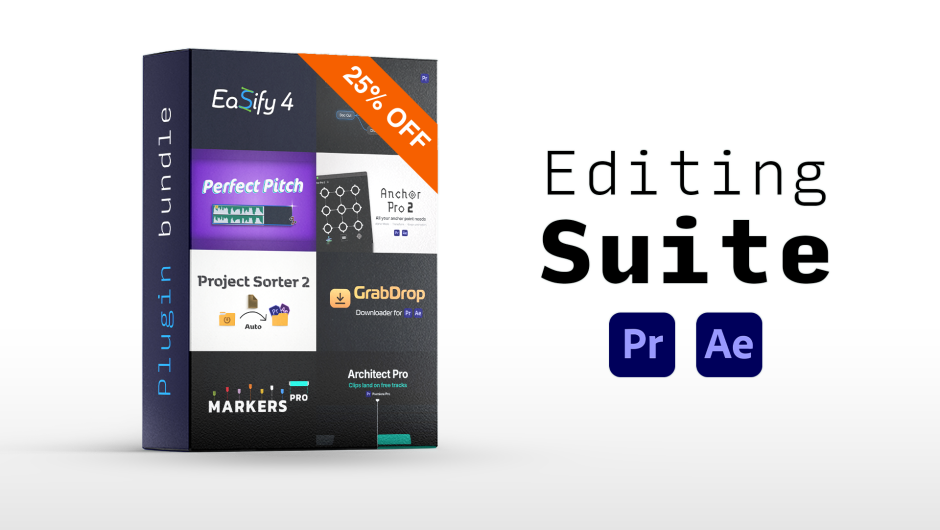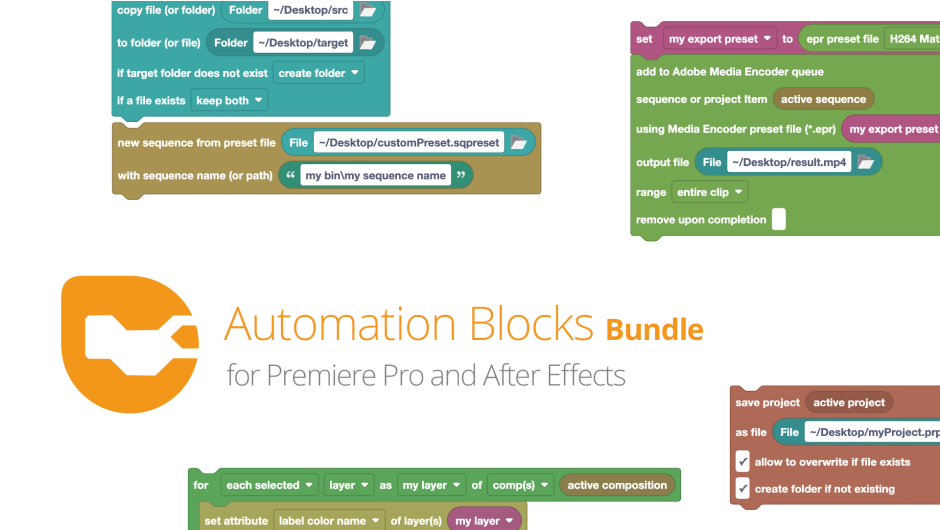
Automation Blocks Bundle combines separate tools for Adobe After Effects and Premiere Pro. It is aimed at editors and motion designers who repeat structured project, animation, or delivery tasks and want to run or customize those workflows with visual blocks.
After Effects workflows
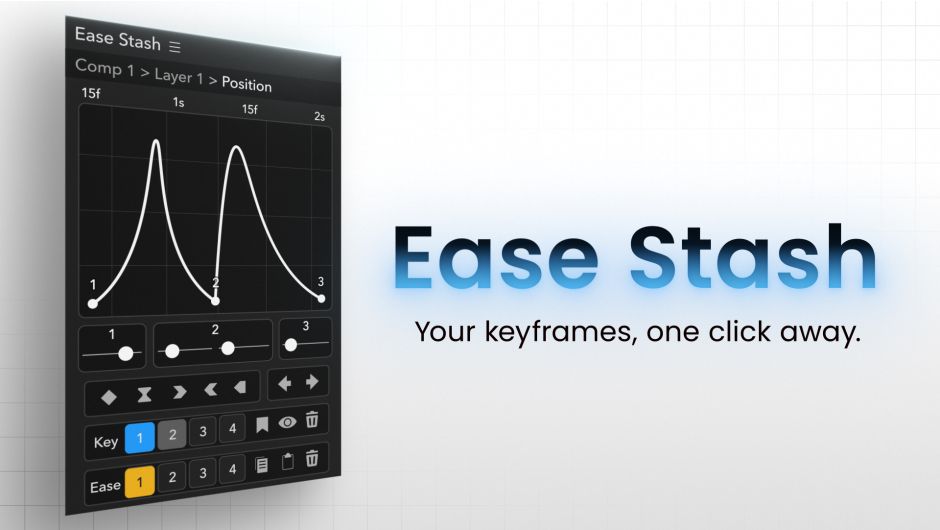
Spreadsheet tools can duplicate compositions and update text, footage, colors, and other properties for multiple variants. Other tools manage color palettes, search and replace expressions, organize project items, and sync folders into project bins. Keyframe tools can save and reuse keyframe combinations while adjusting them to existing keys. Comp time tools can insert frames while shifting layers, keyframes, and markers and updating the durations of the composition and its precompositions.
Premiere Pro workflows
For template work, a spreadsheet can provide rows of values for changing Motion Graphics Template text, clips, colors, sliders, and checkboxes. A workflow can then batch-render an output for each row. Project setup tools can create projects from template folders, replace placeholders in filenames and project items, and import footage folders into bins and a new sequence.
Other Premiere Pro tools help organize project items and sequences. Marker workflows can transfer marker data through spreadsheets or SRT files, or export sequence markers as YouTube chapter text.
Customizing the tools
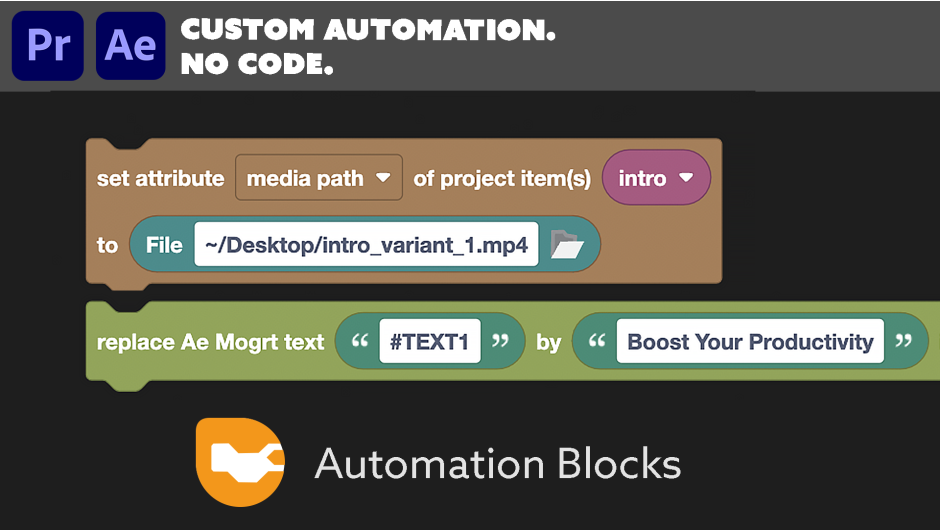
Ready-made tools appear in a library with short descriptions; more involved tools have help documentation. The visual block editor lets users customize existing tools or assemble their own workflows without writing conventional code. Some tools require editing their block code before use, as described in their help, so the bundle can suit both people who want ready-made actions and those prepared to adapt scripts.
Compatibility and licensing
The bundle listing names After Effects CC 2015, CC 2015.3, and releases from CC 2017 through 2026. For Premiere Pro, it lists releases from 2023 through 2026. Check the listing against your installed versions before buying. The listing also offers a free trial for each component.
The listing's EULA grants one copy for use on one computer at a time. Each additional user and copy requires an appropriate license, so teams should check their license needs before adopting the tools across multiple workstations.