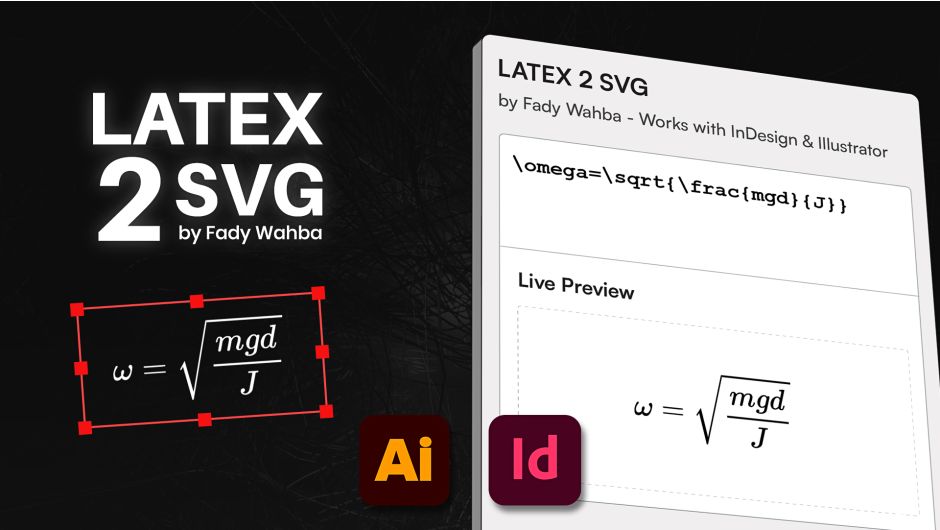
LaTeX2SVG v2 is a plugin by Fady Wahba for writing LaTeX equations in Adobe Illustrator and InDesign. Its panel renders a live preview as you type, then inserts the result as a scalable, editable SVG in your document. The vendor describes it for academic and publishing layouts such as papers, textbooks, and journals.
Write and revise equations in your layout
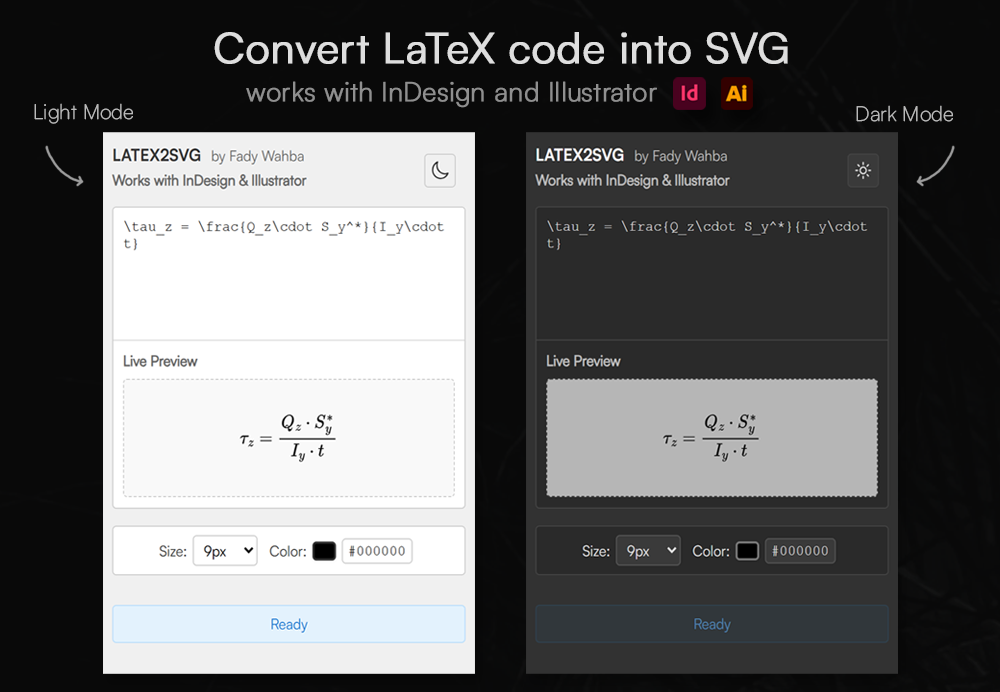
The live preview lets you check an equation before placing it. In Illustrator, inserted SVGs land centered on the active artboard. InDesign and Illustrator also support reloading LaTeX from a selected equation so you can edit and replace it. LaTeX2SVG v2.2.0 adds Load and Replace to Illustrator: select an equation on the artboard, load its LaTeX, make the change, and replace the SVG in place.
Set dimensions and color
Version 2.2 adds a sizing control in pixels or points. The vendor recommends points for print work and pixels for screen graphics. Set a size once and new equations use that value. For color, choose a shade in the color picker or enter a hex value to match the document.
Keep SVGs with the document
LaTeX2SVG v2 embeds SVG output in the document instead of relying on separate local files. When you share the design file, the equations stay with it, so there is no linked SVG folder to move alongside the document.
Compatibility and intended use
The vendor lists compatibility with Illustrator 2021 through 2026 and InDesign 2022 through 2026. The listed release is version 2.2.0, dated October 5, 2026. LaTeX2SVG v2 suits people who prepare mathematical material in these Adobe apps and want to preview LaTeX, place vector equations, and revise them within the layout. See the vendor product page for the current product details and license terms.