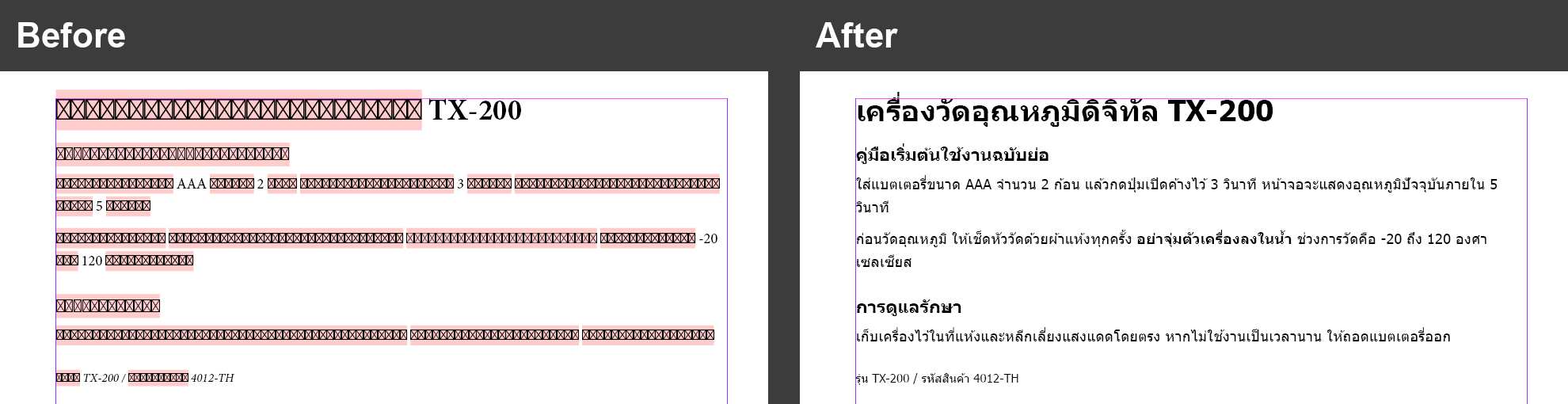
Overset Fixer Pro 2 is a JSX (ExtendScript) script for Adobe InDesign that finds and resolves overset text in frames and table cells. Run it across a document or on selected frames. It can adjust text formatting within limits you choose, or grow frames downward and eligible table rows. The product listing lists version history and compatibility details.
Choose how to clear overset text
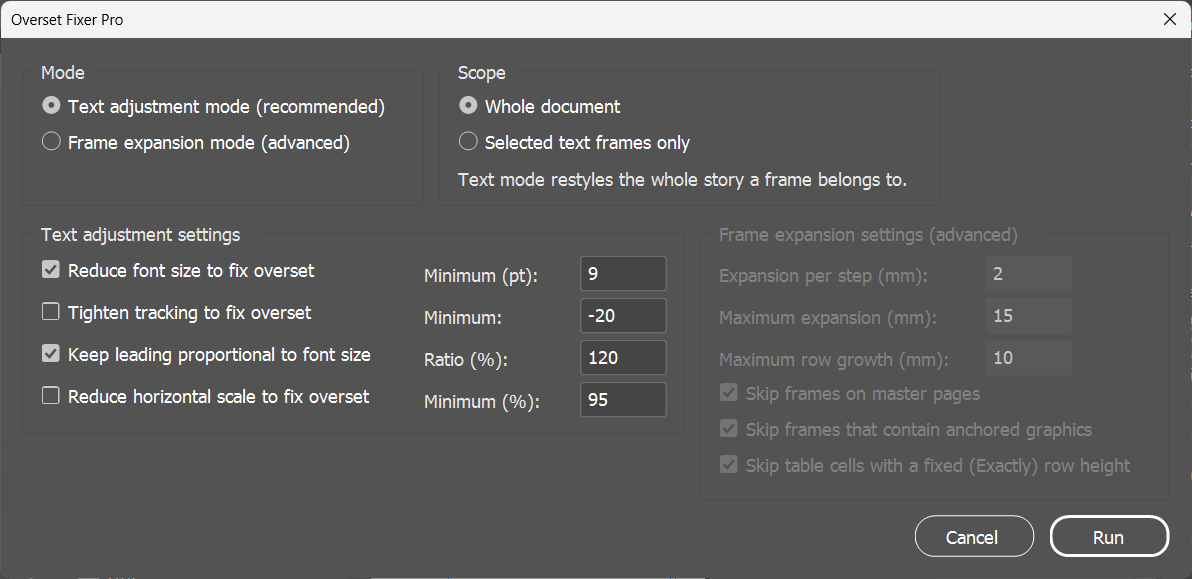
Text Adjustment Mode changes formatting until the text fits. Its controls work in sequence: tracking, font size, then horizontal scale. As font size is reduced, fixed leading that is looser than the set ratio is tightened toward it; tighter fixed leading and automatic leading stay unchanged. Tracking and horizontal scale are off by default; the leading ratio defaults to 120%. Each enabled control moves in steps until the overset clears or it reaches its limit. If the text still does not fit, the original formatting is restored and the item is reported as unresolved.
These are local formatting overrides. Adjusted paragraphs show a plus sign beside the paragraph style name, and the changed attributes no longer follow later edits to that style. When a selected frame belongs to a threaded story, the mode changes formatting throughout that story and asks for confirmation before continuing.
Frame Expansion Mode keeps text formatting as it is and moves a frame's bottom edge downward in steps. You can set the step size and maximum growth, and choose whether to skip master-page frames or frames with anchored graphics. Page items below a growing frame do not move, so check for overlaps. If growth does not clear the overset, the frame stays at its new size until you correct it or undo the run.
Table cells and repeated checks
The script detects overset text in table cells, including nested tables. Text Adjustment Mode changes formatting inside the cell without changing row height or column width. Frame Expansion Mode can grow a row only when its height is set to Exactly. Row-height changes are off by default: clear the "Skip table cells with a fixed (Exactly) row height" setting to allow them; the separate maximum row growth limit caps each row's increase. Rows set to At Least already grow with their content, so the script leaves them alone.
After each round of fixes, Overset Fixer Pro 2 scans the document again, for up to five rounds, and stops when a round makes no further progress. Its summary separates fixed items from unresolved items and skipped items, with reasons for skips. Overset that appears late in a run may still need another run or a manual correction.
Trial, undo, and requirements
The free trial includes both modes and all settings, with up to 10 applied fixes per document. Frames and table cells share that allowance, which accumulates across runs. Once the limit is used, the script continues detecting and reporting overset but stops making changes. Undoing a run restores the fixes used by that run.
A complete run is one undo step. Use Ctrl+Z on Windows or Cmd+Z on macOS before making another edit if you need to restore the document. The stated requirement is InDesign 2024 or later on macOS or Windows; the compatibility list names versions 2024 through 2027. Test on a copy of a production file and review the layout after the run.