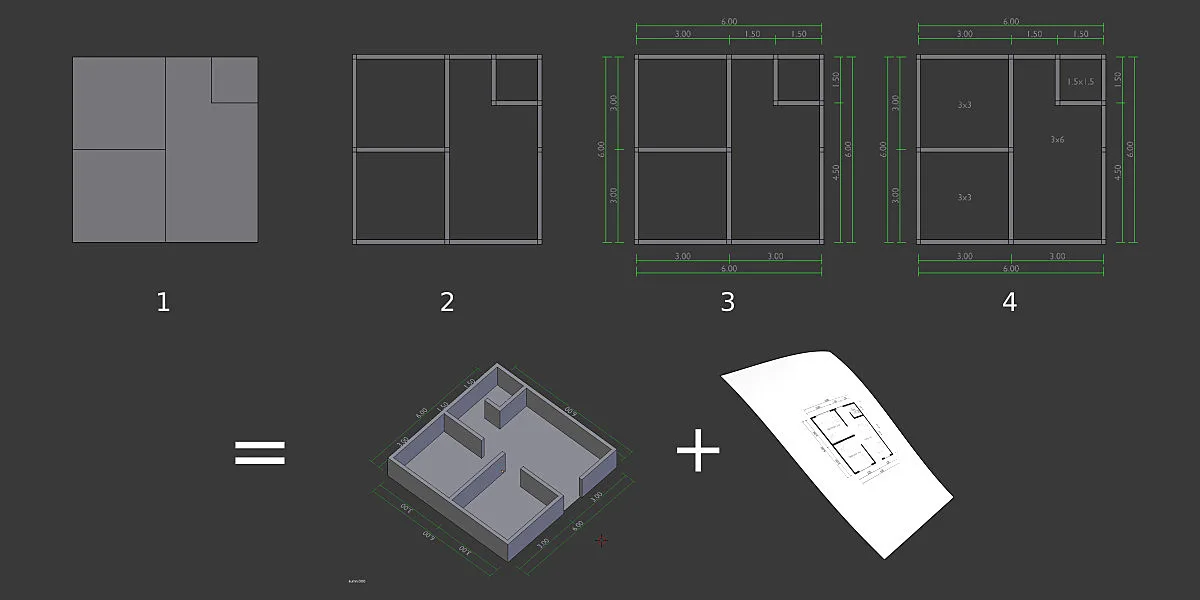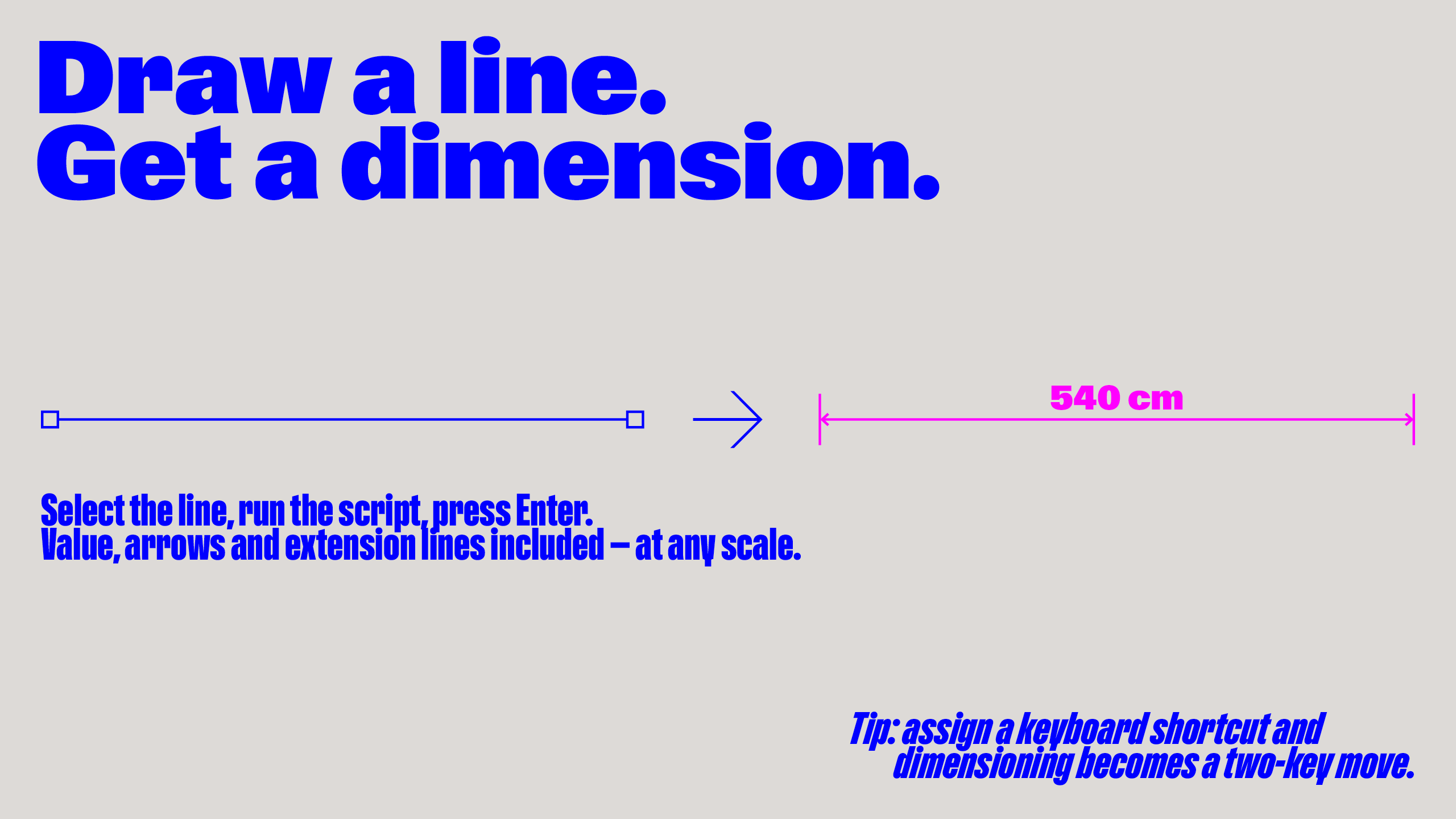
LiveDimensions is an Adobe InDesign script for adding scale-aware measurements to layouts. It suits floor plans, exhibition walls, displays, packaging and other documents that need exact dimensions. Select a line, run the script, then press Enter to add its measurement, arrows and extension lines at a chosen 1:N scale.
Measure objects, chains and spacing
Apply measurements to lines, objects, text frames, pages or layers. Units include millimeters, centimeters, meters, inches and feet-inches, so values can match the drawing scale and unit system.
For a dimension chain, select nothing and LiveDimensions can find walls across a page, spread or layer, then measure gaps, doors and overall length. Select several objects to measure the spaces between neighbors and the distances from the outermost objects to the page edges. Gap and edge measurements update as the layout changes.
Dimensions update with the layout
Move or resize an object and its dimension updates when you finish the change. Rotated objects get dimensions along their own sides, which adapt when you turn the object. Each action is a single undo step.
Choose arrows, slash ticks, dots or bars, along with a swatch, line weight and font. Dimension text can sit above or inside a line, and dimensions can appear inside or outside an object. Dimensions can also be deleted or converted to plain lines and text.
Installation and compatibility
Place the product file in InDesign's Scripts folder, double-click it and choose “Set up.” Restart InDesign once to finish installation. Step-by-step instructions are included in English and German.
LiveDimensions requires Adobe InDesign 2026 or later on macOS or Windows. The product page lists compatibility with InDesign 2026 and 2027. Its version history lists version 1.2.0, dated October 30, 2026, with live gap and page-edge measurements and saved document settings among its changes.
See the LiveDimensions product page for the version history and product details. The listing identifies Sascha Fronczek as the developer.