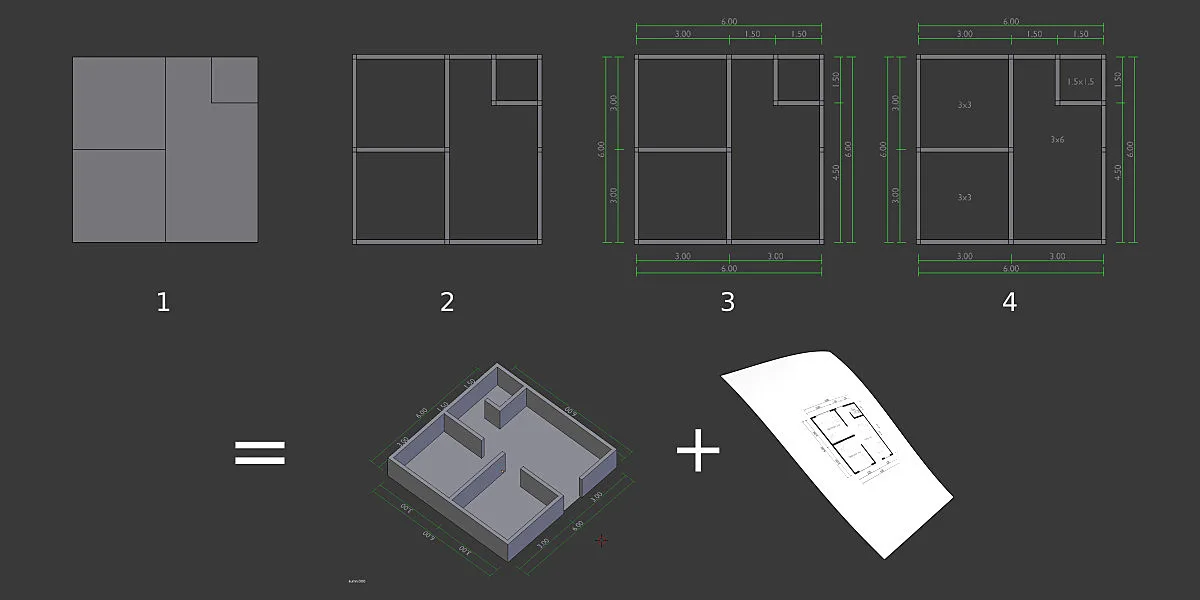
Quick Plan is a Blender add-on from Douripo for creating architectural 2D plans from mesh geometry. It adds dimensions, walls and columns, face-area annotations, and SVG export. The product listing summarizes its features; the documentation covers setup.
Install and prepare a base mesh
The documentation instructs users to install the downloaded ZIP through Blender’s Edit > Preferences > Add-ons > Install menu. To keep the add-on enabled for later sessions, click the icon in the bottom corner and save preferences. For a floor plan, start with a plane and apply its rotation and scale with Ctrl+A > Apply Rotation and Scale before generating walls. The documentation says this is needed for the wall scale to work correctly.
Create walls, dimensions and annotations
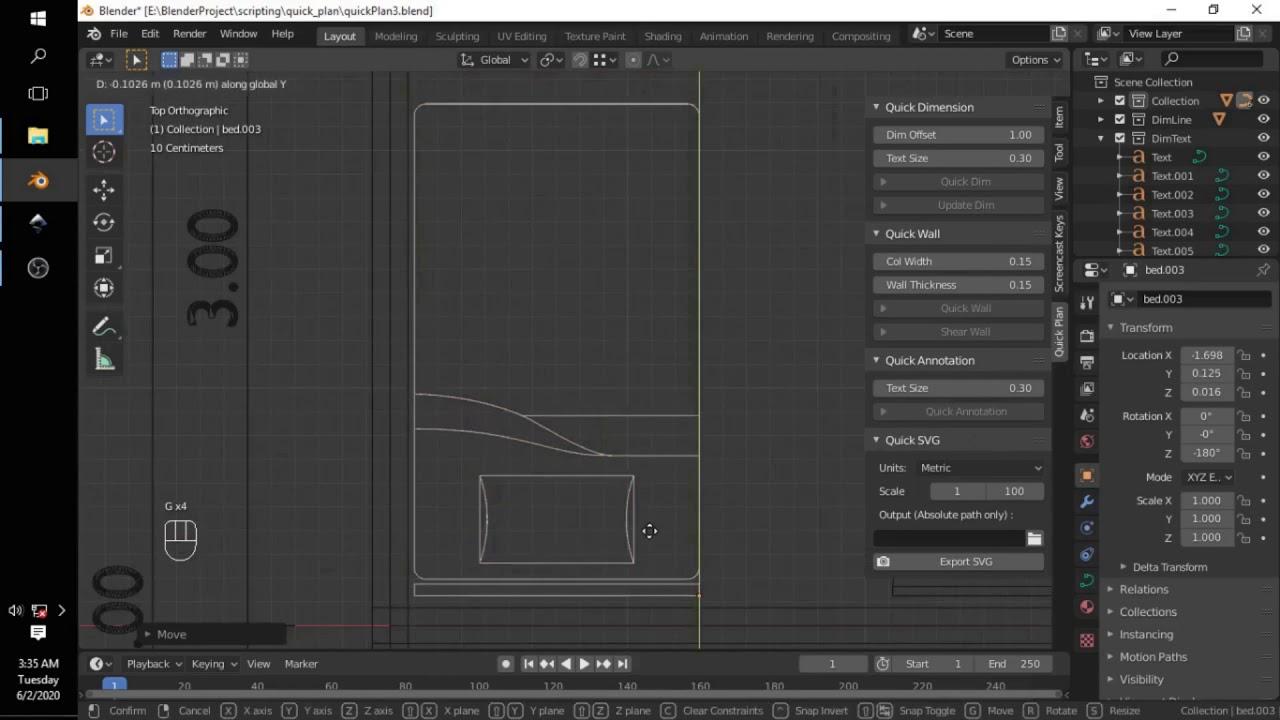
Quick Wall creates walls and columns from edges and vertices. When the base shape is a plane, its edges become walls, and the add-on creates a collection named wall. These are solid faces that can be extruded into 3D objects. The separate Shear Wall tool creates walls at angles other than 90 or 180 degrees; edges marked as Freestyle can create inward walls and columns.
Quick Dimension adds measurements around the base mesh, on its top, bottom, left and right sides. Quick Annotation creates Blender text based on each face’s area, which can help label rooms.
Export the plan as SVG
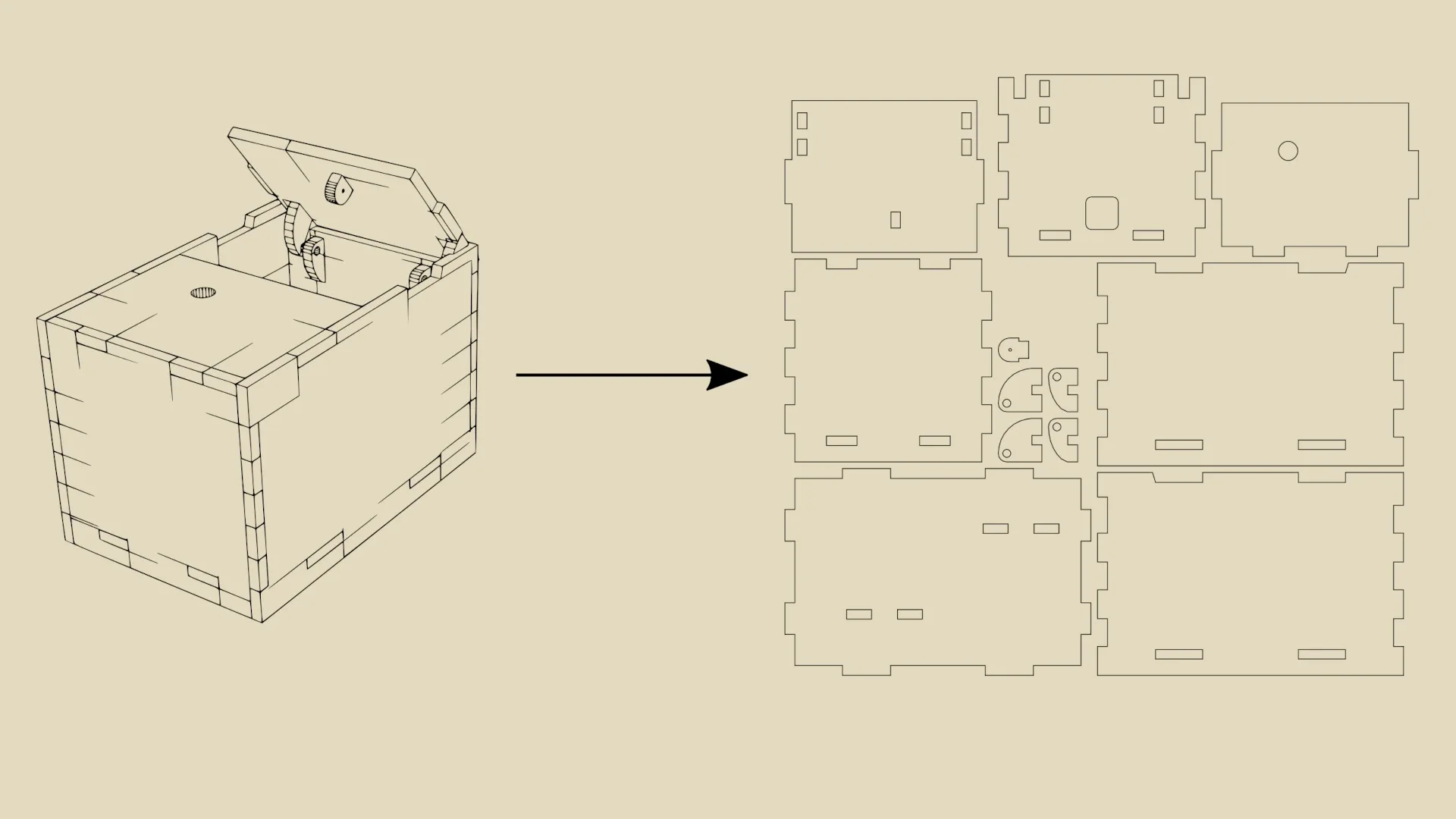
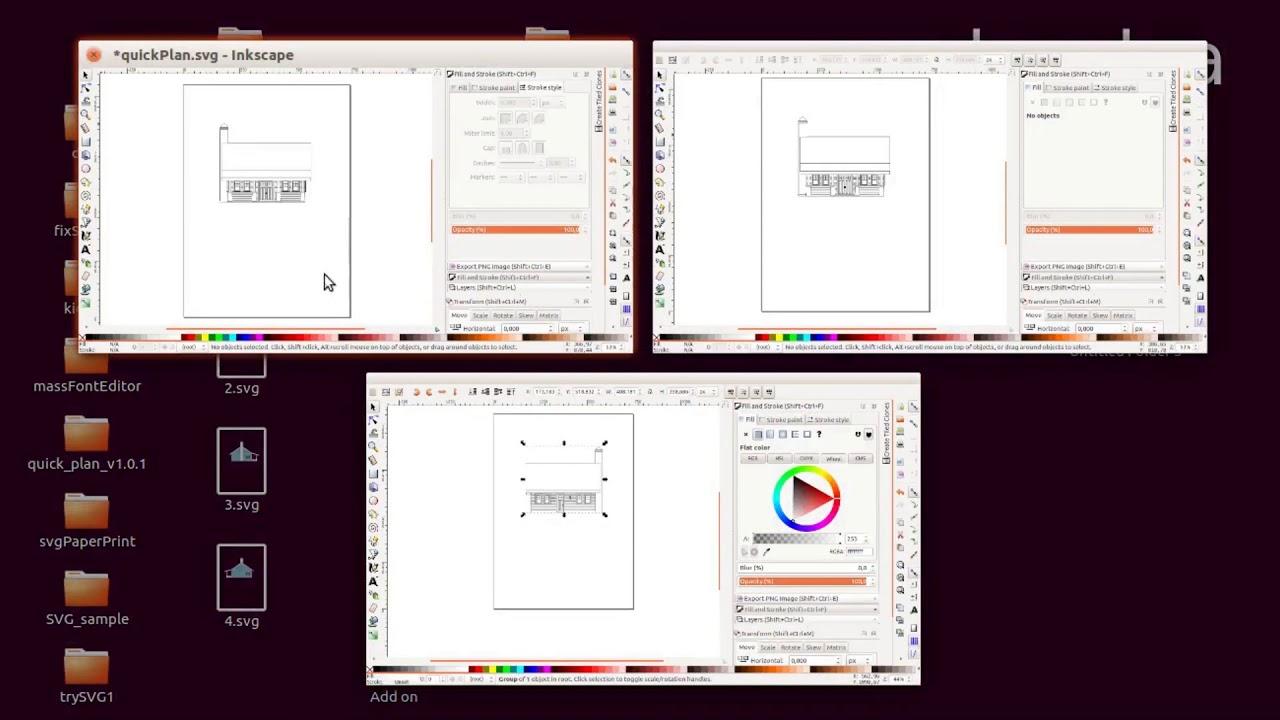
Quick SVG exports mesh faces as closed paths, edges without faces as paths, curves as curve paths, and text as text. Its product listing describes four SVG layers for adjusting line thickness and reports precision of 14 digits for metric units and 25 digits for pixels, inches and feet. The listing also says the export was tested with Inkscape.
Limits and version notes
Quick Dimension works only with 90- and 180-degree edges. Shear Wall can create non-90-degree walls, but that does not change the dimension tool’s stated limit. The product details list Blender releases from 2.79 through 4.2, while a separate changelog entry says support for Blender 4.5 was added. Check the current product listing for compatibility with your Blender version. AnyPlugins lists Quick Plan as free, and Superhive identifies its license as GPL; check the source pages for current availability and terms.