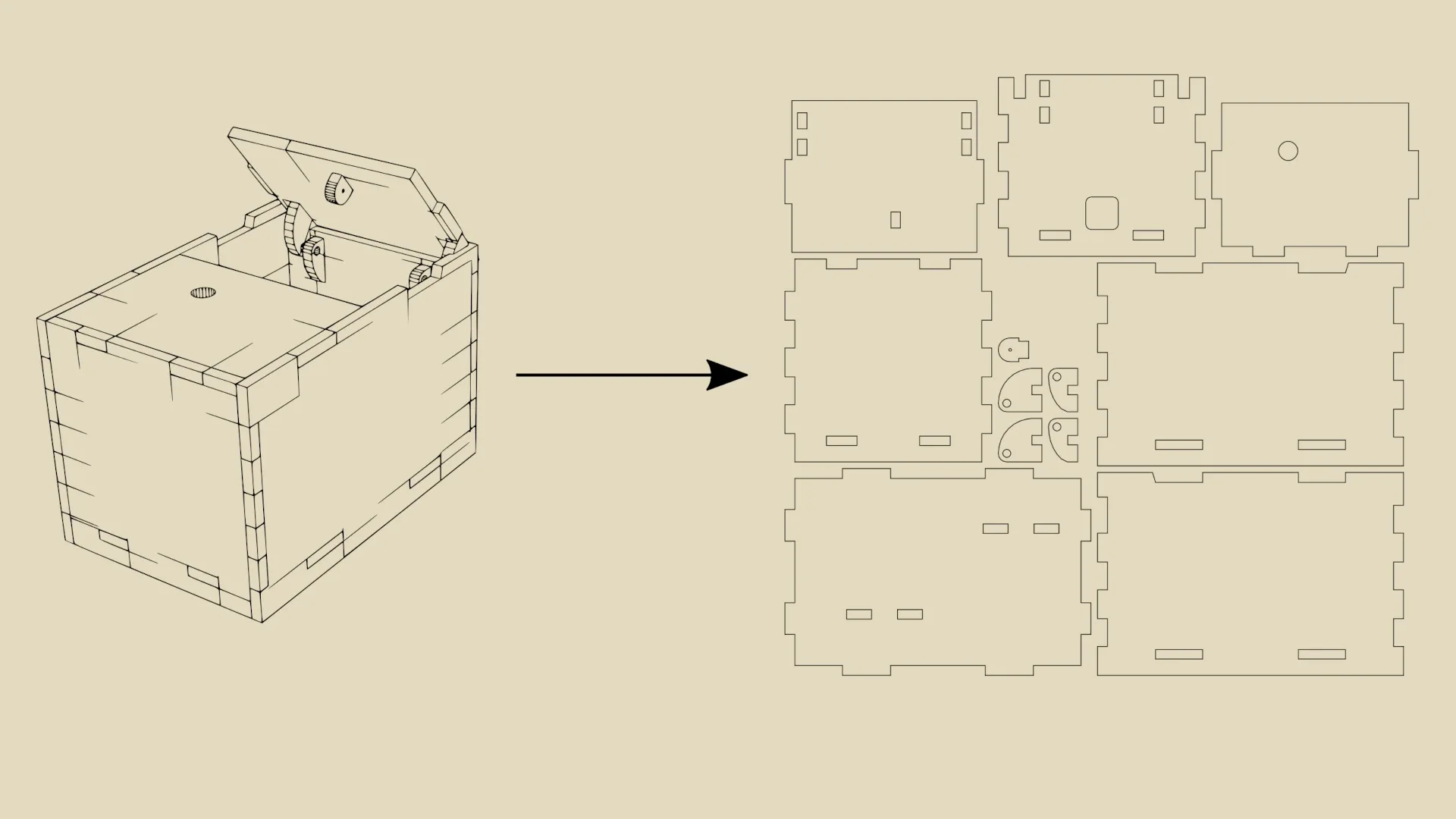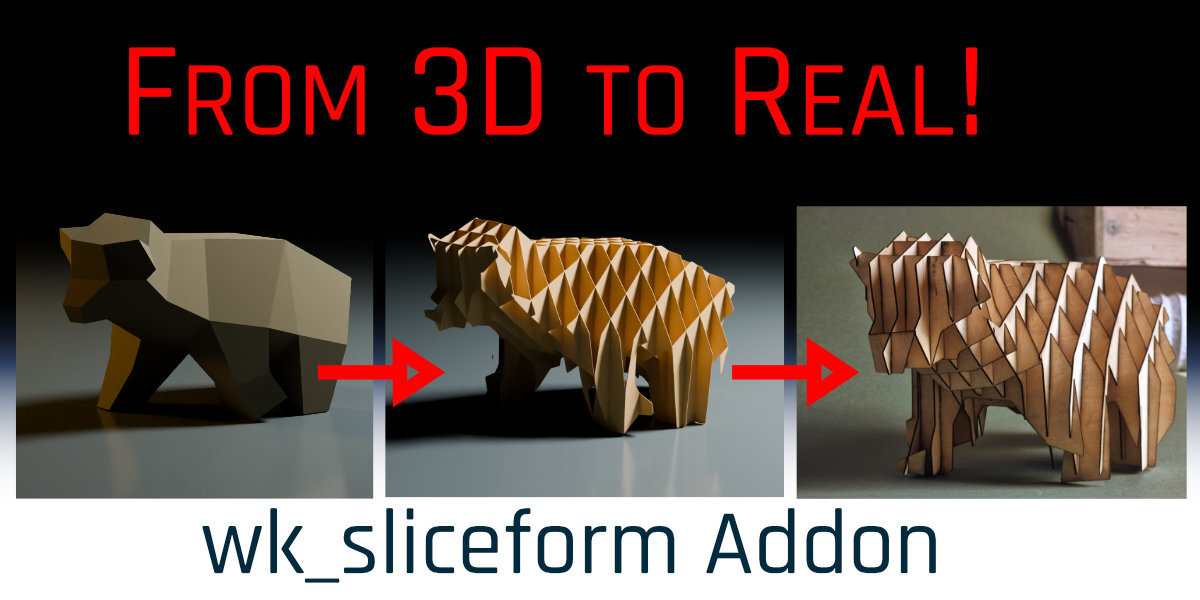
B.Slicer is a Blender add-on by Bill_3D for turning a 3D object into sections that can be flattened for fabrication and exported as SVG. Set the slice thickness, spacing, axis, and placement mode, then run the slicing operation from the add-on.
Choose where the slices start
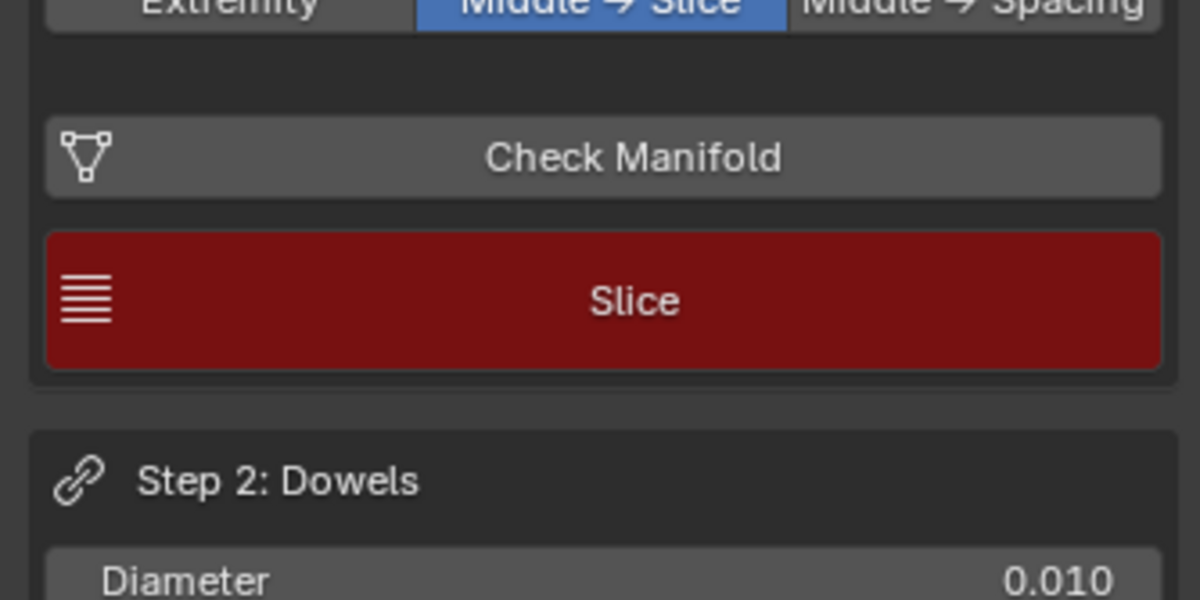
B.Slicer has three placement modes. Extremity starts at the object's edge. Middle to Slice works symmetrically from the center and places a slice there. Middle to Spacing also works from the center, but leaves a gap at the midpoint.
Check the mesh and arrange the slices
The v1.4.0 Bisect engine replaced the older Boolean-modifier slicer, while the legacy Boolean slicer remains available under Advanced settings as Use Legacy Boolean Slicer. The product listing says it is faster and more reliable on dense meshes, and works best with manifold objects. Check Manifold analyzes the mesh and highlights problem areas in Blender's viewport. Its per-island analysis keeps healthy islands from being flagged alongside problem geometry.
After slicing, use Flatten to lay out the sections. Packed Flatten arranges them more tightly when space matters. The interactive dowel tool can place registration dowels between slices; the listing labels this feature experimental. B.Slicer also groups the original, sliced, and flattened objects in separate Blender collections.
Export an SVG
Choose an output path, name the file, and export the slices as SVG. The export has organized layers and does not require camera setup. Give each export a unique filename to avoid overwriting an existing file.
Version and installation
Version 1.4.0 was released on April 17, 2026. Before installing it, uninstall the current version and restart Blender. The Superhive product listing identifies Blender versions 4.2 through 5.0 and a GPL license; check the listing for current installation details.